Overview
Blink is a specialised application for the building cleaning industry, built by andavis GmbH in Nuremberg. The platform is used by more than 300 cleaning service providers and offers time tracking, shift planning and quality control.
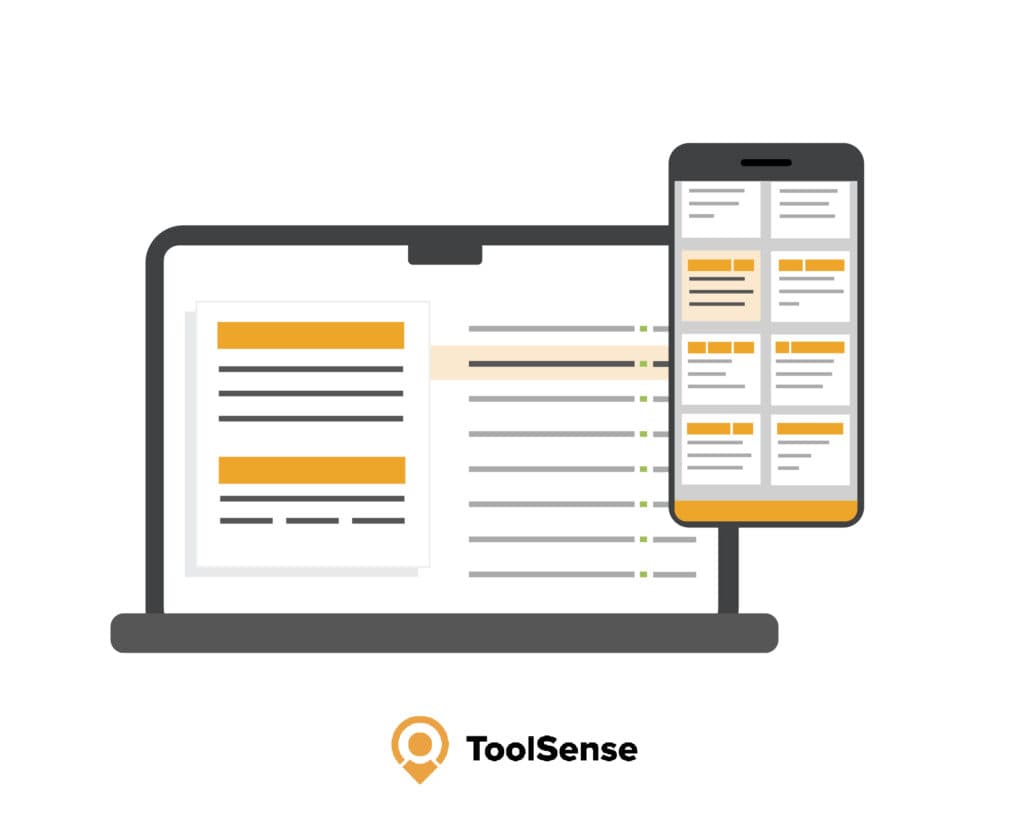
The ToolSense integration makes the machines and assets you manage in ToolSense visible directly inside the corresponding objects in Blink Manager — no system switching, no duplicate master-data maintenance.
How the integration works
The ToolSense integration surfaces managed assets directly in the matching objects in Blink Manager. This makes operations, maintenance and repair processes more efficient — dispatchers, site managers and cleaners no longer need to jump between two systems.
Assets are created and assigned to a site in ToolSense. The interface then links Blink objects to the matching ToolSense sites — manually, semi-automated, or fully automated.
Configuration options
There are three synchronisation modes:
Option 1: Manual linking
- Site IDs from ToolSense are entered manually in Blink
- Suitable for organisations with a manageable number of objects
- Maximum control with minimal technical requirements
Option 2: Semi-automated sync
- Only objects that are already linked are synchronised
- Reduces manual effort step by step
- A good entry point to the integration
Option 3: Fully automated sync
- Every newly created object is automatically synchronised
- Minimal manual intervention required
- The right choice for new rollouts and larger organisations
Data transferred
During synchronisation the following data is transferred from Blink to ToolSense:
- Object name
- Object address
- ERP ID (if stored)
New objects sync immediately; updates are pushed daily. That keeps location data current in both systems without anyone maintaining spreadsheets.
View inside Blink
After configuration the machines are visible in Blink Manager under Master Data → Objects → Machines. The overview shows images, brands, maintenance dates, categories and serial numbers. Overdue dates are colour-coded so maintenance and statutory inspections don't slip through.
Cleaners benefit too: problems can be reported directly via a QR code on the machine — the ticket process then runs through ToolSense in the background.
Deletion behaviour
Deletion rules differ by direction. Deactivating an object in Blink preserves it in ToolSense so historic data and open tickets aren't lost. Deleting an object in ToolSense without deactivating it in Blink causes it to be re-created on the next sync. Blink remains the source of truth for the object structure.
Benefits at a glance
- A central view of every asset per object inside Blink Manager
- Fast problem reporting via QR codes — no system switching
- Maintenance, inspections and statutory checks with escalation for overdue dates
- Maintenance cost reduction of up to 20 %
- Scales from a few sites to several thousand machines
Who is this integration for?
The integration is aimed primarily at building cleaning service providers that already run Blink and want to manage their machines, equipment and tools professionally — from smaller cleaning operations with a handful of sites to large companies like ISS with several thousand machines in service.
FAQ
Do we have to change our existing Blink configuration?
No. The integration sits on top of the existing object structure in Blink. You simply choose the mode — manual, semi-automated or fully automated — used to link objects with ToolSense sites.
Which data is synchronised?
The object name, the object address and, where available, the ERP ID are transferred from Blink to ToolSense. New objects sync immediately; changes are picked up daily.
What happens if I delete an object in Blink?
If the object is deactivated in Blink it is preserved in ToolSense so that history and open tickets are not lost. Only when an object is actively removed in both systems does it disappear everywhere.
How long does setup take?
The manual mode can be in place within a few hours. The fully automated sync requires a short onboarding session per organisation with the ToolSense customer success team, after which it runs on its own.