Equipment Management
Construction sites depend on clear communication, current plans, accurate documentation and reliable equipment data. Construction site apps bring these workflows into one digital place so teams can coordinate work, document defects, track assets and reduce manual admin.
Short Summary
- Construction site apps improve project coordination, documentation and communication.
- The best app depends on whether your priority is asset management, plans, time tracking, defect management or team communication.
- ToolSense is strongest when construction companies need equipment, machines, IoT data, QR codes and maintenance workflows in one platform.
Popular Construction Site Apps
Commonly used construction apps include ToolSense, Procore, PlanRadar, Fieldwire, Capmo, 123erfasst, PlanGrid, Connecteam, Zoho and TimeTac. They cover different needs: documentation, asset management, project planning, time tracking, team communication, defect management and reporting.
For companies with many machines, tools and vehicles, an app should connect project documentation with asset management. That gives field teams and office teams the same view of assets, inspections, defects, documents and work orders.
Top Construction Site Software Options
1. ToolSense
ToolSense helps construction companies digitize equipment and asset processes. Teams can manage machines, tools, work orders, inspections, QR-code issue reports, maintenance plans and IoT data in one platform.
Advantages:
- Asset management for machines, equipment and tools
- QR codes and IoT integration
- Work order and task management
- Digital checklists and inspections
- Better communication between site and office
Possible limitations:
- Initial setup and data import are needed.
- Smaller companies should define priority workflows before rolling out every feature.
Field Example: Construction Equipment, Service and Digital Proof
In the Knauf PFT customer story, construction machinery workflows moved away from phone calls, paper documents and dealer-to-manufacturer back-and-forth. A QR code on each machine gives users a direct way to report issues, request help and document UVV inspections digitally. For construction teams, that is exactly where a site app becomes valuable: it connects the machine on site with the service team, the equipment record and the manufacturer’s knowledge.
The same data also helps OEMs and dealers improve products and service. Service events, recurring issues and user feedback no longer disappear in email threads; they become structured information that can feed product development, warranty handling and spare-parts planning.
2. Procore
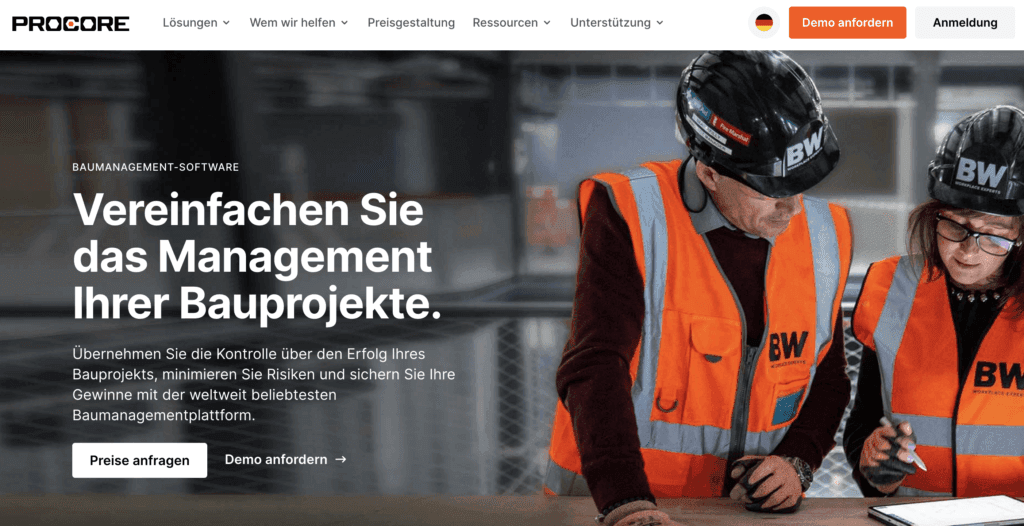
Procore is a broad construction management platform for owners, general contractors and project stakeholders. It focuses on collaboration, documentation, reporting and project workflows.
Advantages: project management, communication, reporting and integrations. Possible limitations: the interface can feel complex for new users and some teams may need training.
3. Fieldwire
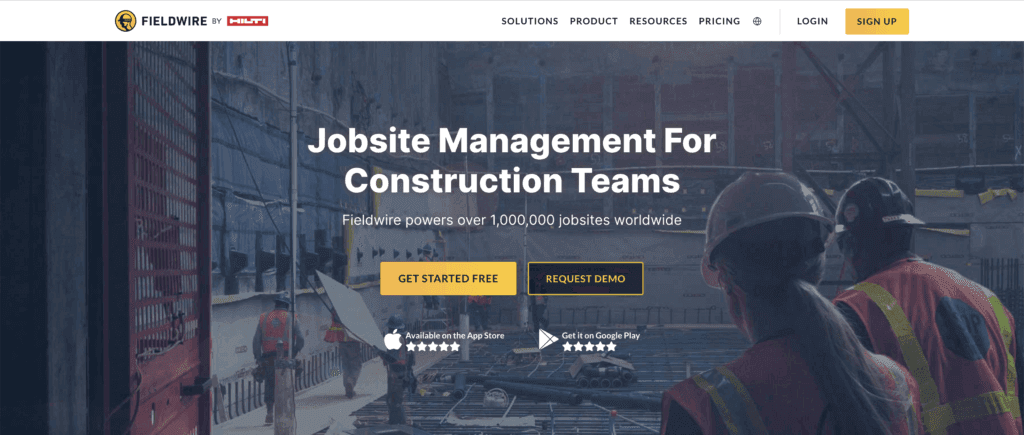
Fieldwire focuses on task management and field coordination. Teams can view plans, assign tasks, document defects and track progress on site.
Advantages: intuitive interface, strong field coordination and defect documentation. Possible limitations: some users may want stronger offline or integration capabilities.
4. Capmo
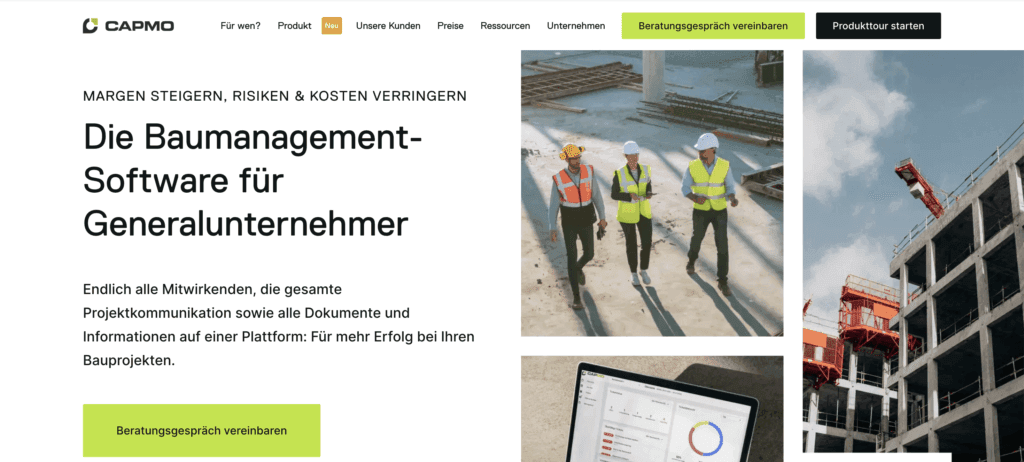
Capmo supports construction documentation, defect management and reporting, especially for architects, engineers and site managers.
Advantages: digital site diary, defect workflows and automated reports. Possible limitations: pricing and integrations may not suit every team.
5. 123erfasst
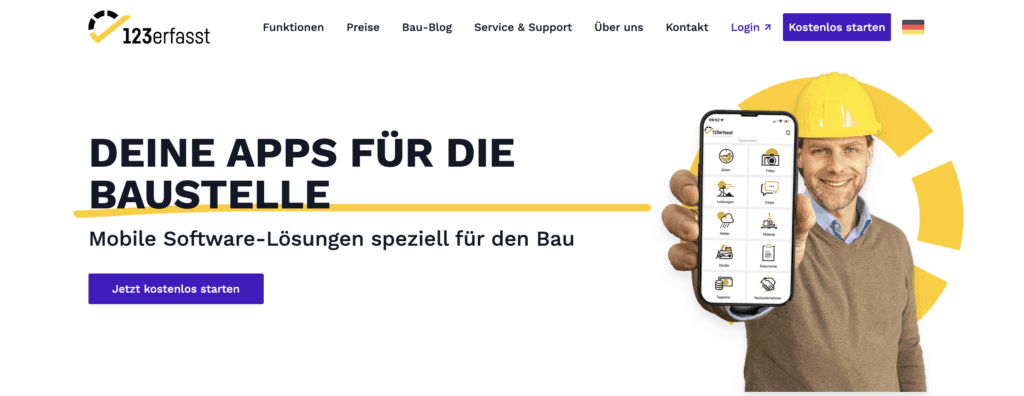
123erfasst focuses on mobile time tracking, material usage and machine deployment for construction teams.
Advantages: simple recording of time, material and equipment use. Possible limitations: narrower focus than broader construction management platforms.
6. Connecteam
Connecteam is an employee management app with time tracking, tasks and internal communication. It can support construction teams but is not construction-specific.
7. Zoho
Zoho is a suite of business applications covering CRM, project management, collaboration, productivity and more. It can be flexible, but teams that need only a construction-specific workflow may find the suite broad.
8. TimeTac
TimeTac focuses on time tracking, leave and absence management. It is useful for workforce administration but does not replace asset or construction documentation software.
9. PlanGrid
PlanGrid supports blueprint and construction document management. It helps teams access plans, photos and reports from the field.
10. PlanRadar
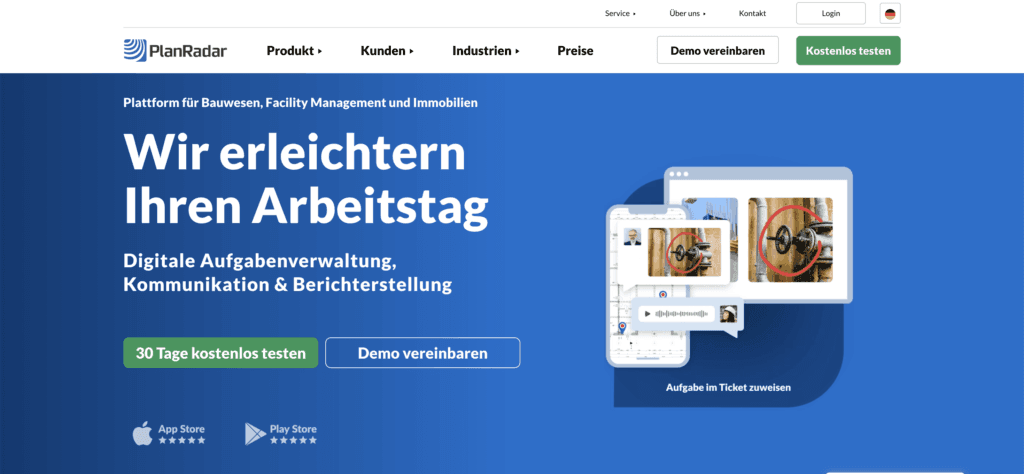
PlanRadar supports task management, plan management and defect tracking across the building lifecycle. It is often used for construction and real estate workflows.
What Is a Construction Site App?
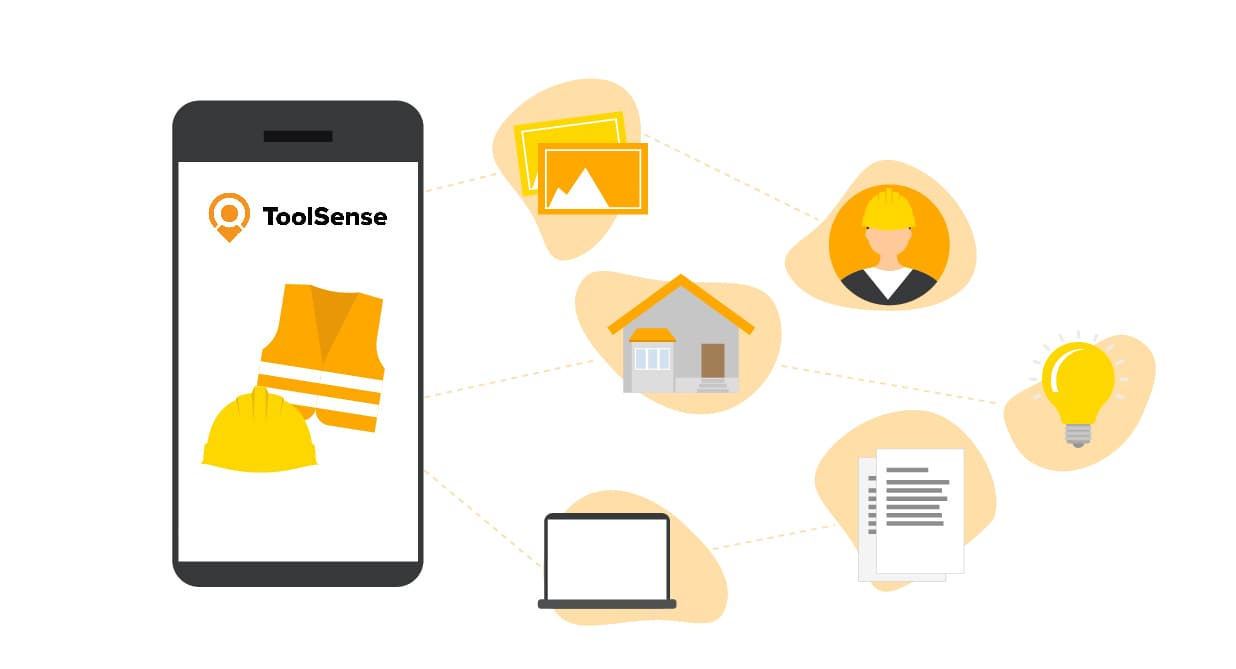
A construction site app is software for smartphones, tablets and desktops that helps teams organize work, manage tasks, monitor projects and communicate in real time. Typical features include plans, defect tracking, time tracking, photo documentation, work orders, reports and asset data.
The best tools reduce manual paperwork and give office and site teams access to the same current information.
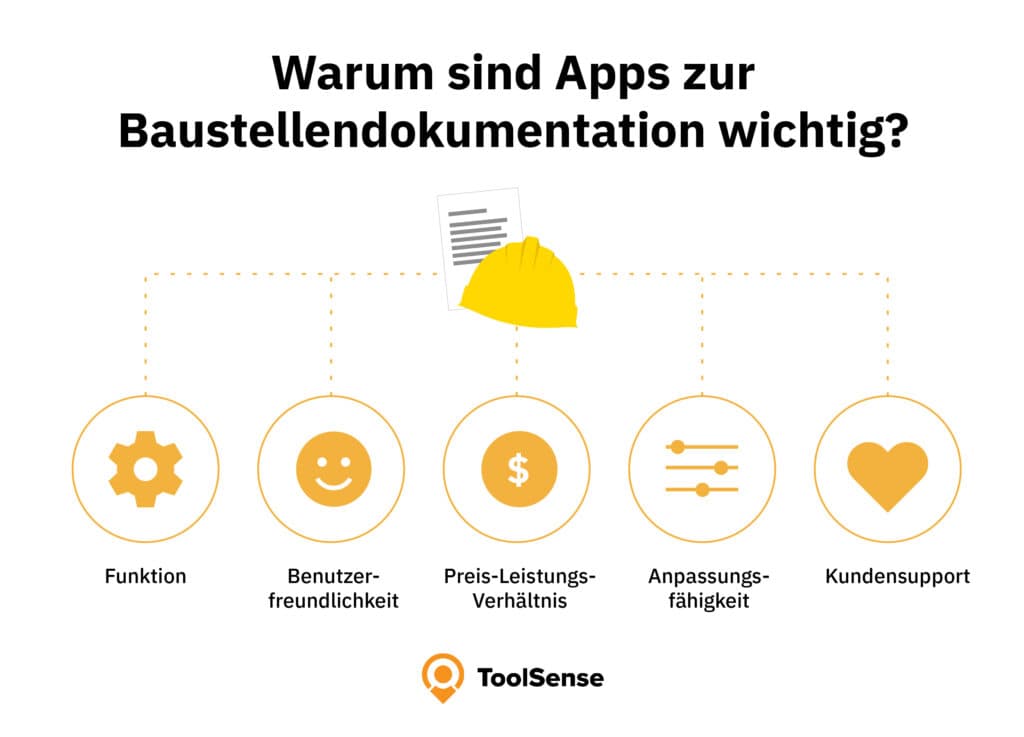
Why Documentation Apps Matter
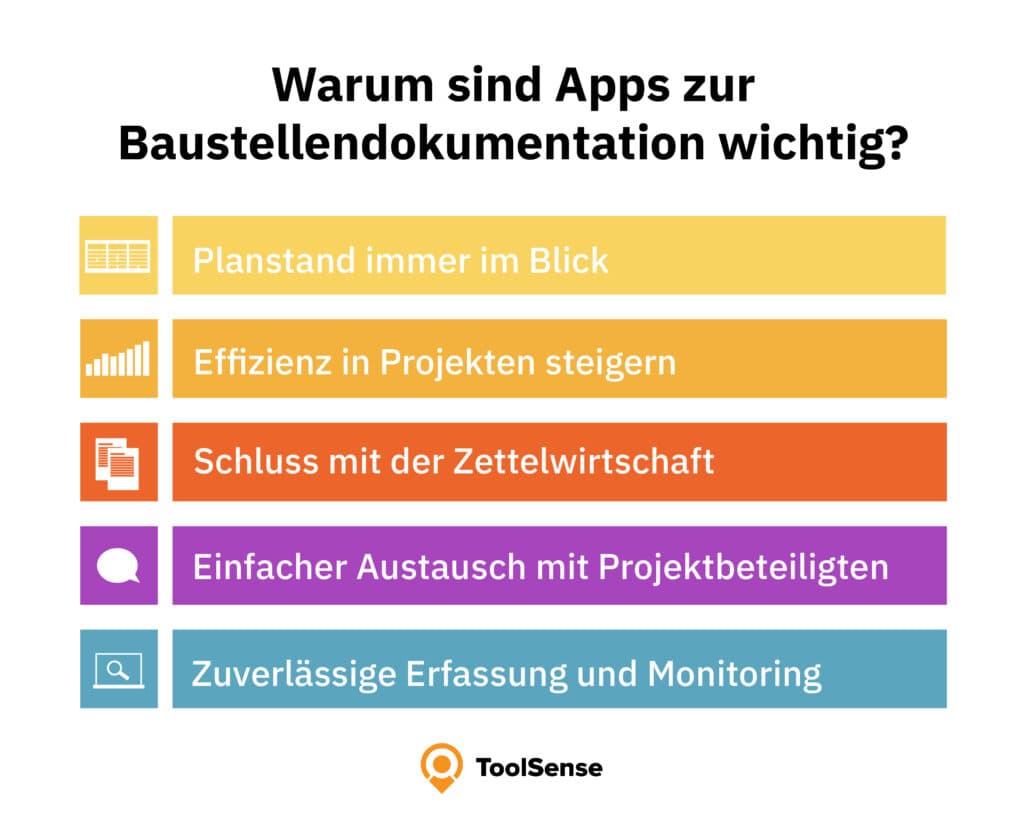
Digital documentation helps teams keep plans current, improve project efficiency, exchange information with stakeholders and monitor progress. Instead of searching through paper folders or disconnected messages, users can access project data from the field.
QR Codes and IoT Hardware
QR codes and IoT devices make construction apps more useful. QR codes let workers open the correct asset record instantly. IoT sensors can provide data on location, usage, runtime or condition. Together, they improve construction equipment management and reduce manual data entry.
How ToolSense Supports Frontline Teams
ToolSense helps digitize asset processes on construction sites. Teams can access equipment data, submit defects, complete checklists, manage work orders and make decisions based on current information. This is especially valuable when machines and tools move between sites.
Future of Construction Site Apps
Construction apps will continue to combine documentation, communication, asset data, IoT and analytics. The strongest platforms will be easy enough for field teams while still giving managers reliable data for planning and reporting.
Conclusion
Construction site apps are now a core part of modern construction operations. The best choice depends on your main workflow: asset management, documentation, plans, time tracking, communication or defect management. ToolSense is a strong fit for companies that want to connect equipment, maintenance, QR codes, IoT data and mobile workflows.
FAQ
What features should a good construction site app offer?
It should offer project documentation, communication, document management, task management, time tracking, reporting and resource planning.
How can an app improve site productivity?
It centralizes current information, reduces manual paperwork, improves communication and helps teams detect issues earlier.
Are construction site apps easy for field teams to use?
Usability depends on the provider. Good apps should work on mobile devices, require little training and support the workflows workers already follow.