Fleet Management
Fleet management software helps companies control vehicles, drivers, routes, maintenance, costs and compliance in one place. The right platform depends on fleet size, vehicle types, integrations and whether the company also needs to manage machines, tools and other assets.
Short Summary
- Fleet management software centralizes vehicle records, maintenance, trip logs, GPS tracking, costs and driver-related tasks.
- Core features include vehicle management, maintenance planning, digital files, driver checks, integrations and reporting.
- ToolSense is strongest for companies that want vehicle management together with broader asset and equipment management.
Key Features of Fleet Management Software
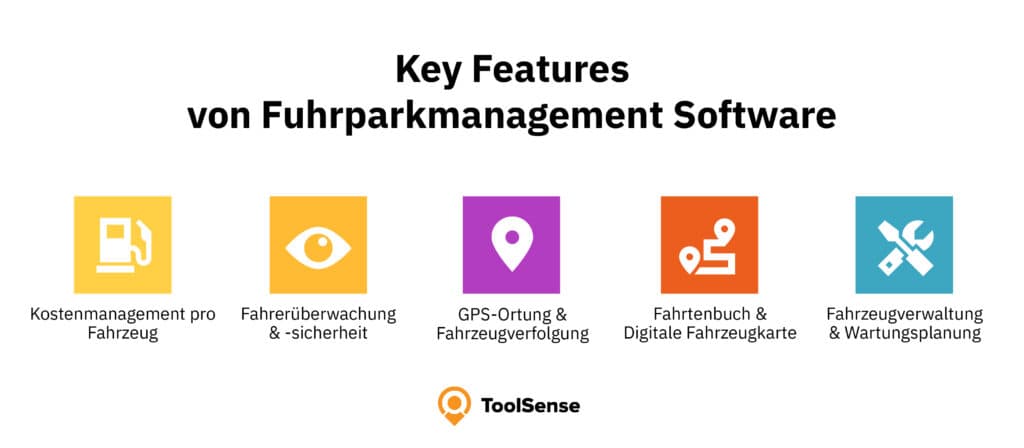
Good fleet management software should support:
- Cost tracking per vehicle, including fuel, service, repairs and operating expenses.
- Driver monitoring and safety workflows.
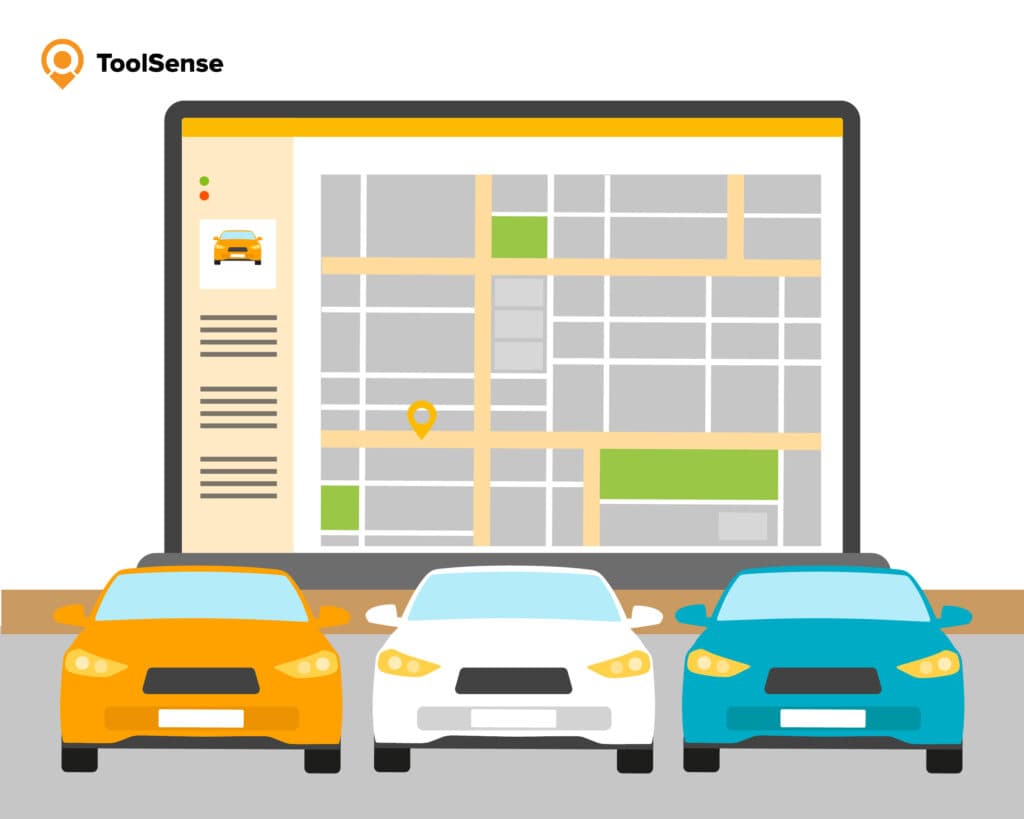
- GPS tracking and vehicle location history.
- Digital trip logs and vehicle files.
- Maintenance planning and inspection reminders.
- Integration with ERP, accounting, telematics or other systems.
Benefits
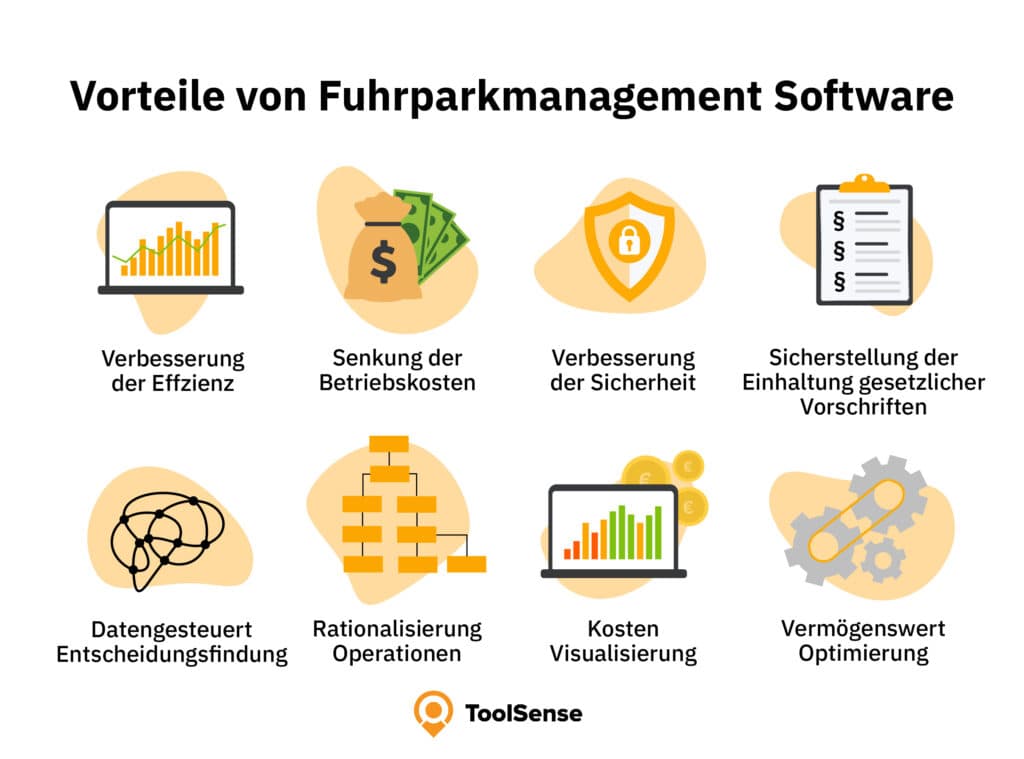
Fleet software reduces manual administration and improves transparency. It helps managers plan maintenance, document vehicle use, monitor fuel costs, comply with internal policies and detect inefficient processes. Cloud-based systems also make fleet information accessible to office teams and field teams.
Practice Example: Fleet Tracking Without Siloed Tools
The BLITZBLANK customer story is a useful benchmark for facility-service fleets. The company manages around 100 vehicles and replaced hardwired trackers with OBD trackers that are easier to install and roll out. By combining vehicles and machines in one platform, the team gained visibility into routes, machine movements and site assignments while saving around €1,000 per month.
The case also shows why fleet management is more than a live map. BLITZBLANK uses geofencing to document green-area and winter-service work, route optimization to reduce unnecessary trips, and automatic recognition when tagged machines are loaded or unloaded from vehicles. Those workflows turn fleet data into operational proof, cost control and better planning.
Top Fleet Management Software Options
ToolSense
ToolSense combines fleet management with asset management, IoT data, QR-code issue reporting, preventive maintenance and work orders. It is useful for companies that manage not only cars and vans, but also machines, equipment and tools.
Strengths:
- Vehicle and asset management in one platform
- IoT and real-time data support
- QR-code issue reporting
- Maintenance and inspection workflows
- Desktop and mobile access
- Reporting and analytics
Possible limitations:
- Very small fleets may not need the full platform.
- Initial setup is needed for asset data, processes and integrations.
Vimcar
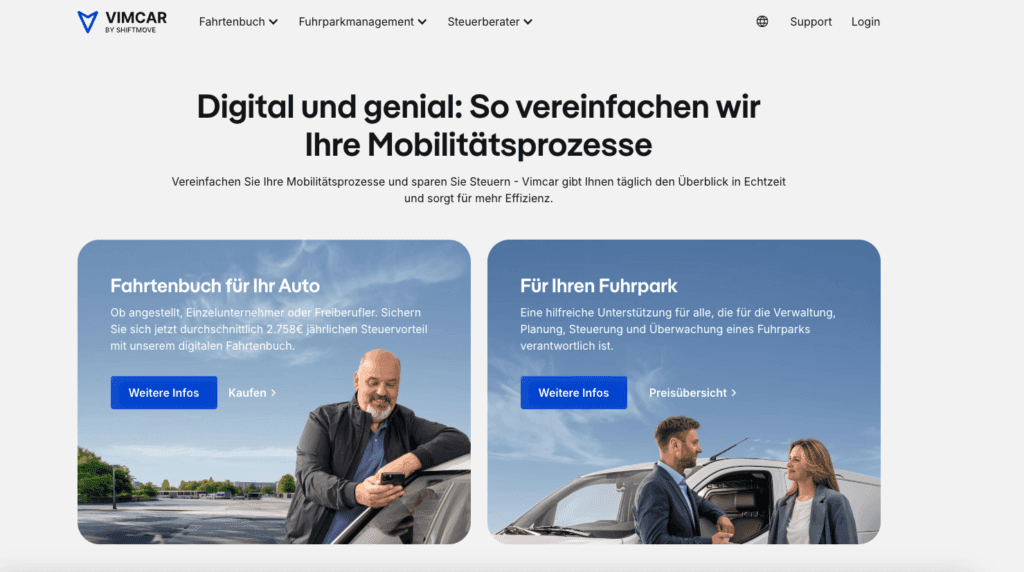
Vimcar focuses on small and mid-sized fleets. Typical strengths include GPS location, digital trip logs and an accessible interface. It can be a practical fit when vehicle administration and trip documentation are the core needs.
Fleet+
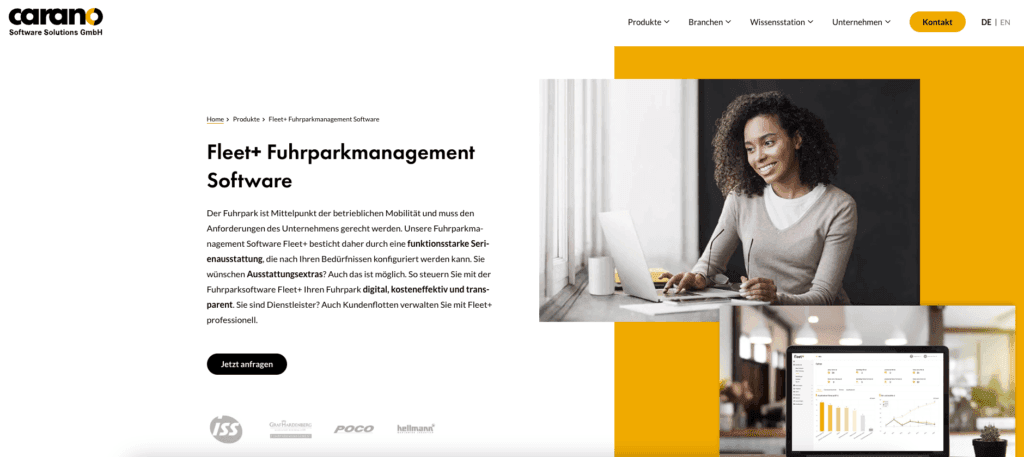
Fleet+ is a modular fleet management solution with functions for invoice control, damage management, appointment management, driver compliance and corporate car sharing. It is better suited to larger or more complex fleet processes.
Fleetster
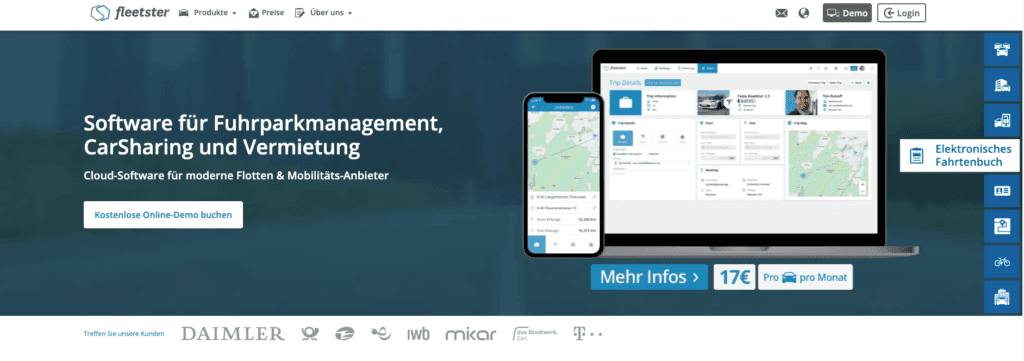
Fleetster offers digital vehicle files, pool vehicle management, key management and optional modules for license checks, damage management and fuel data. It can be interesting for companies that manage shared vehicles or electric fleets.
Avrios
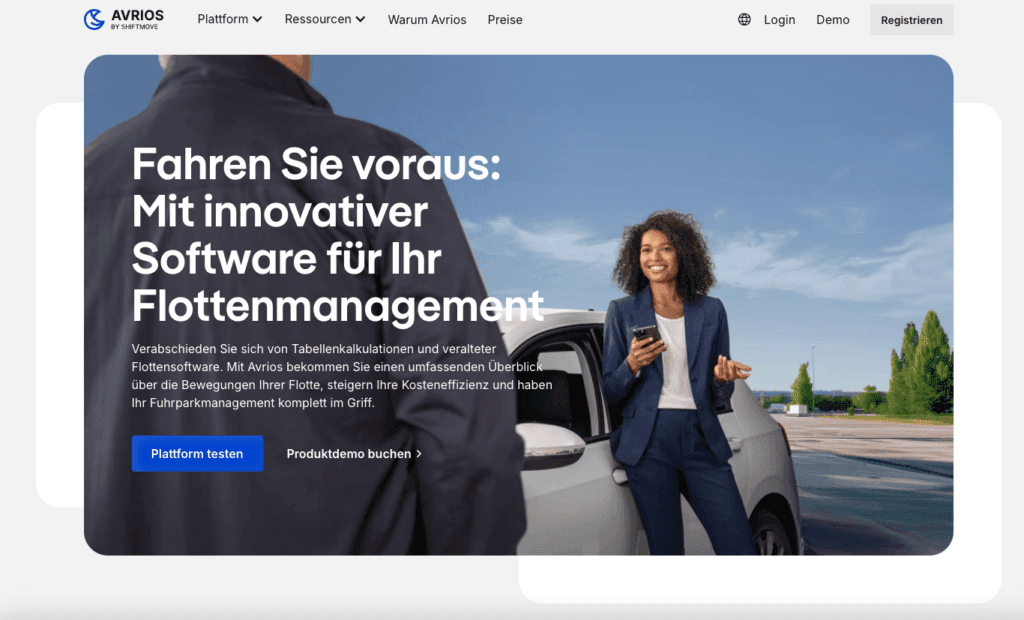
Avrios is a cloud-based platform for medium and larger fleets. It focuses on digital vehicle files, compliance, license checks, damage workflows and cost reporting.
How to Choose Fleet Management Software
Start with your actual fleet processes:
- Fleet size and complexity
- Vehicle types and non-vehicle assets
- Maintenance and inspection requirements
- Compliance needs such as license checks
- Integration with accounting, ERP and telematics
- Mobile access for drivers and field teams
- Reporting needs and cost transparency
- Budget and implementation capacity
If a company only needs digital trip logs, a narrow tool can be enough. If it manages vehicles, machinery, equipment and maintenance workflows together, a broader platform such as ToolSense may be more efficient.
Why Fleet Management Software Matters
Fleet management software helps companies reduce manual effort, improve vehicle availability, plan service tasks and understand operating costs. It also supports compliance and driver safety by documenting processes consistently.
ToolSense for Fleet and Asset Management
ToolSense is designed for organizations that want to manage vehicles and other assets together. Fleet data, maintenance tasks, work orders, inspections, QR-code reports and IoT data can be connected in one system. That creates a fuller operational view than vehicle-only software.
Conclusion
The best fleet management software depends on your fleet size, workflows and asset mix. Vimcar, Fleet+, Fleetster and Avrios each address specific fleet needs. ToolSense is a strong fit when companies want fleet, asset and maintenance management in a single platform.
FAQ
What is fleet management software?
Fleet management software is a digital system for managing vehicles, drivers, maintenance, trip logs, costs, locations and compliance tasks.
How does fleet software reduce costs?
It improves maintenance planning, fuel visibility, route transparency and process automation, reducing downtime and manual administration.
What features should fleet software include?
Vehicle records, GPS tracking, maintenance planning, driver tasks, trip logs, reports, integrations and mobile access are common core features.
When is a broader platform useful?
A broader platform is useful when a company manages vehicles together with machines, tools, equipment, work orders and maintenance workflows.