CMMS
If you want to simplify maintenance management for machines, vehicles, tools and facilities, CMMS software is often the right starting point. A Computerized Maintenance Management System centralizes asset data, work orders, maintenance plans, spare parts and documentation so teams can reduce downtime and work with better data.
Quick Overview: Top CMMS Software
This comparison focuses on ten CMMS platforms that cover different needs:
- ToolSense
- MaintainX
- UpKeep
- Limble CMMS
- Infraspeak
- Fiix
- eMaint CMMS
- Fracttal
- Maxpanda CMMS
- Maintenance Connection by Accruent
What Is CMMS Software?
CMMS software is a digital system for managing maintenance operations. It stores asset information, schedules preventive maintenance, creates work orders, tracks parts, documents service history and gives managers reporting visibility.
Instead of relying on spreadsheets, paper forms or scattered messages, a CMMS creates one operational record for maintenance. That is valuable for facility management, construction, manufacturing, logistics, cleaning and any organization with many physical assets.
CMMS in Practice: Mobile Workflows and Compliance Proof
The Rohr AG customer story shows a common CMMS trigger: a rigid Access database and Excel workflow could not support mobile maintenance work. Technicians previously had to return to a computer after servicing machines. With QR-based mobile documentation, service information can be captured directly at the machine and added to the asset history.
At ISS Austria, the maintenance challenge was scale. Around 6,500 cleaning machines are managed centrally, and recurring maintenance reports plus annual safety checks need to be standardized across many contracts. That is where a CMMS becomes more than a work-order list: it creates repeatable documentation for operations, compliance and customer reporting.
1. ToolSense
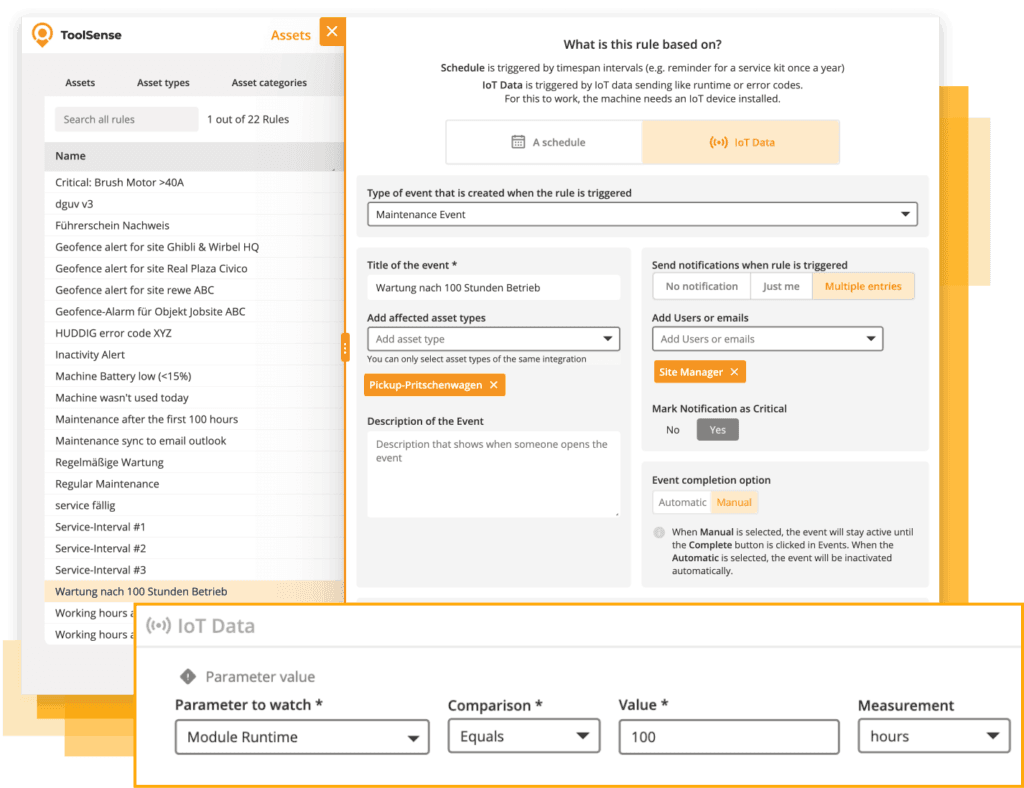
ToolSense combines asset management, maintenance planning, work orders, QR-code issue reporting, IoT data, inventory and analytics. It is designed for companies that manage mixed fleets of machines, vehicles, tools and facility assets.
Key strengths:
- QR-code asset identification and issue reporting.
- Preventive maintenance schedules and reminders.
- Custom checklists, forms and digital documentation.
- IoT integration for runtime, location and condition data.
- Asset lifecycle records with documents, images and service history.
- Mobile access for field teams and centralized reporting for managers.
- Integrations with existing business systems.
ToolSense fits organizations that want maintenance, inspections, asset tracking and operational workflows in one platform rather than a narrow maintenance-only tool.
2. MaintainX
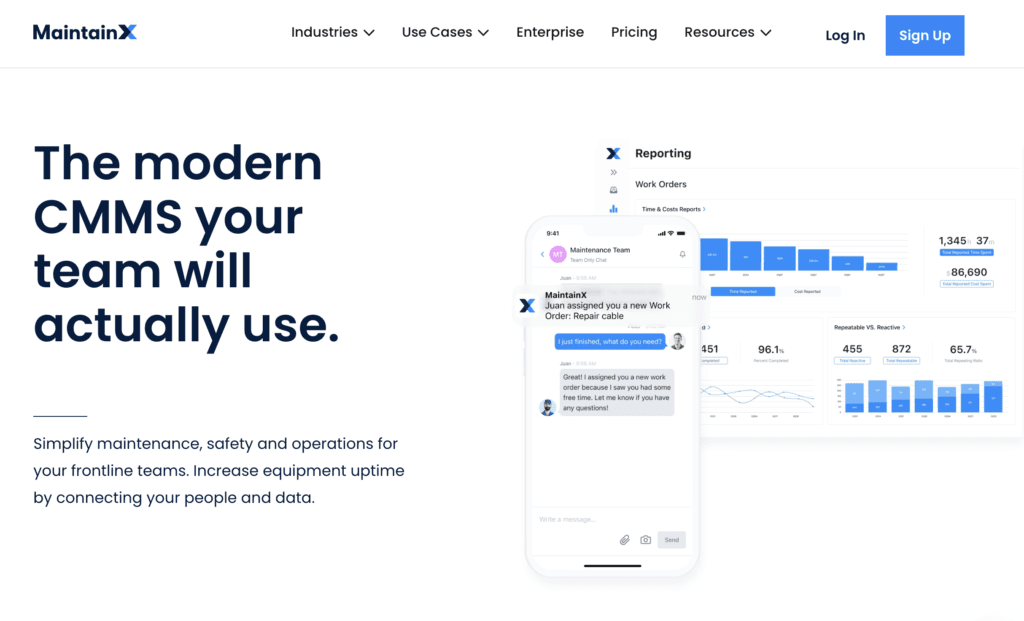
MaintainX is a mobile-first CMMS for work orders, procedures, checklists, communication, asset tracking, inventory and downtime tracking. It is useful for teams that need simple mobile execution and real-time communication. Organizations with complex IoT or integration requirements should evaluate those needs carefully.
3. UpKeep
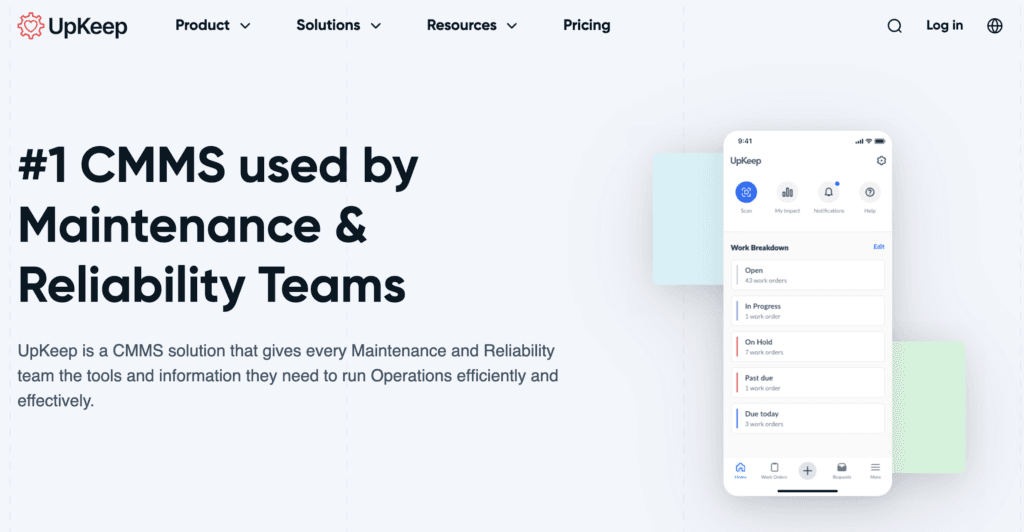
UpKeep focuses on mobile work order management, asset records, inventory, preventive maintenance, notifications and reporting. It can be a strong fit for maintenance teams that want quick access from phones and tablets.
4. Limble CMMS
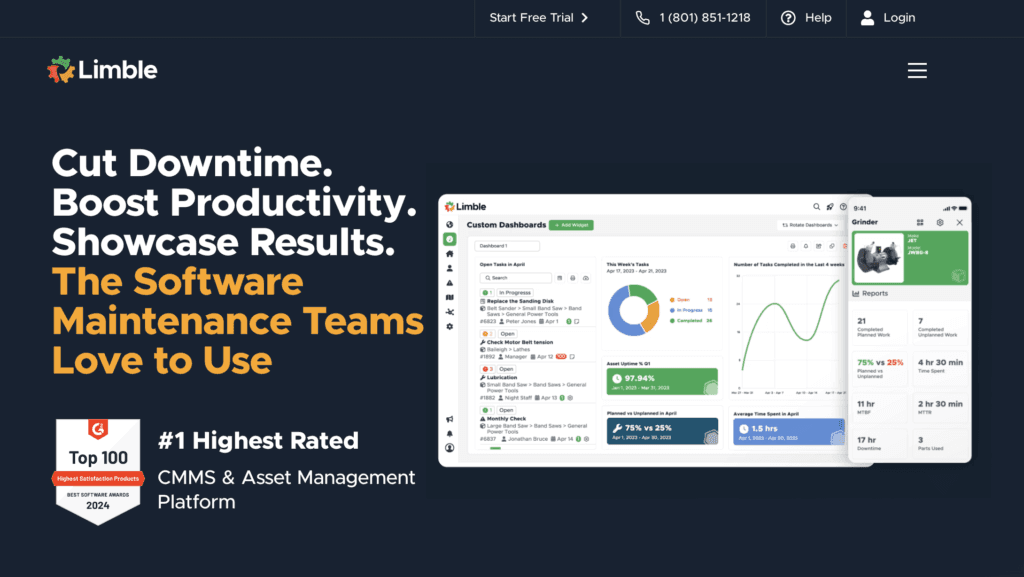
Limble CMMS is known for customization, work order management, asset history, parts tracking, preventive maintenance and dashboards. It can work for teams that need adaptable maintenance workflows and structured asset records.
5. Infraspeak
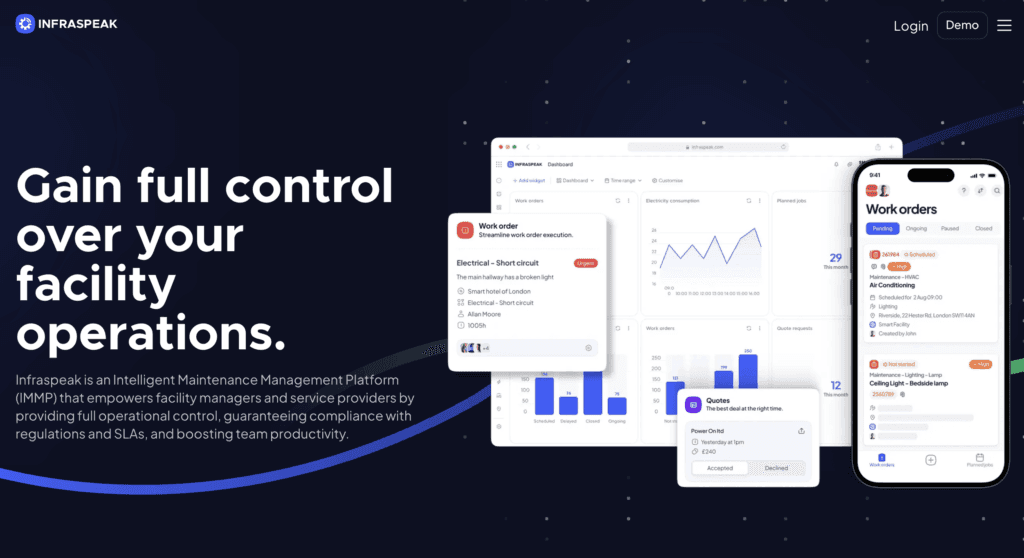
Infraspeak offers smart workflows, NFC-based asset identification, dashboards, preventive and predictive maintenance, analytics and a mobile app. It is positioned for industries such as manufacturing, hospitality, retail and public-sector maintenance.
6. Maintenance Connection
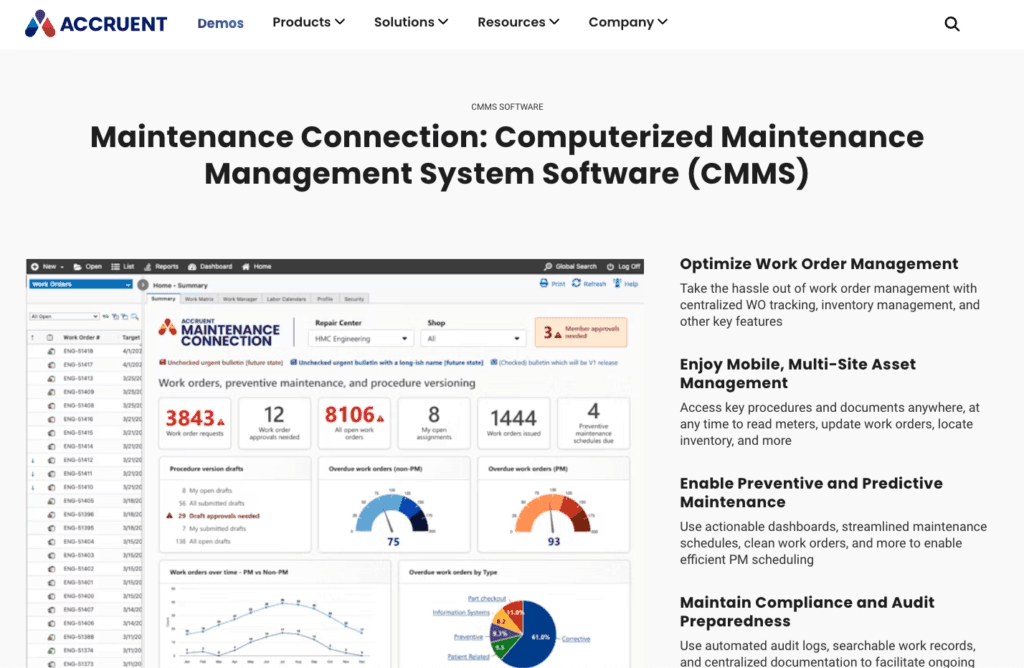
Maintenance Connection by Accruent is a CMMS and EAM option for multi-site organizations. It includes work order management, asset history, preventive maintenance, inventory, reporting, mobile access and compliance support.
7. Fiix CMMS
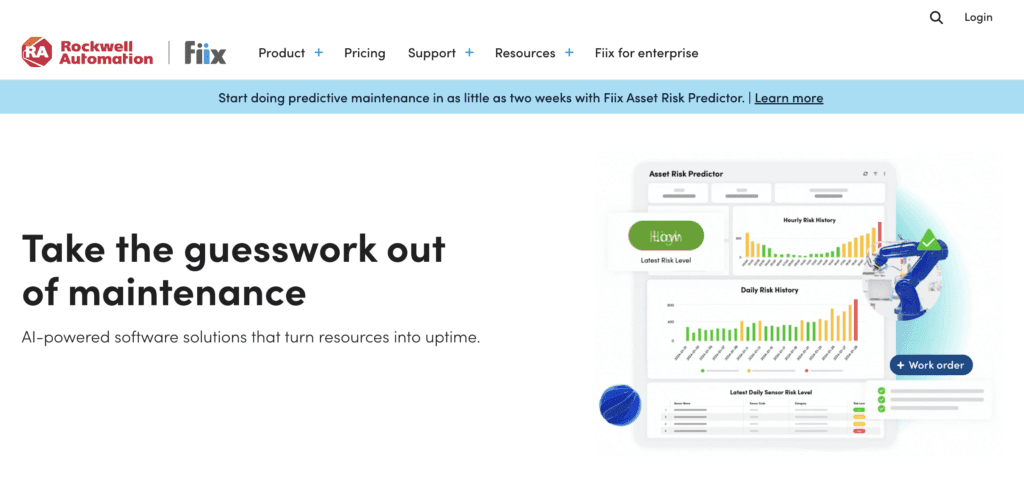
Fiix is a cloud-based CMMS with asset management, preventive maintenance, parts management, mobile access, reporting and integrations. It is a common choice for organizations that want a cloud maintenance platform with analytics.
8. eMaint CMMS
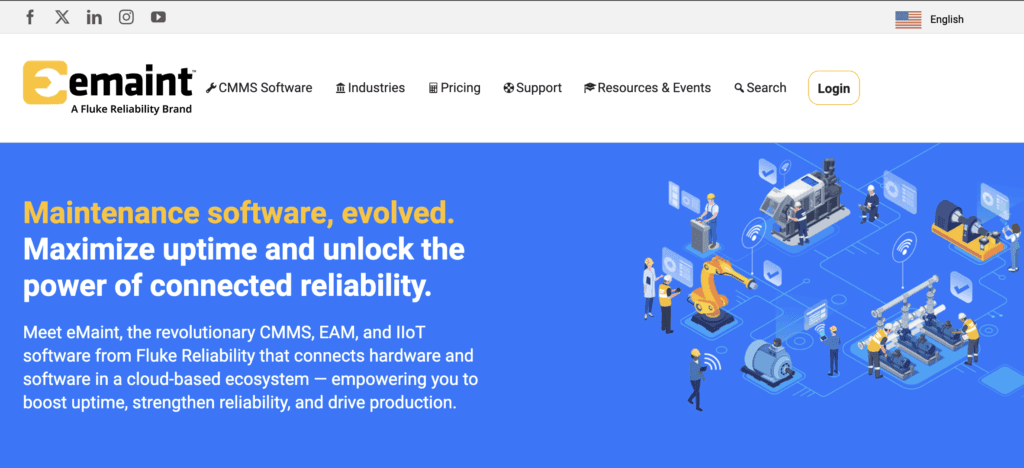
eMaint CMMS supports preventive maintenance, asset records, inventory, mobile work, reporting and multi-site maintenance. It is flexible, but teams should assess setup effort and usability for their workflows.
9. Fracttal
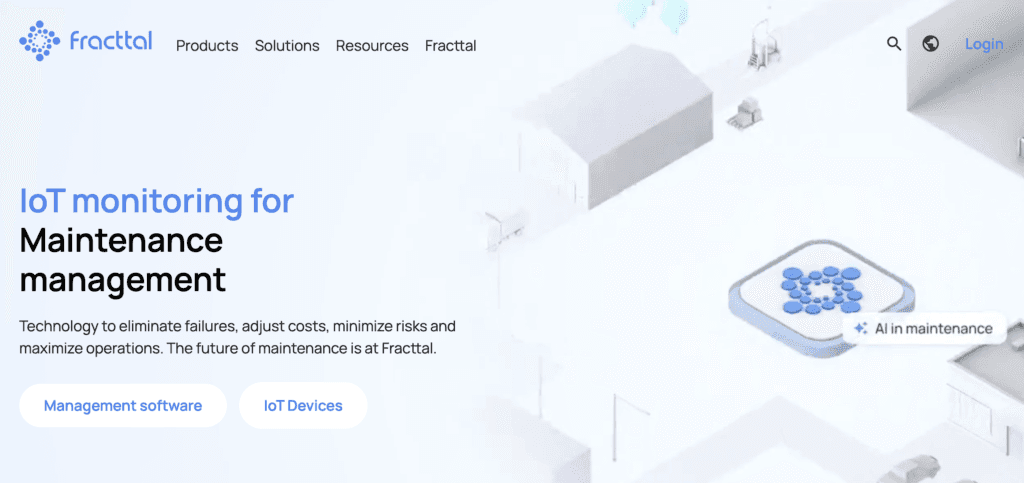
Fracttal is a cloud CMMS and EAM platform for work orders, assets, technicians, schedules, parts, costs, emergencies and warranties. It focuses on automation, real-time reporting, mobile access and API integration.
10. Maxpanda
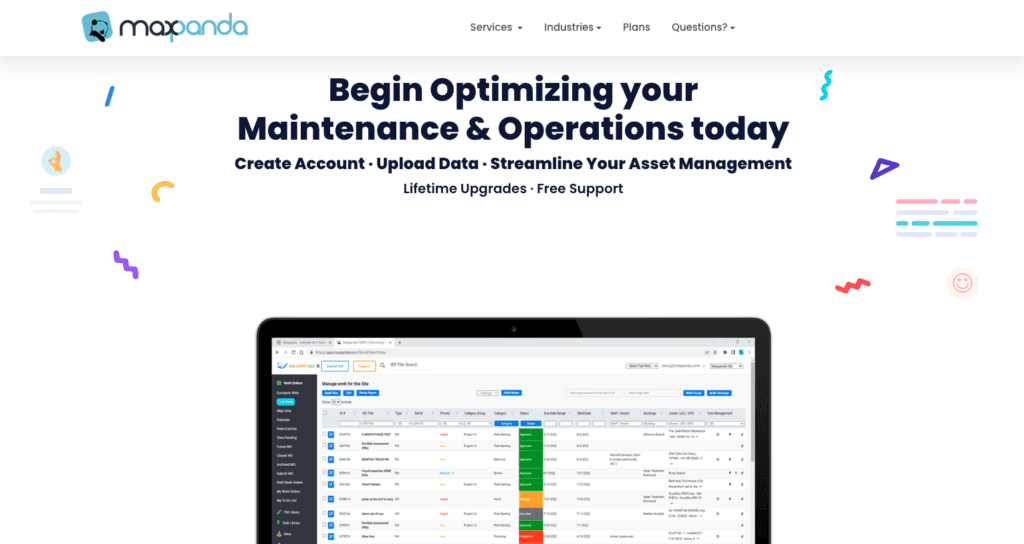
Maxpanda is a cloud CMMS for work orders, asset management, preventive maintenance, inventory, mobile access and dashboards. It is often considered by teams that want a cost-conscious maintenance system.
What to Look For in CMMS Software
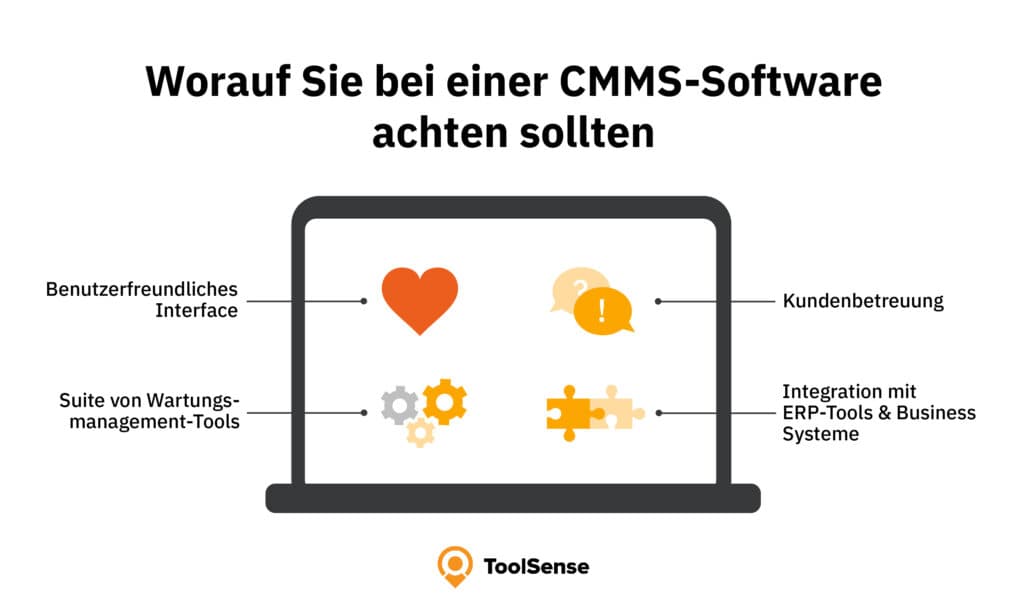
The best CMMS for your company should match how your maintenance team actually works. Prioritize:
- Easy work order creation and assignment.
- Asset records with history, documents and status.
- Preventive maintenance schedules.
- Mobile access for technicians.
- Inventory and spare parts tracking.
- Reporting for downtime, costs and performance.
- Integrations with ERP, finance, IoT or facility systems.
- Support, onboarding and data import quality.
Conclusion
CMMS software can move maintenance from reactive firefighting toward planned, data-driven operations. ToolSense is especially relevant when a CMMS must also support asset management, QR-code reporting, IoT data, inspections and mobile workflows across many asset types. The best choice is the one your teams will actually use every day.
FAQ
What is CMMS?
CMMS stands for Computerized Maintenance Management System. It is software for planning, tracking and analyzing maintenance work, assets, inventory, resources and work orders.
How can CMMS software help my company?
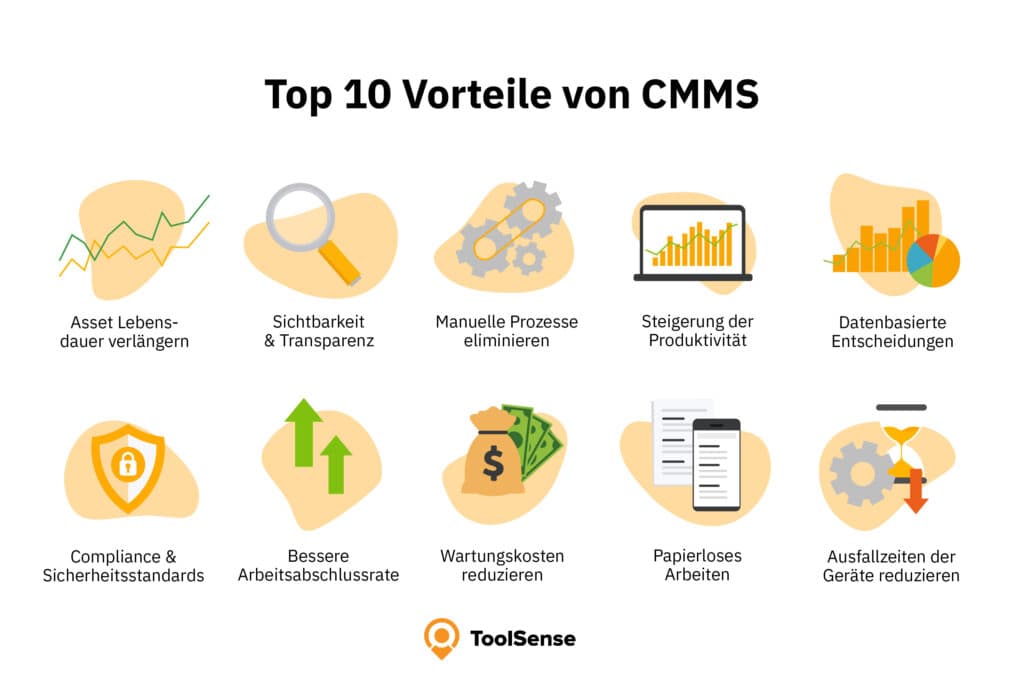
It centralizes maintenance data, automates manual processes, reduces downtime, extends asset life and gives managers better visibility into costs and performance.
Is CMMS software suitable for small businesses?
Yes. Many CMMS tools scale from small teams to enterprise organizations. Small businesses should focus on ease of setup, mobile use and core maintenance workflows.
Can CMMS software integrate with other systems?
Yes. Modern CMMS platforms often provide APIs or integrations with ERP, accounting, inventory, IoT and facility systems.