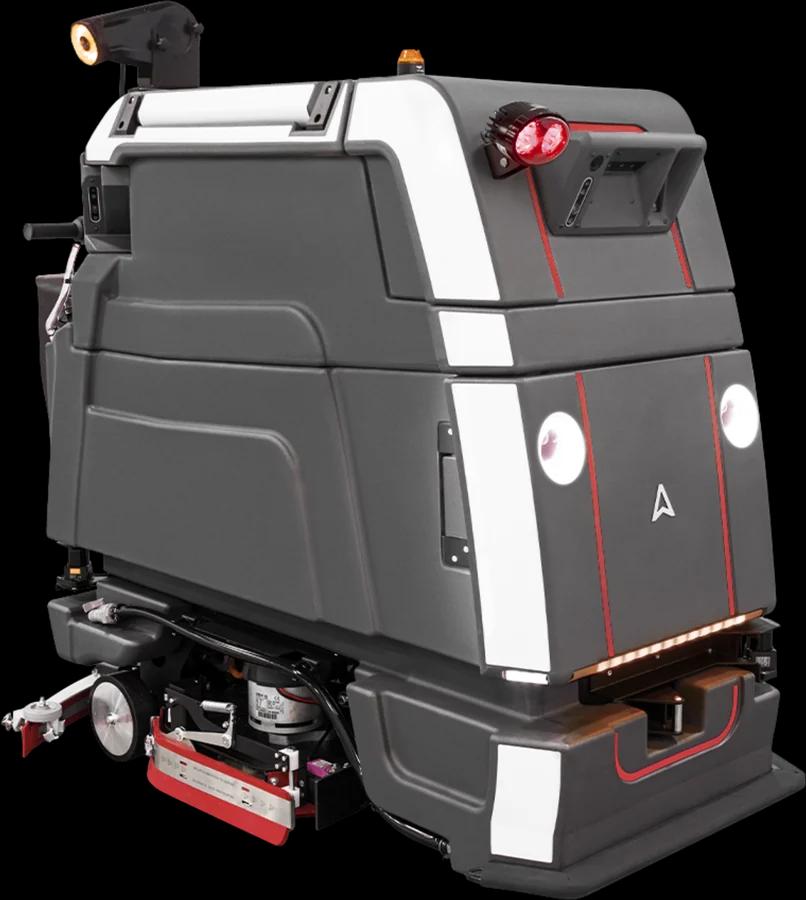
Robotics
Robot fleet management, in daily operations, means making sure every cleaning robot runs the missions it is planned for, that someone reacts when it stops, and that it is maintained before small problems become breakdowns. This guide is for FM companies and in-house FM teams who already run cleaning robots or are about to deploy them.
In Brief
- Start with a pilot on one site or area, and agree beforehand what a good result looks like.
- Give every task a named owner on every site and shift.
- Run a short daily routine and a slightly longer weekly review, the same way on every site.
- When a robot stops, follow the same steps every time: see the error, check the cause, fix it or call service, log it, and look for repeats.
- Look after wear parts and batteries according to the manufacturer's schedule, and keep a service history per robot.
Still choosing robots? Start with our guide to commercial cleaning robots.
Start with a Pilot
Robots rarely fail because of the technology alone. They fail when nobody owns them, when the area does not suit them, or when the cleaning team was not involved. A pilot lets you find these issues on a small scale.
Pick one site, or one area within a site, where the robot is a good fit: open floors, regular cleaning on the same routes and a team that is open to trying it.
Before the first run, agree on what "good" looks like. Keep it qualitative and practical: the planned routes are cleaned, the result meets the site's cleaning standard, the team knows what to do when the robot stops, and the client or building owner is comfortable with how it runs. Write them down and review them at the end of the pilot.
Involve the cleaning team and the site supervisor from day one. They know the building, the obstacles and the times when the area is busy.
Roles: Who Does What
A robot fleet needs clear responsibilities on every site and every shift. In smaller teams, one person may hold more than one role.
- Site cleaning staffprepare the area before a run, empty and refill tanks or bins where needed, and clear blockages when the robot gets stuck.
- Site supervisorchecks the cleaning results, handles exceptions such as events or blocked areas, and is the first contact when something goes wrong on site.
- Operations or fleet managerplans missions and schedules, watches the status of robots across sites, and decides when to escalate or change a routine.
- Service partner or techniciancarries out repairs, replaces wear parts and handles anything that cannot be fixed on site.
Write the names for each role into the site's routine, including cover for holidays and night shifts.
The Daily and Weekly Routine
A short, fixed routine prevents most problems. Keep it the same on every site.
Daily
- Prepare the area clear obstacles from the route and make sure doors, lifts or barriers on the route are accessible.
- Check the robot before the run battery charged, tanks or bins emptied and refilled, brushes and squeegee free of debris.
- Start or confirm the mission start the run or check that the scheduled mission has started.
- Check the result walk the area afterwards and note missed spots or recurring problem zones.
- Return to the dock make sure the robot is back at its charging point and ready for the next run.
Weekly
- Review missions and stops go through the missions that did not complete and the stops of the past week.
- Inspect wear parts check brushes, pads, squeegees and filters for wear and replace them as needed.
- Clean the robot clean sensors, tanks and the docking station according to the manufacturer's instructions.
- Update maps and routes adjust the routes when furniture, layouts or opening hours have changed.
- Share feedback collect comments from the cleaning team and the supervisor and agree on any changes.
When a Robot Stops
Robots stop for many reasons: a blocked route, a full tank, a low battery, a tangled brush or a technical fault. What matters is that every stop follows the same path, so nothing is left waiting.
- 1See the errormake sure the alert reaches someone who is responsible for that site at that time.
- 2Check the causelook at the error message and the robot on site. Many stops have a simple cause, such as an obstacle or a full tank.
- 3Fix it on site or call serviceif the site team can solve it safely, do so and restart the mission. If not, contact the service partner with the error and a short description.
- 4Log itrecord what happened, what was done and how long the robot was out of action.
- 5Check for repeatsin the weekly review, look for stops that keep coming back on the same robot, route or site, and fix the underlying cause.
Maintenance and Wear Parts
Cleaning robots have the same wear parts as manual cleaning machines: brushes, pads, squeegees, filters and batteries.
Follow the manufacturer's maintenance schedule and use the recommended parts. Split the work clearly: daily and weekly care by the site team, inspections and repairs by the service partner. Keep spare wear parts close to the site.
Keep a service history for each robot: what was replaced, repaired or adjusted, and when. This makes recurring problems visible.
What to Measure
Measure a small set of figures and look at them the same way on every site. The aim is to spot problems early and improve routines, not to compare people.
- Missions completedhow many planned missions ran to the end.
- Area cleanedthe area the robot cleaned compared with the planned area.
- Run time against planhow long the robot actually ran compared with the planned schedule.
- Stops and errorshow often the robot stopped, and for which reasons.
- Time to fixhow long it took from a stop to the robot running again.
- Consumables and wear partswhat was used and replaced, per robot and site.
Set expectations per site during the pilot. Sites differ too much for one benchmark to fit all.
Scaling to More Sites and Brands
Once the pilot works, write the routines down: the daily and weekly checklists, the steps for a stop, the roles and the maintenance split. Use the same version on every new site and adjust only what the site really needs.
As the fleet grows, robots from several manufacturers often end up in the same portfolio, each with its own app, sign-in and error messages. Our guide to managing cleaning robots from multiple brands explains how to bring them into one fleet view and connect alerts to service workflows.
How ToolSense Helps
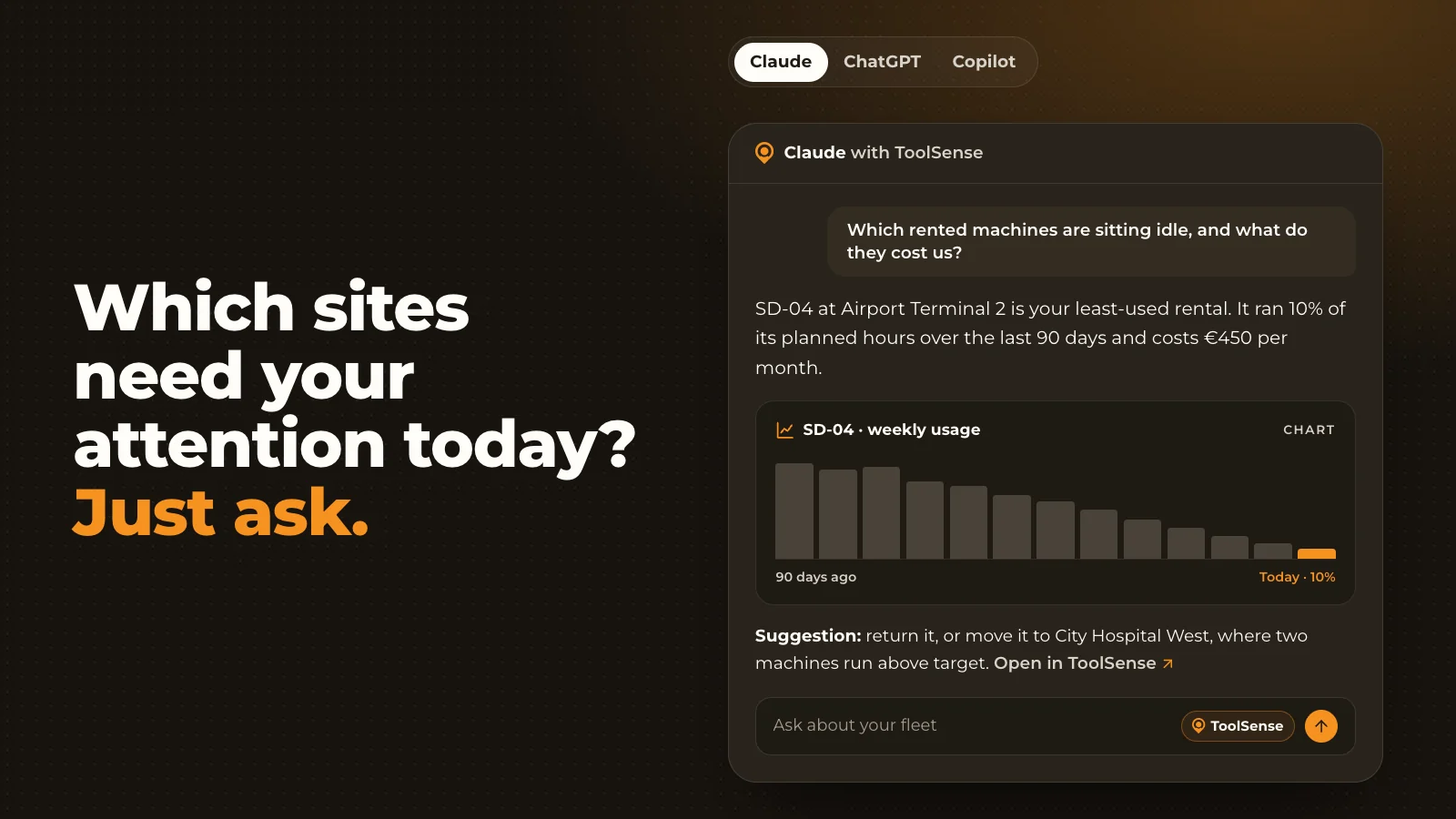
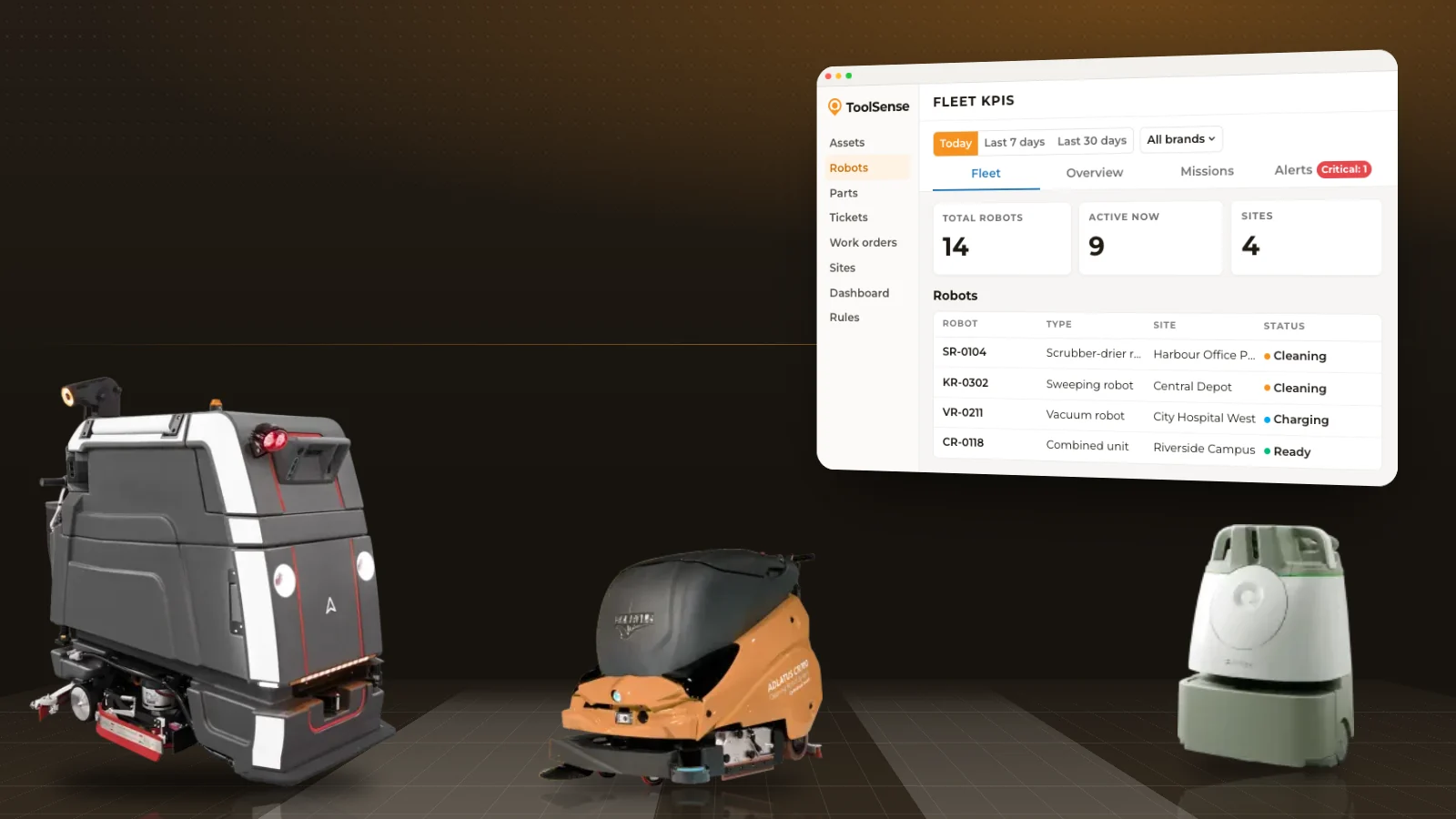
RoboHub manages cleaning robots from 15+ brands in one place, alongside your other machines and vehicles. Error codes from every robot brand are translated into plain language and routed automatically as tickets, and robot data sits next to your maintenance workflows. With ToolSense connected to an AI assistant, you can also ask which of your cleaning robots haven't run, and since when.
FAQ
What is robot fleet management?
Robot fleet management is the day-to-day work of running cleaning robots across one or more sites: planning missions, preparing the robots, reacting when they stop, maintaining them and tracking how they perform.
Who should run a cleaning robot fleet?
Responsibility is usually shared between site cleaning staff, the site supervisor, an operations or fleet manager and a service partner. What matters is that each task has a named owner.
How do you handle robot errors?
Follow the same steps every time: make sure the alert reaches the right person, check the cause on site, fix it or call the service partner, log what happened and review repeated stops each week.
What should you measure?
Track missions completed, area cleaned, run time against plan, stops and errors, time to fix and consumables.
How many robots can one person manage?
It depends on the number of sites, the routes, how the robots are set up and how well the site teams handle routine tasks. Clear roles, fixed routines and one view of all robots make it easier for one person to oversee more of the fleet.