Glossary
Whether on a laptop, tablet or phone, the Bluetooth networking technology is now so common that many devices use it as standard. But what is Bluetooth exactly? The term describes a practical technology for simple data exchange over short distances. This article explains how Bluetooth works, where it is used and why it remains important for connected equipment.
The Topic in Brief
- Bluetooth is an industry standard for wireless data transmission developed in the 1990s.
- The networking technology can transmit information over short distances using radio waves and connect devices without cables.
- Bluetooth 5 is often associated with low-energy Bluetooth applications for smart devices and IoT.
What Is Bluetooth?
Bluetooth is built into most modern mobile devices and computers. It is used mainly to exchange data such as photos, documents or videos and to connect accessories such as a mouse, keyboard or headset. In short, Bluetooth is a radio standard that allows users to connect different devices wirelessly.
Depending on the device type, Bluetooth connections can cover a range of about 10 to 100 meters. The exact possibilities depend on the Bluetooth profile used by the devices. Compared with more complex transmission technologies such as Wi-Fi, Bluetooth focuses on a short distance of a few meters and a simple connection process.
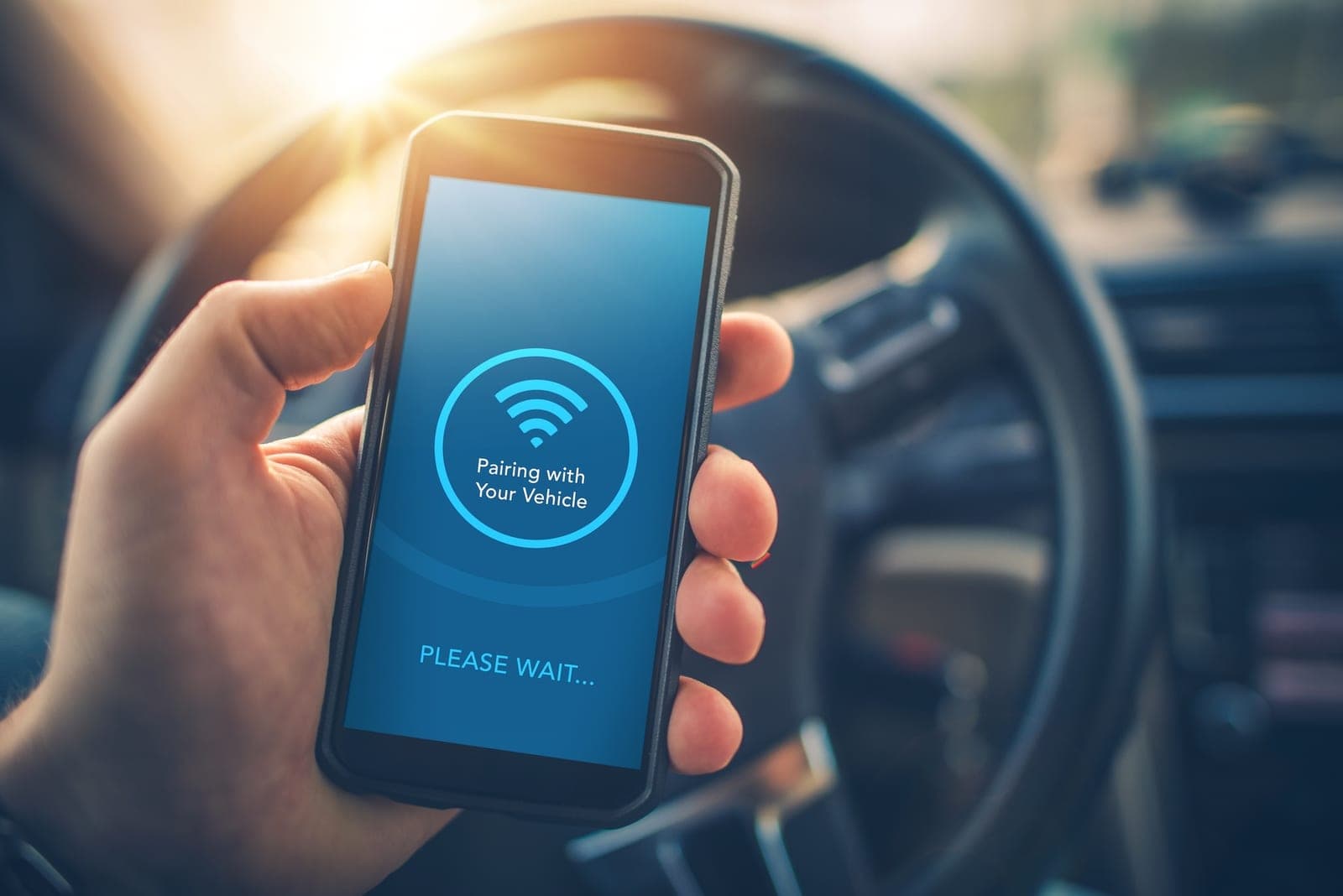
Two Bluetooth-enabled devices, such as a laptop and a mobile phone, can exchange data like music, videos or images. The so-called pairing process usually requires only a confirmation code or access code. Pairing is also used to communicate with wireless accessories such as hands-free systems, headphones or microphones.
Historical Background
What Does “Bluetooth” Mean?
Bluetooth literally means “blue tooth”. To understand the name, we have to go back to around 960 in what is now Denmark. At that time, Denmark was divided into separate Viking tribes. A Viking king named Harald Bluetooth succeeded in uniting some of these tribes. Under his rule, a larger Danish kingdom appeared for the first time. He is also said to have been especially strong at communication.
When different devices could first be connected wirelessly over a local network in the 1990s, engineers searched for a name for the new technology. The story of King Bluetooth was a fitting reference because he united different groups through communication. The brand name was later made public by Scandinavian companies such as Ericsson and Nokia within the Bluetooth SIG research group. The Bluetooth logo combines old Norse runes representing Harald Bluetooth’s initials, H and B.
Who Invented Bluetooth and When?
Bluetooth was invented in response to a familiar problem: cable clutter. Since the 1980s, several attempts had been made to replace wired connection technologies with wireless alternatives. Infrared technology was one promising candidate, but its high power consumption and need for a direct line of sight limited its usefulness.
In the 1990s, a consortium of electronics companies including Ericsson, IBM, Intel, Nokia and Toshiba founded the Bluetooth Special Interest Group (Bluetooth SIG) to develop their own technical solution. “Bluetooth” was initially only the project code name, but because no stronger alternative emerged, it became the final brand name.
Which Types of Devices Use Bluetooth?
Bluetooth has many possible uses. Important application areas include:
- Computers and laptops
- Mobile devices
- Hands-free systems
- Audio output devices
- Smart-home technology
- Fitness devices
- Toys
- Industrial communication technology
- Medical technology
Wireless communication technology has also supported the development of industrial processes by making it easier to network machines and production systems, allowing many production steps to be automated.
How Does Bluetooth Work?
Compared with other transmission technologies such as USB, LAN or Wi-Fi, Bluetooth is designed for short-distance data transfer and simple, energy-efficient connection setup. For individual files or less complex services and applications, Bluetooth connections are a practical solution. Bluetooth-enabled devices contain a small microchip with a transmitter and receiver unit. Each device has a 48-bit serial number, allowing it to be uniquely identified within a network.
For the best connection, users should ideally use the latest Bluetooth version. Bluetooth 4.0, 4.1 and 4.2, as well as Bluetooth 5, reduced the energy consumption of the connection technology significantly. If a device does not support the newest standard, that is usually not a problem. Many devices are backward compatible. Only devices that rely heavily on low power consumption, such as smartwatches, especially benefit from the newest standards.
To establish a network, two conditions must be met. First, the device must be nearby. The range varies depending on the Bluetooth class and the device requirements. Speakers often use class I or class II, while smartwatches or headphones usually use the energy-efficient class II for transmission. Second, Bluetooth reception must be enabled on both devices. Connections with more than two devices are also possible.
Which Radio Technology Does Bluetooth Use?
Bluetooth uses ISM bands for wireless connections. There are 79 channels in the 2.402 to 2.480 GHz range, each with 1 MHz bandwidth. Because the frequency range around 2.4 GHz is also used by Wi-Fi and radio remote controls, Bluetooth uses a frequency-hopping method.
This means that the sender and receiver exchange data on one channel for only a fraction of a second and then switch together to another channel. If one channel is blocked by external interference, only a very small portion of the transmitted information is affected and can usually be corrected. This improves resistance to interference and makes Bluetooth connections stable.
What Is the Range of Bluetooth?
Bluetooth range varies by device and can be between one and 100 meters. It depends on the device class. Class 1 devices can reach up to 100 meters, class 2 devices up to 10 meters and class 3 devices around one meter.
How Fast Is Bluetooth Transmission?
Transmission speeds have changed across Bluetooth versions:
- Version 1.0 / 1.1: transmission speed of 723 kbit/s
- Version 1.2: increase to 1 Mbit/s
- Version 2.0 / 2.1: 2.1 Mbit/s
- Version 3.0: transmission speeds up to 24 Mbit/s
- Version 4.0 / 4.1 / 4.2: up to 25 Mbit/s
- Version 5: transmission speeds up to 50 Mbit/s
The actual range depends not only on transmit power, but also on receiver sensitivity and antenna placement. Local conditions also matter. Concrete ceilings or metal parts can reduce the range of class 1 devices to only a few meters.
Which Bluetooth Versions Exist?
Since the introduction of the Bluetooth 1.0 standard in 1999, there have been many development steps that improved Bluetooth functionality, data rates and range. Further versions include 1.0b, 1.1, 1.2, 2.0, 2.1, 3.0, 4.0, 4.1, 4.2 and 5.
With the introduction of version 4.0 at the end of 2010, the focus shifted toward saving power. With Bluetooth Low Energy, the maximum data transfer speed is only 220 kbit/s, but transmission is very energy-efficient. This makes the technology ideal for the Internet of Things (IoT), including door locks, weather sensors, fitness trackers and smartwatches with limited battery capacity.
In 2013, Bluetooth 4.1 significantly expanded addressing options in response to the growing number of Bluetooth devices. It also introduced the ability to operate each device as a host or client. For example, heart-rate watches and fitness bands can connect directly instead of going through a smartphone. With Bluetooth 4.2 in 2014, the focus was on improving performance in LE mode. Speed could be increased up to 2.5 times compared with traditional low-energy variants, and data security was optimized using ECC and AES-CMAC standards.
The version released in June 2016 optimized range, speed and power consumption with Bluetooth 5.0. It reaches 2 Mbit/s in low-energy mode and up to 3 Mbit/s with Enhanced Data Rate (EDR), with a range of up to 200 meters in suitable conditions. Version 5 is well suited to smoke detectors, thermostats, smart-home components and IoT sensors, while version 4 focused strongly on wearables such as headphones, smartwatches and fitness bands.
The Benefits of Bluetooth 5
Alongside greater range and data capacity with lower energy consumption, another major advantage of Bluetooth 5 is the use of connectionless services. Manual pairing is no longer always required beforehand. With its low-energy capabilities, Bluetooth 5 is also suitable for beacons. Small Bluetooth Low Energy transmitters can, for example, help locate people or track packages in logistics centers. A beacon has no pairing function, which saves time and reduces energy consumption.

What Is a Bluetooth Profile?
While Bluetooth provides the basis for wireless data exchange with other devices, Bluetooth profiles define which data and functions can be exchanged. Headsets and hands-free phones require an HSP (Headset Profile) or HFP (Hands Free Profile).
The AVRCP profile (Audio/Video Remote Control Profile), for example, is needed to control a compatible media player. Today there is a constantly growing number of profiles. Bluetooth 4.0 introduced GATT (Generic Attribute Profile), for instance, to enable energy-efficient transmission of small data volumes such as sensor data.
How Secure Are Radio Standards?
Radio standards are theoretically vulnerable. To attack a Bluetooth device, criminals may try to obtain the PIN or interrupt existing connections so the user is forced to enter a new PIN. The practical disadvantage for attackers is that they must also be physically near the target device. Bluetooth is therefore still considered a secure transmission standard. Users also have several controls to make connections safer.
Users can disable automatic PIN-free Bluetooth connections in device settings. In many cases, individual PINs can also be created for individual devices so users do not have to rely on the manufacturer’s default key. Keeping Bluetooth permanently active is not recommended. A stealth mode can help by anonymizing a device’s Bluetooth name.
Outlook: IoT Applications and Bluetooth
Experts see enormous growth potential especially in IoT applications. These applications need more and more small, energy-efficient Bluetooth components for automatic communication setup and networking. Another application area is motor vehicles, where onboard computers that automatically establish Bluetooth connections are now standard.
Reliable and interference-resistant Bluetooth technology is also used in industrial and automation technology. Bluetooth chips are an ideal basis for wireless control of machines and systems. Bluetooth trackers, which are mostly used to find objects, are small devices that connect to a smartphone through Bluetooth technology.
How ToolSense Can Help
With ToolSense asset management software, users can digitalize all their machines and equipment. Each machine receives consistent data points at consistent quality, including location, runtime by the minute, battery voltage and load. ToolSense IoT is therefore well suited to devices, IoT hardware, service workflows and machine management. With ToolSense, users can:
- Manage and inventory equipment
- Digitalize IoT machines from all manufacturers
- Plan and document digital inspections
- Make service processes transparent and steer them effectively
Conclusion
Bluetooth once seemed complex and slow compared with simple, fast data transfer by cable. That view is outdated. Since the low-power version 4.0 at the latest, Bluetooth has become a major driver of the Internet of Things (IoT). Smart everyday objects such as fitness trackers, smart-home devices and in-car computers, as well as industrial communication technologies, will continue to rely on wireless connectivity. Bluetooth is therefore likely to keep its reputation as an industry standard for a long time.
FAQ
What Is Bluetooth?
Bluetooth is an industry standard developed in the 1990s by the Bluetooth Special Interest Group for transmitting data over short distances between devices using radio technology. It removes the need for connection cables.
What Is Bluetooth Used For?
Bluetooth is a radio standard for transmitting data, music, videos or images over short distances. Two paired devices can communicate with each other without a cable connection.
What Is Bluetooth Tethering?
If a laptop does not currently have Wi-Fi, a smartphone can act as a hotspot. The mobile data connection is shared so the laptop can use it. This sharing of an internet connection is called tethering. With Bluetooth tethering, two devices are first paired with each other.
How Harmful Is Bluetooth?
Bluetooth uses high-frequency radiation, but it does not pose a direct health risk. The standard is recognized worldwide and radiation levels remain within accepted limits.