Equipment Management
Are your maintenance teams still running critical equipment inspections off clipboards and paper forms? If you manage assets across construction sites, facilities, or service operations, ToolSense’s equipment inspection software digitizes the entire inspection workflow and gives you full inventory visibility. It works for one-off equipment checks and for comprehensive fleet management alike. Our QR code-based system puts inspection checklists, maintenance history, and reporting tools in a technician’s pocket — accessible the moment they scan an asset.
Key Facts
- Digital Equipment Inspection Process: Replace paper forms with QR code-based inspections that technicians can complete directly from their smartphones.
- Automated Maintenance Scheduling: Set flexible rules for preventative maintenance and safety inspections that trigger automatically based on calendar dates or IoT runtime data.
- Complete Compliance Documentation: Generate and store comprehensive inspection reports that maintain regulatory compliance and provide a complete audit trail for all your equipment.
- ToolSense Platform : Access inspection data, maintenance history, and equipment analytics in ToolSense’s centralized system that connects all your assets, teams, and processes for streamlined operational efficiency.
What Is Equipment Inspection Software?
Equipment inspection software is a digital tool that standardizes how you inspect machinery, tools, vehicles, and other physical assets. Instead of paper checklists, it lets you build custom inspection forms, schedule recurring inspections, document findings with photos and notes, generate reports, and keep the full inspection history of every asset in one place.
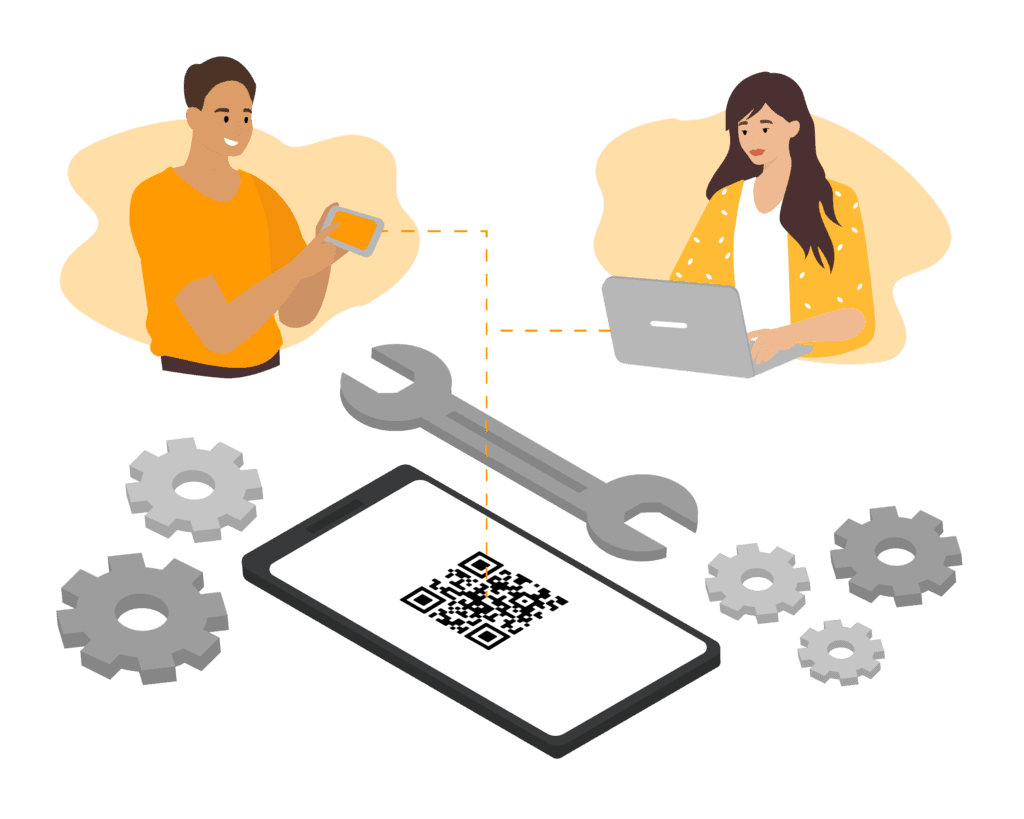
With a platform like ToolSense, technicians run inspections on-site from a smartphone or tablet by scanning the QR code on a piece of equipment. The results sync straight to a central asset management database, where managers can watch compliance, schedule preventative maintenance, spot recurring faults, and make maintenance calls based on real data rather than guesswork. The payoff is fewer human errors, easier regulatory compliance, longer asset lifespans, and a single source of truth for everything your equipment does — which is exactly what keeps a workplace safe and operations efficient.
Key Features of Equipment Inspection Software
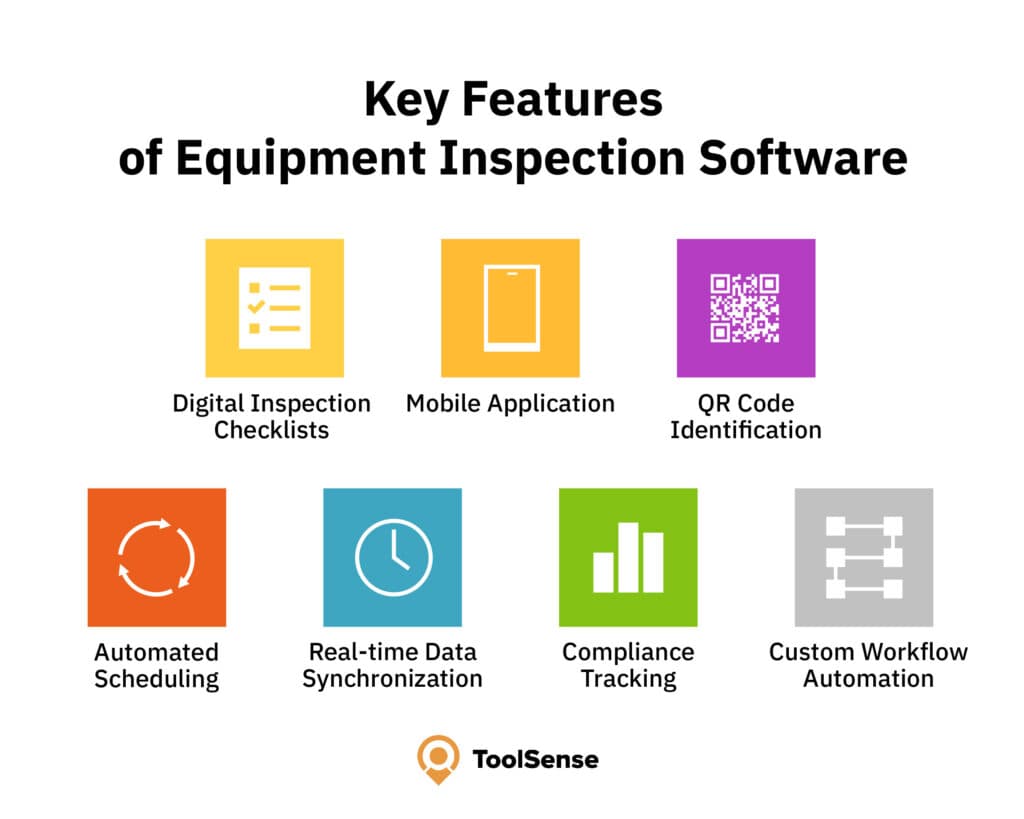
- Digital Inspection Checklists: Create and customize inspection forms for different equipment types, ensuring consistent evaluation criteria across your organization.
- Mobile Application: Conduct inspections on-site using smartphones or tablets, allowing technicians to document issues with photos, videos, and notes, and save time compared to traditional paper-based methods.
- QR Code Identification: Quickly identify equipment by scanning QR codes, eliminating manual data entry errors and ensuring accurate record-keeping.
- Automated Scheduling: Set up recurring inspection schedules based on time intervals, usage metrics, or regulatory requirements.
- Real-time Data Synchronization: Instantly update central databases with inspection results, making information immediately available for fleet management and maintenance teams.
- Compliance Tracking: Maintain detailed records of all inspections for regulatory compliance and audit purposes.
- Custom Workflow Automation: Create tailored processes for handling inspection failures and maintenance follow-ups.
Benefits of Equipment Inspection Software
Eliminate Inspection Paperwork
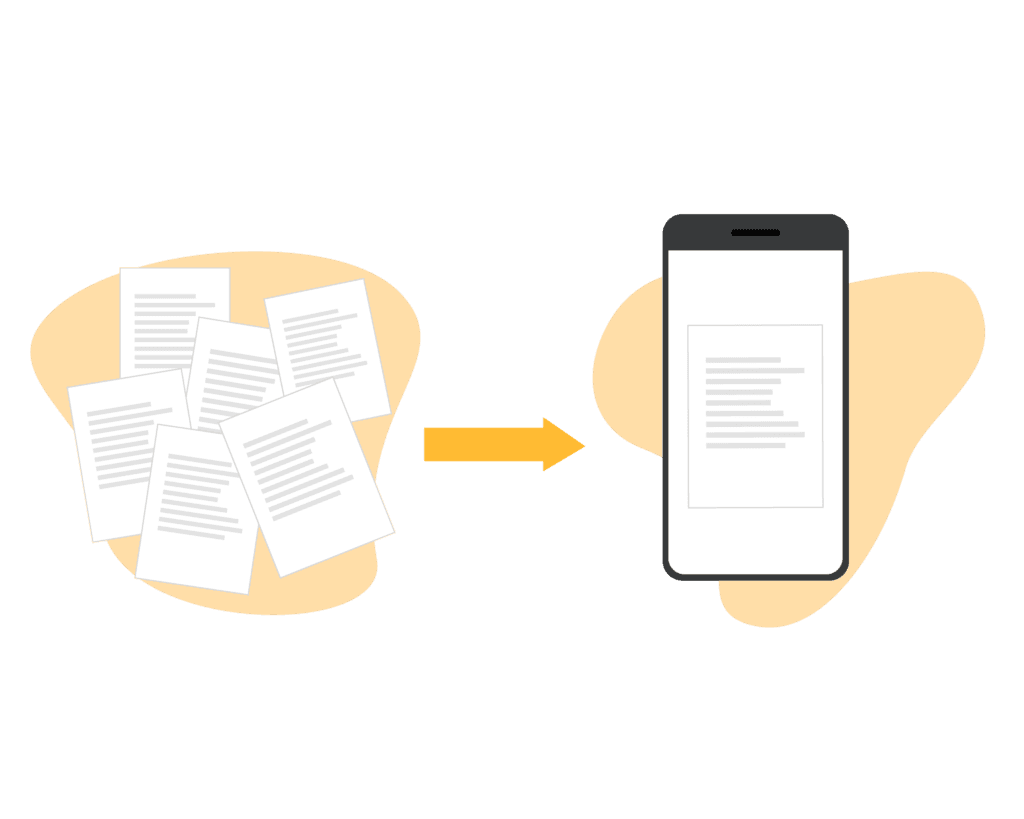
Tired of scanning paper forms or hunting for the latest copy of a completed check? Convert your existing paper documents into digital forms once, and the busywork goes away. When a check is finished, ToolSense creates the document automatically and files it in the asset’s life cycle folder. The software also schedules the next check on the spot, so manual planning is no longer part of the job.
Be Compliant With Safety Inspection Software
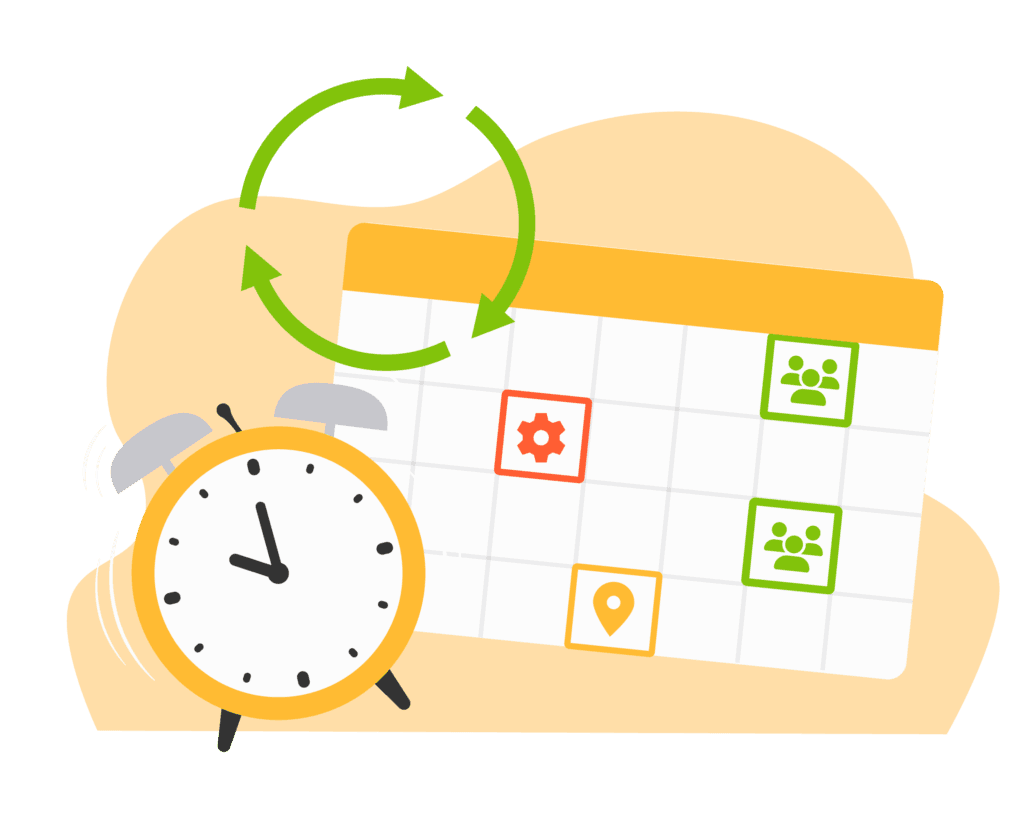
MOT inspection manuals and similar regulations set exact dates for when your vehicles, safety equipment, and machines are next due. Vehicle inspections are especially critical here. Miss one of those dates and you risk a heavy fine — but you also put workers in danger and leave machines more prone to faults. Maintenance and equipment inspection software tracks every date and audit for you, so staying within the rules and proving compliance stops being a scramble.
Address Equipment Issues Immediately
Run a machine or vehicle long enough — a set number of hours, a set stretch of time — and wear is inevitable. The trick is catching it early. ToolSense generates work orders automatically before a small issue becomes a breakdown, so downtime stops eating into your productivity.
Never Miss a Maintenance Inspection
When dozens of assets and machines are in play — say, across a large facility — it’s easy to let an audit date slip or skip an inspection entirely. Facility inspection software holds all those dates for you, so digging through files becomes a thing of the past. Set a reminder for each piece of equipment and its inspection interval, and real-time updates keep your maintenance schedule current.
Easy Mobile Access for Maintenance Inspections
Remote work keeps growing, but mobile access helps the people on site just as much. A mobile app makes the tools-and-equipment safety inspection far less of a chore. From any device, employees can schedule, oversee, and review inspection data wherever they are, whenever they need to.
Lifting Equipment Inspection, LOLER Inspection, Heavy Equipment Inspection
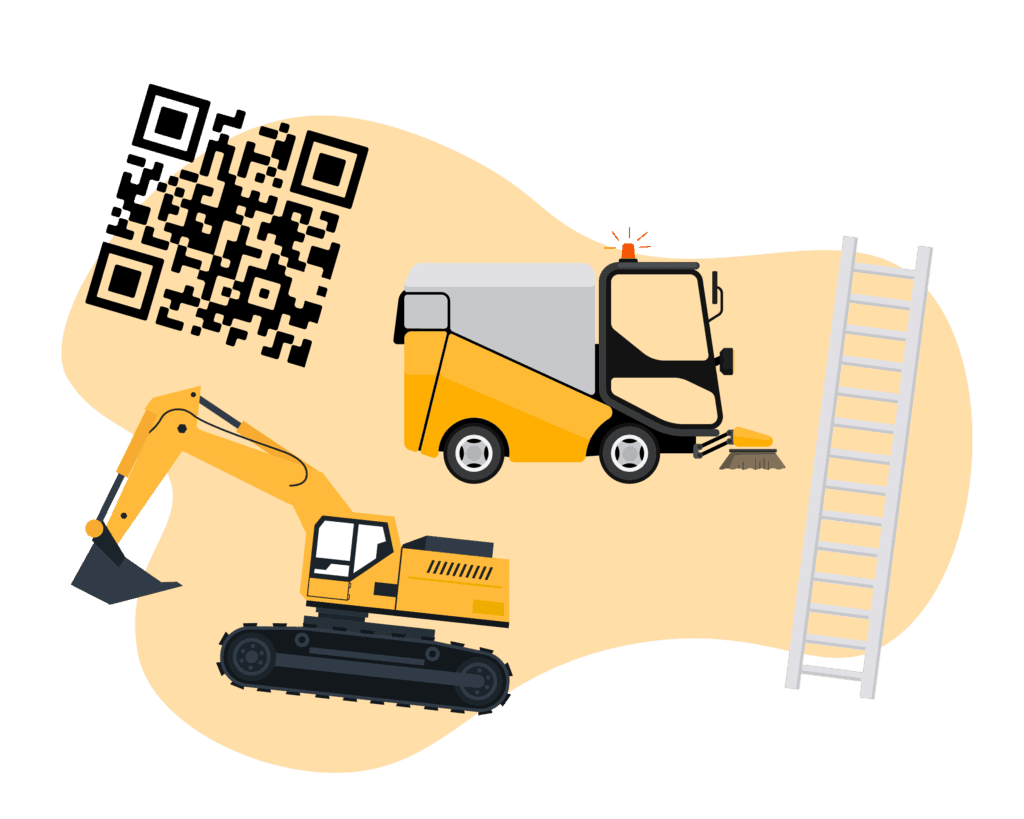
Keeping up with the requirements for every safety inspection is no small task. The ToolSense Asset Operations Platform ships with a range of them already configured — ladder checks, LOLER checks, heavy equipment inspections, and more. Need something specific? Build your own with the custom form editor. The lifting inspection software also flags equipment with recertification coming due, so you can assign those inspections to the right engineers before deadlines hit.
Conclusion: Use modern inspection software to improve equipment management
Equipment inspection software has grown well past the digital-checklist stage into full asset management. Put ToolSense in place and proactive maintenance becomes the default — compliance holds, and the risk of equipment failure drops. The ROI shows up in fewer downtimes, longer asset lifespans, lower maintenance costs, and a more productive workforce.
Real-time inspection data and detailed reporting give you the visibility to make strategic maintenance decisions across your entire equipment fleet. Whether you run construction, facility maintenance, or manufacturing assets, the right inspection software turns compliance work into operational data you can actually use.
FAQ
What Is Inspection Management Software?
Inspection management software is a digital solution that streamlines the process of planning, conducting, and documenting equipment inspections. It helps organizations automate inspection schedules, standardize inspection procedures, and maintain comprehensive records of all inspection activities, ultimately improving safety compliance and equipment reliability.
How to Inspect Tools and Equipment?
To properly inspect tools and equipment, first ensure you have a standardized checklist that covers all critical safety and performance components specific to each asset type. Then, systematically examine each item for damage, wear, or malfunction, document your findings with photos if possible, and clearly mark equipment as approved or requiring maintenance before returning to service.
What Is Software Testing Inspection?
Software testing inspection is a systematic review process where technical specialists examine software code, design documents, and other artifacts to identify defects before implementation. Unlike equipment inspection, it focuses on finding logical errors, security vulnerabilities, and compliance issues in software development rather than physical defects in machinery or tools.
What are the Three Main Types of Inspections?
The three main types of equipment inspections are pre-use inspections (conducted before each use to identify immediate safety concerns), periodic inspections (scheduled at regular intervals to detect developing issues), and comprehensive inspections (in-depth evaluations performed by certified technicians to assess overall condition and compliance). Each type serves a specific purpose in maintaining equipment safety and reliability throughout its lifecycle.