Glossary
MCP (Model Context Protocol) is an open standard for connecting AI assistants such as Claude, ChatGPT and Microsoft Copilot to business software and data. With an MCP connector, an assistant can look up live information in a system, for example a maintenance or fleet platform, and answer questions about it in plain language.
In Brief
- MCP stands for Model Context Protocol. Anthropic introduced it as an open standard in November 2024.
- Claude, ChatGPT and Microsoft Copilot can all connect to software through MCP.
- A software vendor builds one MCP server (often called a connector), and users can then reach that system from the assistant they already use.
- For facility management, maintenance and fleet teams, MCP means asking about machines, sites, tickets and inspections in your own words instead of exporting reports.
- Before connecting business data, check sign-in, permissions, read or write access, and how your assistant plan handles model training.
What Is MCP?
AI assistants are good at language, but on their own they don't know what is happening in your company. They can't see which machine is in repair, which inspection is overdue or which lease ends next month. That information lives in business software.
MCP is a shared set of rules for how an assistant and a piece of software talk to each other. Before MCP, every combination of assistant and software needed its own custom integration. With MCP, a software vendor builds one connector that follows the standard, and any assistant that supports MCP can use it. The official MCP documentation compares it to a USB-C port for AI applications: one common plug instead of a drawer full of adapters.
How MCP Works
An MCP setup has three parts:
- The clientthe AI assistant the user chats with, such as Claude, ChatGPT or Microsoft Copilot.
- The serverthe connector provided by the business software. It describes what the assistant is allowed to do with that system.
- Toolsthe individual actions the server offers, such as "search assets", "get ticket" or "list upcoming inspections".
When a user asks a question, the assistant decides which tools it needs, calls them through the MCP server and receives only the records required for the answer. It then writes the reply in plain language. The assistant does not copy the whole database. It fetches what it needs for the question at hand. When an assistant chains several tool calls on its own to complete a task, it is often called an AI agent.
For connectors that run over the internet, sign-in usually happens through OAuth, the same kind of login flow used for "Sign in with Microsoft" or "Sign in with Google". The user logs in with their own account in the business software, and the assistant receives a token instead of a password.
Why MCP Matters for Facility Management, Maintenance and Fleets
Operations teams spend a lot of time pulling information together: checking several screens, exporting lists to spreadsheets, or asking a colleague who knows the system well. MCP shortens that path.
With an MCP connector to your maintenance or fleet software, a manager can ask questions such as:
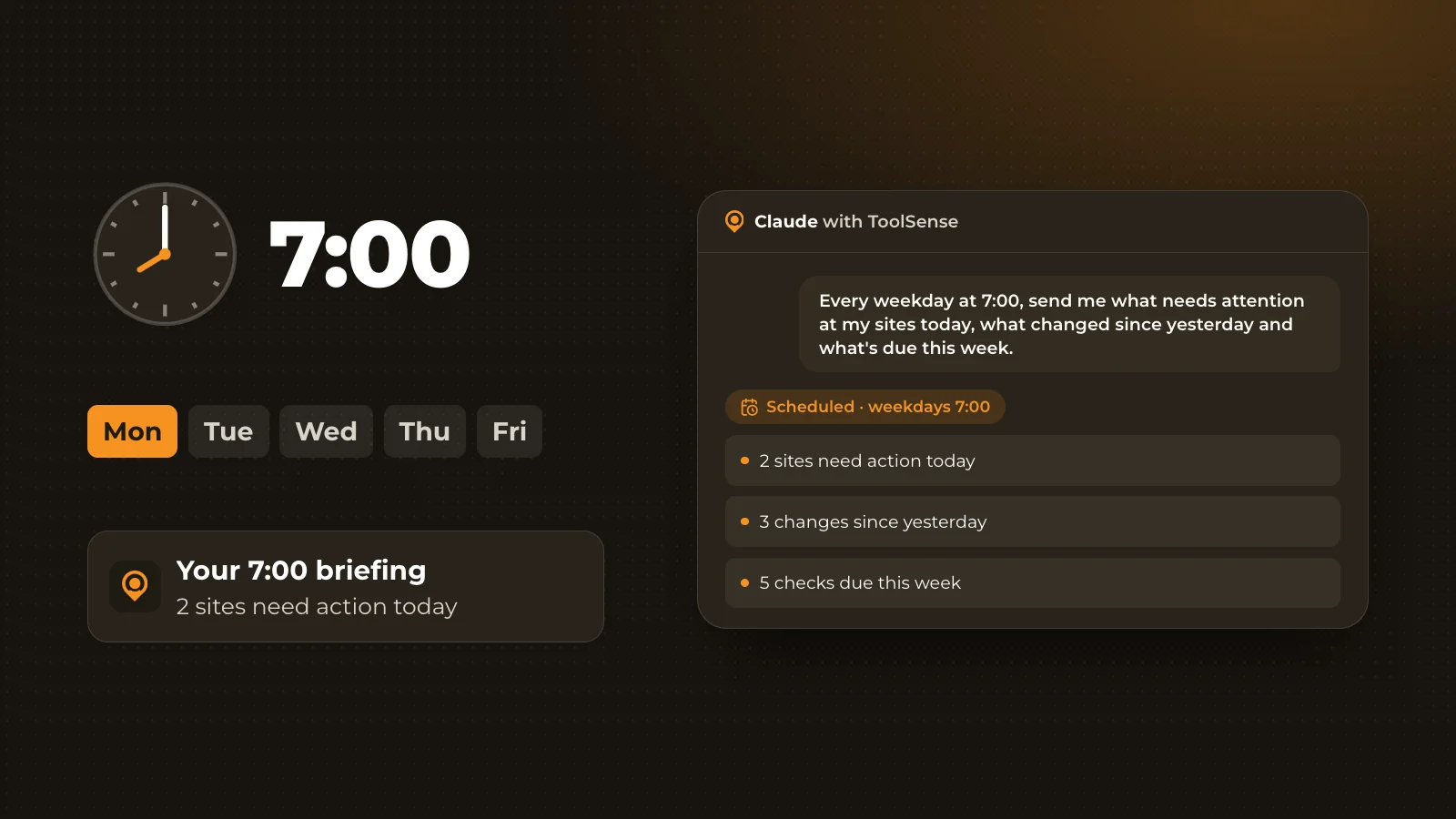
- Which sites need my attention today?
- Which inspections are overdue, and where?
- Which rented machines are sitting idle?
- Which leases and warranties end in the next 30 days?
The answer comes from live data in the system, not from a report exported last week. Because each user signs in with their own account, a well-built connector shows only what that person can already see in the software. And because people can ask in their own language, the data becomes accessible to team members who rarely open the full application.
There is also a difference between connectors that only read data and connectors that can change it. A read-only connector can answer questions but cannot create, edit or close records. Many organizations start with read access and add write access once they have clear rules for it. For a broader view of where AI fits into daily operations, see AI in facility management.
What to Check Before Connecting Business Data
Your IT and data protection team will usually ask the same questions about any MCP connector:
- PermissionsDoes each user see only what their role allows, or does the connector use a shared service account?
- Sign-inDoes every user log in with a personal account through OAuth, and can access be removed?
- Read or writeCan the connector change data, or only read it?
- Data shared with the AI providerWhich records leave the business system, and under which agreement does the assistant provider process them?
- Model trainingIs company data used to train AI models? This depends on the assistant and the plan. Company plans often exclude training by default, while some personal plans include it unless switched off.
For ToolSense, the answers are on the Just ask security and privacy page.
MCP at ToolSense
Just ask is the ToolSense connector for Claude, ChatGPT and Microsoft Copilot, built on MCP. It lets users ask about their machines, sites, tickets, work orders, inspections, contracts and costs, with answers from their live ToolSense data.
- It is read-only today. Write access is coming soon.
- Everyone signs in with their own ToolSense account through OAuth.
- Each user sees only what their ToolSense role and site access allow.
To get started, browse the questions to ask your fleet, sorted by role. If you are still setting up the data side, our guides to the machine fleet and CMMS software explain the basics.
FAQ
What does MCP stand for?
MCP stands for Model Context Protocol. It is an open standard, introduced by Anthropic in November 2024, that defines how AI assistants connect to external software, tools and data.
Which AI assistants support MCP?
Claude, ChatGPT and Microsoft Copilot can all connect to software through MCP. Which plans and settings are needed differs by assistant.
Is MCP secure?
MCP itself is a protocol, so security depends on how each connector is built and configured. Look for personal OAuth sign-in, permissions that match the user's role in the business software, the option to remove access, and an assistant plan that does not use company data for model training.
Does an MCP connector change my data?
Only if it offers write tools and you allow them. A read-only connector, such as ToolSense Just ask today, can answer questions but cannot create, change, close or delete records.
Is there an MCP server for facility management software?
Yes. ToolSense offers Just ask, an MCP connector that brings data on assets, sites, tickets, work orders and inspections from ToolSense into Claude, ChatGPT and Microsoft Copilot.