Guides
Yes, AI assistants such as ChatGPT, Claude and Microsoft Copilot can help facility management, maintenance and fleet teams, in two different ways. On their own, they help with language work: writing, summarising and translating. Connected to your operations software, they can also answer questions from your live asset, ticket and inspection data.
In Brief
- Without any connection, an AI assistant is a writing and reading aid: SOPs, checklists, translations, summaries and client emails.
- A connector built on MCP (Model Context Protocol) lets the assistant answer from live asset, ticket and inspection data in your FM software.
- Claude, ChatGPT and Microsoft Copilot all support connectors, but the plans, the admin rollout and the visual answers differ.
- For company data, use a company plan: Claude and ChatGPT company plans don't use your data for model training by default, and Microsoft says Microsoft 365 Copilot doesn't use prompts and responses to train its foundation models.
- The best assistant to start with is usually the one your company already licenses.
What AI Assistants Can Do for FM Teams Without Any Connection
Facility management produces a lot of language work: procedures, instructions, reports and messages to clients and staff. Here an assistant works only with what you type or paste into the chat. Typical tasks:
- Draft SOPs and checklistsDescribe a task, such as the daily check of a scrubber-drier, and ask for a step-by-step procedure or a checklist. Then review it against your own standards.
- Translate instructions for cleaning teamsAn assistant can turn a work instruction or a safety note into the languages your team speaks, in simple wording.
- Summarise manuals and reportsPaste a service report or a section of a machine manual and ask for the key points or the open actions.
- Draft client updates and emailsTurn your notes into a monthly service update or a reply to a complaint.
What an assistant can't do on its own is tell you what is happening in your operation right now. It has no access to your assets, tickets or inspection due dates. AI assistants can also make mistakes, so check drafts before you send them.
A word of caution about company data. Don't paste sensitive company information, such as client contracts or staff details, into a personal plan. Whether a plan uses your conversations for model training depends on the assistant and the plan. As of November 2026, Claude Team and Enterprise and ChatGPT Business, Enterprise and Edu don't use your data for training by default, and Microsoft says Microsoft 365 Copilot doesn't use prompts and responses to train its foundation models. On Claude Free, Pro and Max, data is used only if the user turns on Model Improvement in Claude's privacy settings. On ChatGPT Pro, it is used by default unless the user switches it off under Settings > Data Controls > Improve the model for everyone. For company data, a company plan is the safer choice.
Connecting the Assistant to Your Operations Data
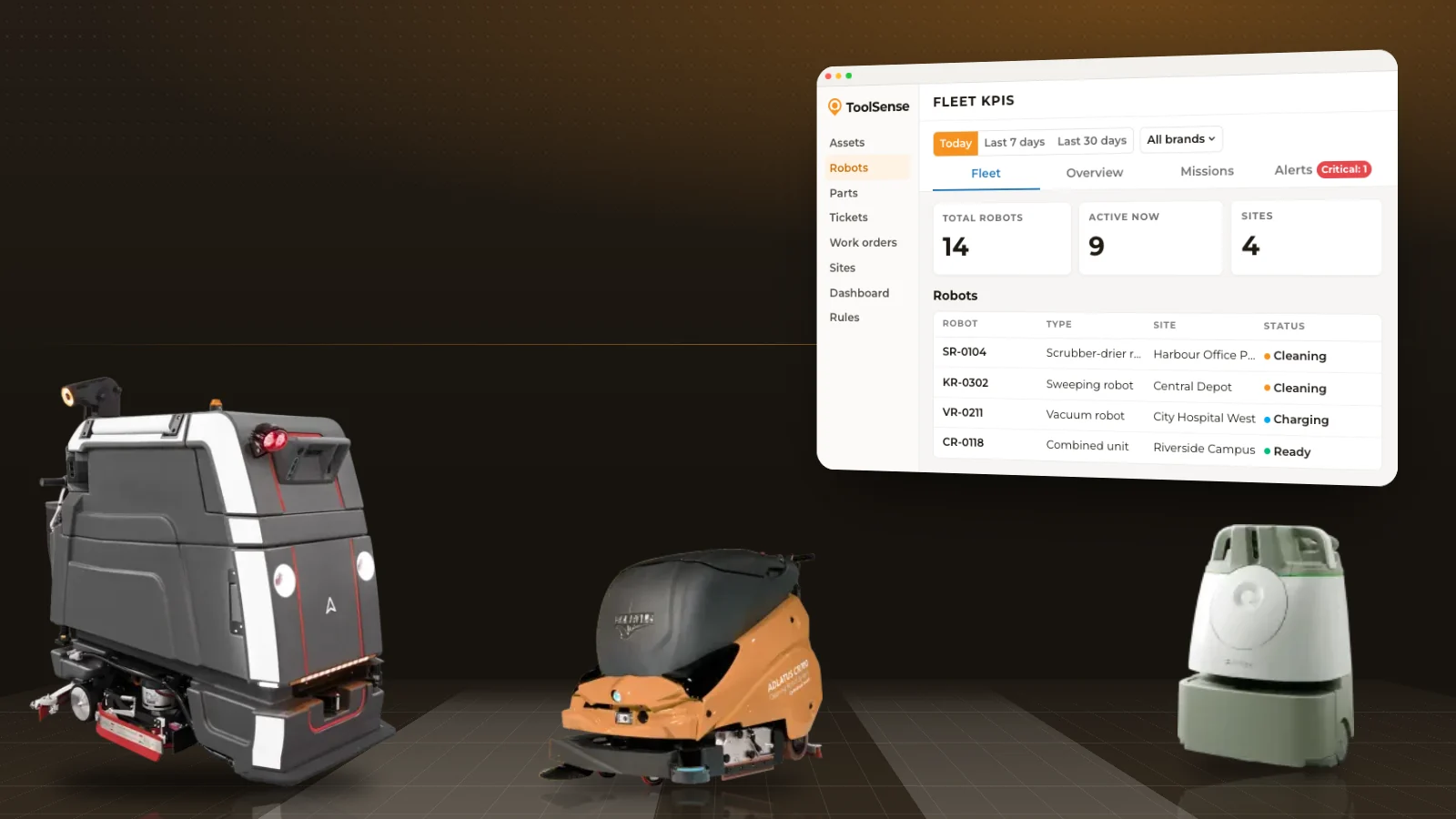
The second way AI assistants help FM teams is by answering from live data. For that, the assistant needs a connector to your FM software.
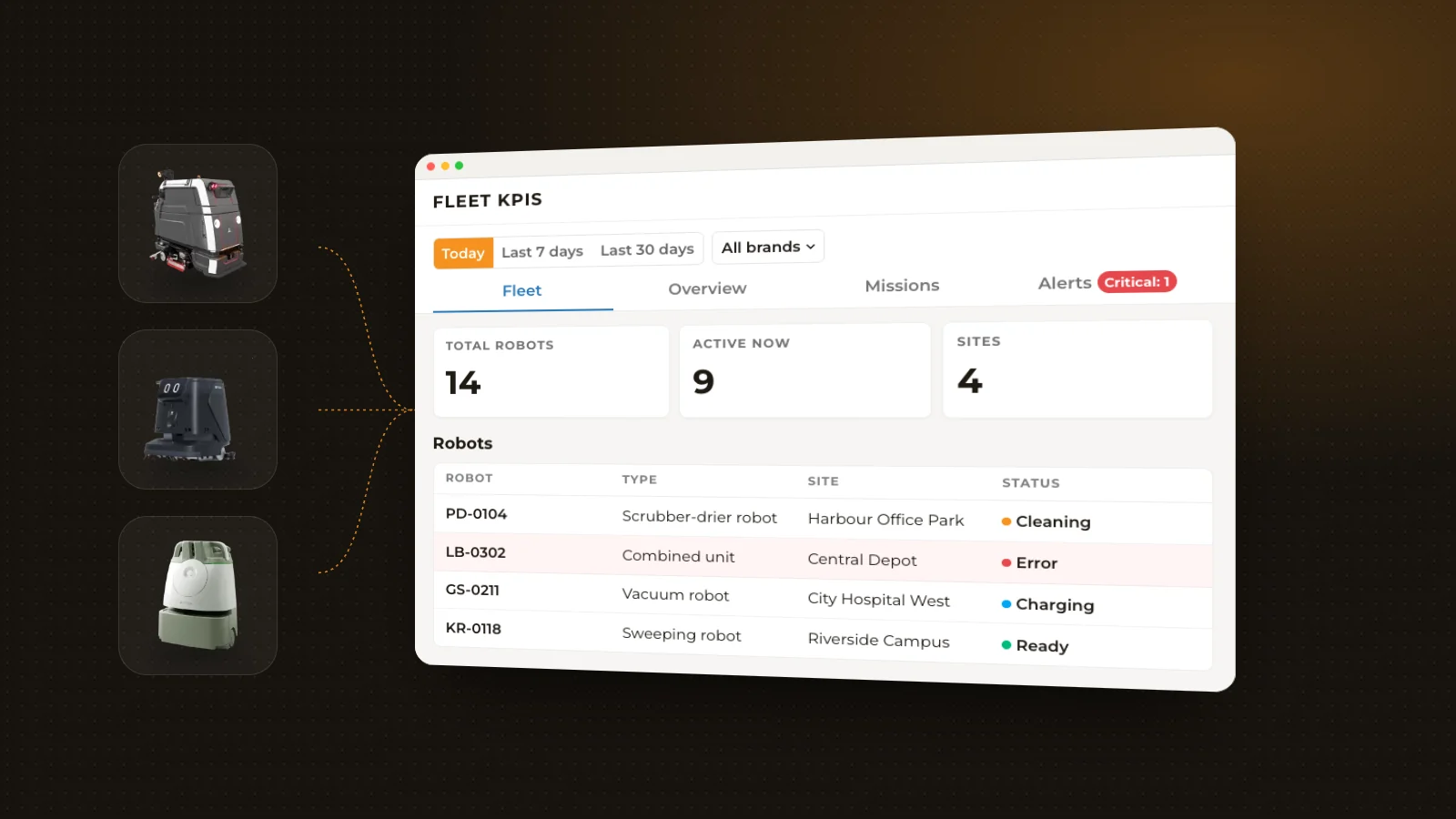
A connector lets an assistant look up information in another system. Claude, ChatGPT and Microsoft Copilot connect to business software through MCP (Model Context Protocol), an open standard for connectors. When you ask a question, the assistant decides what it needs, fetches only those records through the connector and writes the answer. When an assistant chains several of these steps on its own to complete a task, it is often called an AI agent.
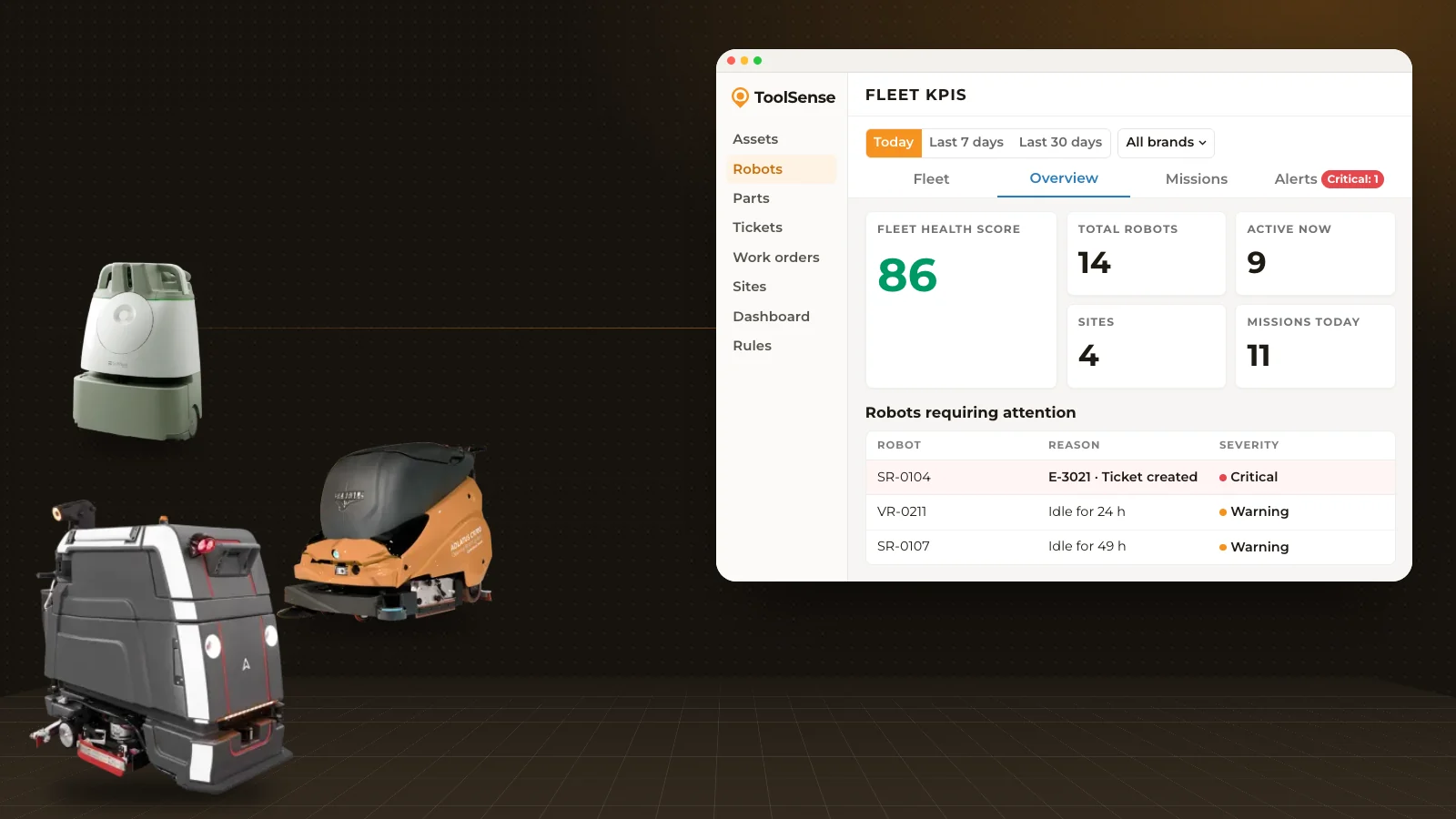
With a connector in place, "Which sites need my attention today?" gets an answer built from your tickets, overdue checks, machines that are down and contracts that are ending. One question can combine data that would otherwise mean opening several screens.
Before you connect business data, check how the connector handles access. For ToolSense:
- Personal sign-inEveryone signs in with their own ToolSense account. There is no shared account and no API key.
- Same permissionsPeople see only what their ToolSense role and site access allow.
- Read-only todayThe connector can't create, change or delete anything in ToolSense. Write access is coming soon.
- Checkable answersEvery answer links to the ToolSense records it used, so your team can check before acting.
- Your languageYour team asks in the language they work in, and the answer comes back in that language.
For a broader view of where AI fits into daily operations, see AI in facility management.
Claude vs ChatGPT vs Microsoft Copilot for FM Teams
All three assistants can connect to FM software, but plans, rollout and answers differ. The table covers what matters when connecting them to ToolSense with Just ask.
| Claude | ChatGPT | Microsoft Copilot | |
|---|---|---|---|
| Plans that work with the ToolSense connector | Free, Pro, Max, Ultra, Team and Enterprise | Pro, Business, Enterprise and Edu (not Free, Go or Plus today) | Microsoft 365 Copilot license |
| Who rolls it out | On Team and Enterprise, an owner adds it once for everyone | On Business, Enterprise and Edu, an admin adds and publishes it once. Enterprise and Edu admins choose which groups get it | Your Microsoft 365 admin adds it once and chooses who gets it, and can start with a pilot group |
| Visual answers | Interactive maps, charts and dashboards | Charts and tables | Charts and tables |
| Model training on company plans (as of November 2026) | Team and Enterprise: no, by default | Business, Enterprise and Edu: no, by default | No. Microsoft says prompts and responses aren't used to train its foundation models |
Which one is right for your team? In most cases, the one your company already licenses. Your colleagues know it, and adding a connector is a configuration step rather than a new tool rollout. If your company doesn't have a company plan yet, compare plans with your IT and data protection team before you connect business data.
10 Questions to Ask, by Role
These ten questions work with ToolSense connected. Replace the words in brackets with your own sites and machines. Each link shows an example answer.
Operations
- Sites needing attention today: "What needs my attention today across my sites?" You get a ranked to-do list across tickets, overdue checks, machines down, robot errors and ending contracts, each with a next step.
- Site visit briefing: "Brief me for my visit to [site] today." You get contacts, access notes, machines down, open tickets and what's due.
- Tickets nobody touched: "Which tickets has nobody touched for 3 days?" You get stale tickets with the last activity.
- Machines on a map: "Show all our [machine type] on a map, colored by availability." You get a map of the machines, each linked to its record. This one needs Claude.
- Daily briefing at 7:00: "Every weekday at 7:00, send me my briefing: what needs attention at my sites, what changed since yesterday and what's due this week." You get a briefing that arrives on its own. This one needs scheduled tasks in Claude.
Finance and procurement
- Idle rented machines and their cost: "Which machines are sitting idle, and what do the rented or leased ones cost us per month?" You get the least-used machines, with the monthly cost of idle rentals and leases. Needs machines that send runtime data.
- Redeploy before buying: "Before I buy a new [machine type] for [site], are there under-used ones at our other sites?" You get machines to move instead of buying. Needs machines that send runtime data.
- Leases and warranties ending: "Which leases, rentals and warranties end in the next 30 days?" You get what to renew, return or claim under warranty. Needs contract dates in ToolSense.
Robotics
- Cleaning robots not running: "Which of my cleaning robots haven't run, and since when?" You get idle robots, critical errors first. Needs robots connected to ToolSense.
Technicians
- Machine error code fix: "[Machine] shows error [code]. What does it mean and what do I do?" You get the fix from the approved manual, step by step. Needs manuals stored in ToolSense.
How to Get Started
- 1Pick the assistant you already licenseStart where your team already works.
- 2Check your plan and the admin rolloutMake sure your plan works with connectors. On company plans, an admin usually adds the connector once for everyone.
- 3Connect your FM softwareAdd the connector and let each person sign in with their own account, so everyone sees only what they are allowed to see.
- 4Start with three questions your team asks every weekFor example: what needs attention today, which tickets are stale, which contracts end soon. Compare the answers with what you know, then add more.
If you are still building the data side, our CMMS software guide explains the basics of keeping asset and maintenance data in one place.
ToolSense and Just ask
Just ask is the ToolSense connector for Claude, ChatGPT and Microsoft Copilot, built on MCP. It lets your team ask about machines, sites, tickets, work orders, inspections, contracts, costs and machine usage in their own words, with answers from live ToolSense data.
It is read-only today, with write access coming soon. On company plans, an admin adds it once and chooses who gets it. Your IT and data protection team will find sign-in, rollout, data sharing and model training by plan on the Just ask security and privacy page.
FAQ
Can ChatGPT access my CMMS data?
Not on its own. ChatGPT needs a connector to your CMMS or FM software. With ToolSense, the Just ask connector works on ChatGPT Pro, Business, Enterprise and Edu. ChatGPT Free, Go and Plus don't support it today.
Which AI assistant is best for facility management?
Usually the one your company already licenses. Claude, ChatGPT and Microsoft Copilot can all connect to FM software through MCP. They differ in plans, admin rollout and visual answers: Claude draws interactive maps, charts and dashboards, while ChatGPT and Microsoft Copilot create charts and tables.
Is it safe to use AI assistants with company data?
It depends on the plan and the connector. Use a company plan for company data, and choose a connector with personal sign-in, the same permissions as in your FM software and the option to remove access. With ToolSense, access ends the moment someone disconnects, and admins can remove ToolSense for the whole workspace.
Do AI assistants train on our data?
On Claude Team and Enterprise and ChatGPT Business, Enterprise and Edu, not by default. Microsoft says Microsoft 365 Copilot doesn't use prompts and responses to train its foundation models. On personal plans, it depends on the user's settings. This reflects the providers' policies as of November 2026.
Can AI assistants create work orders?
Only if the connector offers write access. ToolSense Just ask is read-only today, and write access is coming soon. Until then, when you ask for a change, the assistant gives you the link to the record and what to enter, so you can do it in ToolSense.