Maintenance
Tracking a fleet of construction equipment with spreadsheets and phone calls turns into a logistics problem fast. The right software cuts downtime, keeps operations moving, and makes the job site safer. The harder question is which platform actually fits the way your team works. This guide compares today's leading options and shows where each one is strongest, whether that's preventive maintenance, fleet management, or deep customization.
Our Top Picks
- ToolSense Comprehensive, user-friendly, all-in-one platform.
- Limble CMMS Logo Excels in preventive maintenance and detailed construction equipment usage data.
- Fiix Logo Highly customizable, seamless construction equipment maintenance software.
Definition and Overview of Top Construction Equipment Maintenance Software
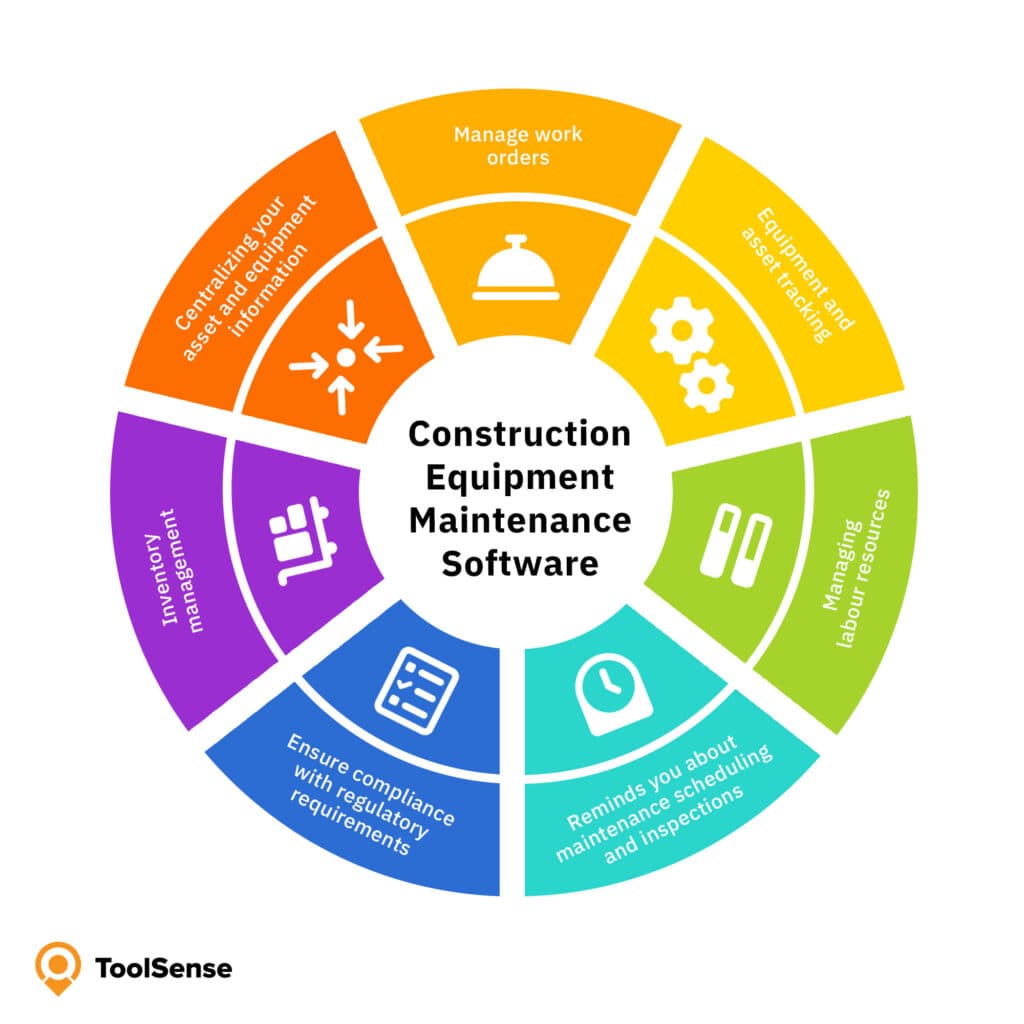
Construction equipment maintenance software is a specialized tool built to manage the upkeep of heavy machinery and construction assets. It automates the work that usually eats up a maintenance coordinator's day: scheduling preventive maintenance, tracking equipment performance, and managing work orders. Done well, that automation cuts downtime, sharpens operational efficiency, and keeps you on the right side of regulatory requirements.
Here are our top choices:
- ToolSense
- Limble CMMS
- Fiix
- Fleetio
- UpKeep
- eMaint
Each gives maintenance teams a single place to monitor equipment condition, review maintenance history, and make decisions backed by real numbers instead of guesswork. Construction equipment software also handles inventory management , tracking spare parts and supplies so a missing component never stalls a repair. Add automated reports, sensor data, and integrations with the systems you already run, and the result is better-performing equipment and lower costs.
Key Factors to Consider When Choosing Construction Equipment Management Software
Picking the right platform comes down to matching its strengths to how you run heavy equipment maintenance and construction equipment management. Strong equipment tracking is the baseline: it prevents losses and keeps tools from sitting idle or going missing.
Good scheduling does the rest. Plan maintenance ahead of time and you head off the unexpected failures that pull machines off the job and put crews at risk. Routine inspections and servicing keep downtime low and stretch asset lifespan. Centralized work order management ties it together, organizing requests and history so nothing falls through the cracks.
The following factors should be considered:
- Consideration of total ownership costs and return on investment.
- Efficient equipment tracking to prevent losses and optimize tool usage.
- Advanced scheduling of maintenance tasks to minimize unexpected failures.
- Regular inspections and preventive maintenance to reduce downtime.
- Centralized work order management for streamlined maintenance planning.
- Effective inventory management to track spare parts and prevent delays.
- Automated maintenance notifications for enhanced efficiency.
- Reporting and analytics capabilities for informed decision-making.
- Integration with other systems for seamless operations.
- User-friendly interface suitable for varying technical expertise.
- Customization options and scalability to adapt to unique workflows.
Top 6 Construction Equipment Maintenance Software for Various Needs
What teams need varies a lot by size. Small businesses tend to want something affordable and quick to learn. Large enterprises want depth: tools that can handle heavy data volumes and complex integrations without buckling.
The reviews below walk through the top construction equipment software solutions, with the pros, cons, and the feature that sets each one apart.
ToolSense – Best All-in-one Solution
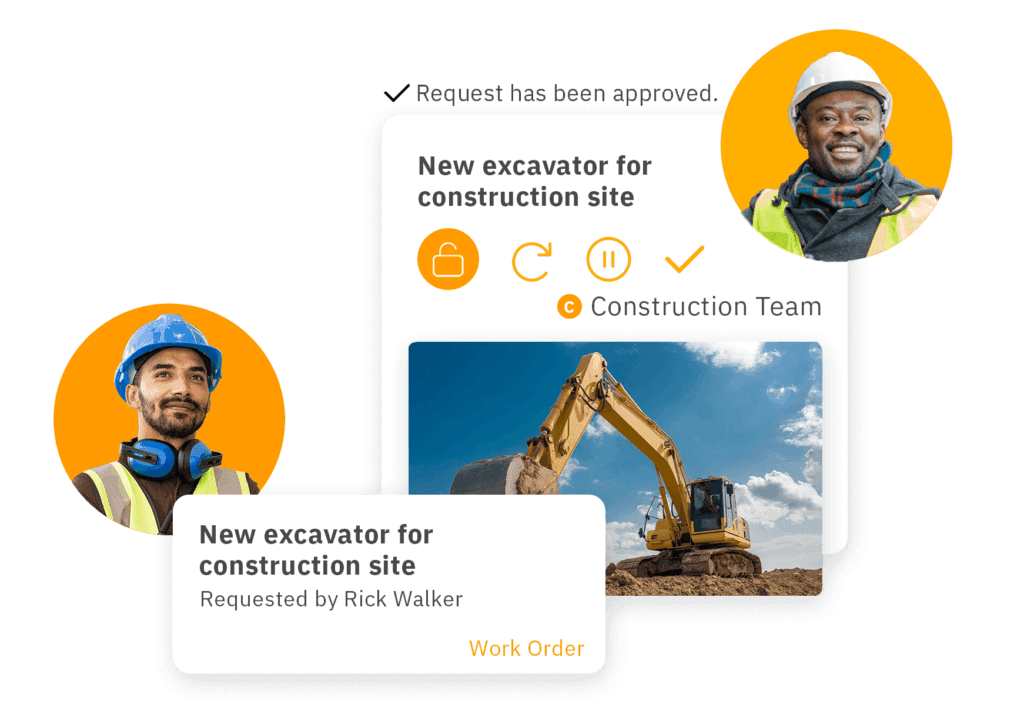
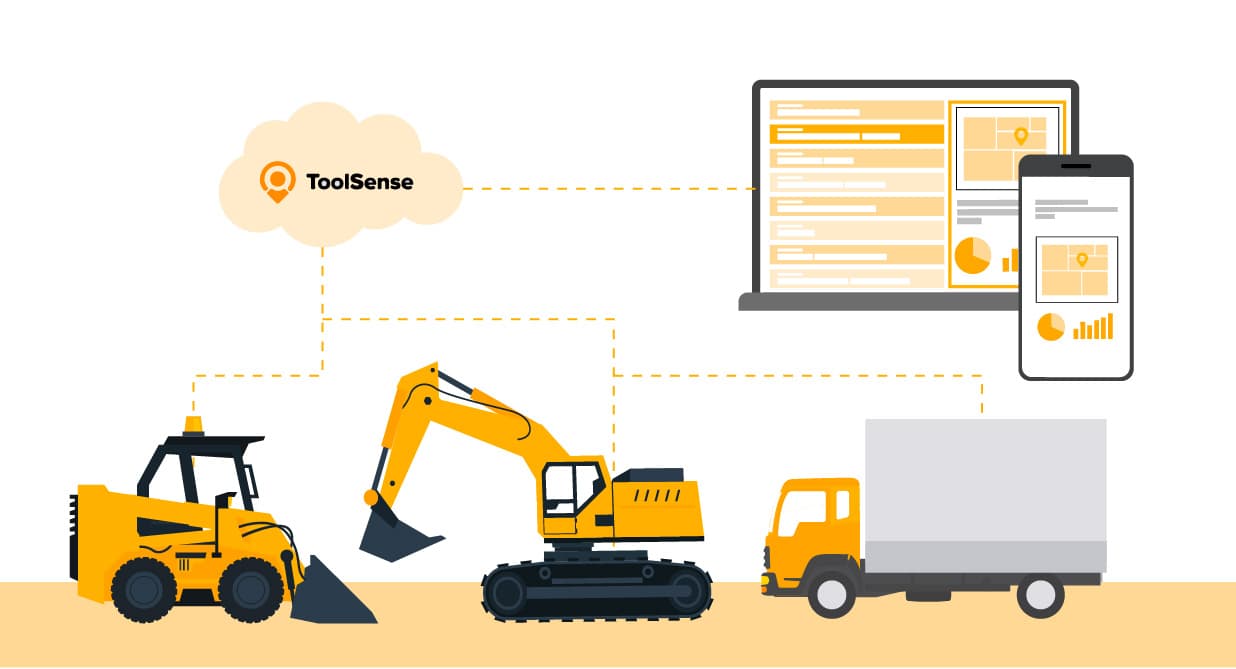
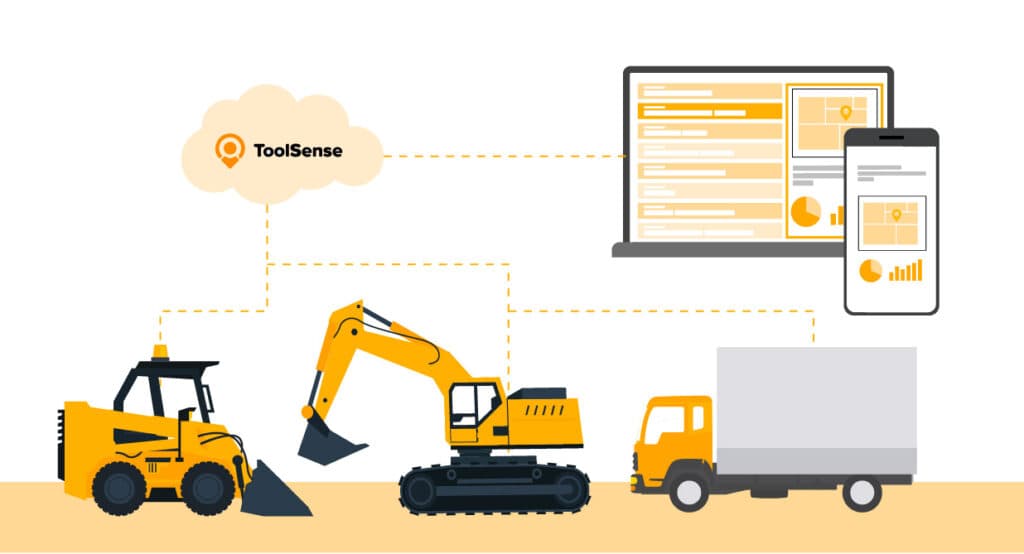
ToolSense covers equipment management end to end on one platform, which means no more juggling Excel spreadsheets and manual logs. That alone trims operational costs and unplanned downtime. QR-code issue reporting and customizable safety inspection checklists keep asset management tight and the crew productive.
Between the software and the equipment maintenance app, ToolSense helps you protect margins and extend the life of your heavy construction equipment. Run vehicle and equipment inspections, automate the maintenance workflow, and see exactly how your assets are being used.
Key Features of ToolSense
- Equipment Data: Record and share construction equipment data from any location.
- Simple Workflows: Simplify work requests using a mobile maintenance solution.
- QR Code Issue Reporting: Simplifies the process of reporting issues by scanning QR codes, ensuring quick and accurate communication.
- Real-time IoT Data Tracking: Monitors
equipment and assets
in real-time to prevent breakdowns and enhance maintenance efficiency. - Policy Digitization: Allows for the creation and management of digital policies, ensuring all safety protocols are up-to-date and easily accessible.
- Checklist Creation: Facilitates the creation of customizable checklists to ensure compliance with safety standards.
- Comprehensive Reporting: Provides robust real-time reporting capabilities to track safety performance and identify trends.
- Seamless Integration: Integrates with existing systems to centralize safety data and improve operational efficiency.
- Mobile Accessibility: Ensures that safety management tasks can be performed from any location using mobile devices.
- User-friendly Interface: Designed for ease of use, encouraging employee engagement and simplifying safety management tasks.
- Excellent Customer Support: Offers robust support and training resources to help users get the most out of the software.
Pros:
- Comprehensive asset management
- Easy issue reporting through QR codes
- Customizable safety inspection checklists
- Track your construction fleet’s critical data from anywhere
- Manage your entire preventive maintenance workflow
Cons:
- May have a learning curve
- Requires initial setup of IoT hardware
Pricing:
ToolSense offers a free 30-day trial and a free demo tour as well. The exact monthly
prizing is tailored to the unique needs of each client and is available upon request
.
Rating:
- Ease of Use: 5
- Features: 5
- Customer Support: 4.5
- Security: 4.5
Limble CMMS
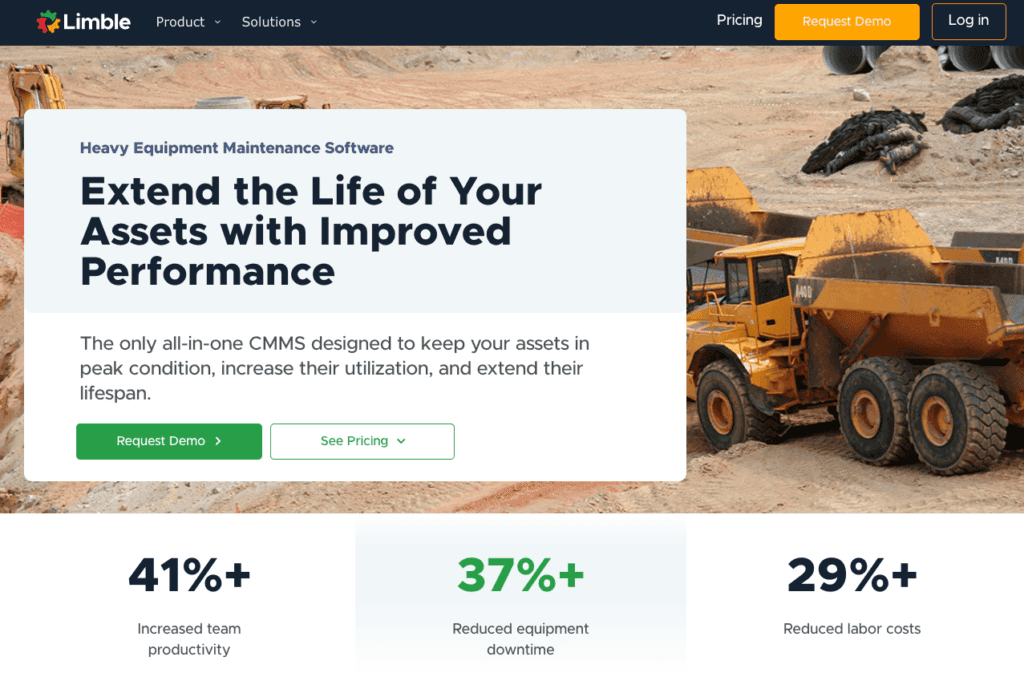
Limble is an all-in-one CMMS aimed at extending asset lifespan, lifting performance, and cutting downtime. Its strength is helping teams move from reactive firefighting to proactive maintenance, with preventive maintenance templates, real-time tracking, spare parts inventory management, and reporting that's grounded in data.
In practice, that streamlines the day-to-day, lowers labor costs, and lifts productivity, all with mobile access that's easy to pick up. It's a natural fit for industries running high-value equipment where uptime is the whole game.
Key Features Limble CMMS:
- Preventive maintenance scheduling
- Real-time asset tracking
- Spare parts inventory management
- Data-driven reporting and analytics
- Work order management
- Mobile access for on-the-go maintenance
- Reduces equipment downtime and labor costs
- Extends asset lifespan through proactive maintenance
Pros:
- Simple and easy-to-learn interface
- 24/7 support
- Automated preventive maintenance schedules
- Comprehensive reporting
Cons:
- Limited customization options
- May be overkill for small operations
Pricing:
Basic (free), Standard ($28 per user/month), and Premium Version ($69 per user/month) available.
Rating:
- Ease of Use: 5
- Features: 4
- Customer Support: 4.5
- Security: 4.5
Fiix
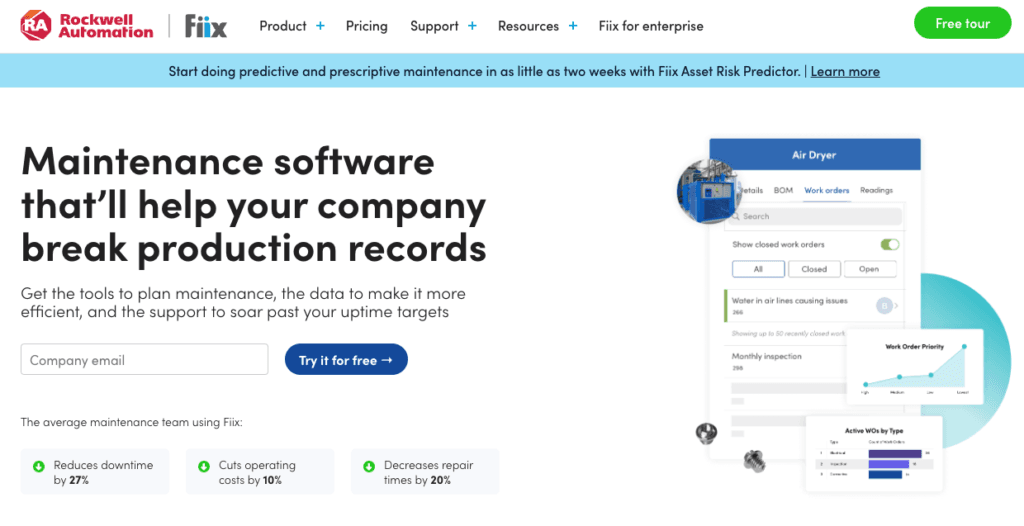
Fiix earns its place on integration. If your priority is connecting maintenance to the rest of your stack, it's hard to beat: the software talks to thousands of systems through APIs, including the fleet management tools most contractors already use. Partnerships with firms like ZenduIT, MachineMax, and Verizon Connect widen that reach further.
The trade-off is the start. Initial setup can get complex and the bill can climb. Once it's running, though, the data flows cleanly and that partnership network makes it a powerful engine for operational efficiency.
**Key Features Fiix: **
- Easily create, manage, and track work orders. Automate work order assignments and analyze them with insights reports.
- Track asset performance, build asset hierarchies, and access asset details instantly, including maintenance history.
- Schedule maintenance tasks based on time, usage, or sensor data to reduce equipment downtime.
- Manage spare parts inventory with alerts for low stock and parts forecasting to prevent stockouts.
- Customizable dashboards and detailed reports allow tracking of key performance indicators (KPIs) like maintenance costs and downtime.
Pros:
- Extensive integration capabilities
- Seamless API connections
- Partnerships with major companies
Cons:
- May be complex to set up
- Potentially high costs
Pricing:
Free, Basic ($45/User/Month) and Professional Plan ($75/User/Month) available.
Rating:
- Ease of Use: 5
- Features: 4
- Customer Support: 4.5
- Security: 4
Fleetio
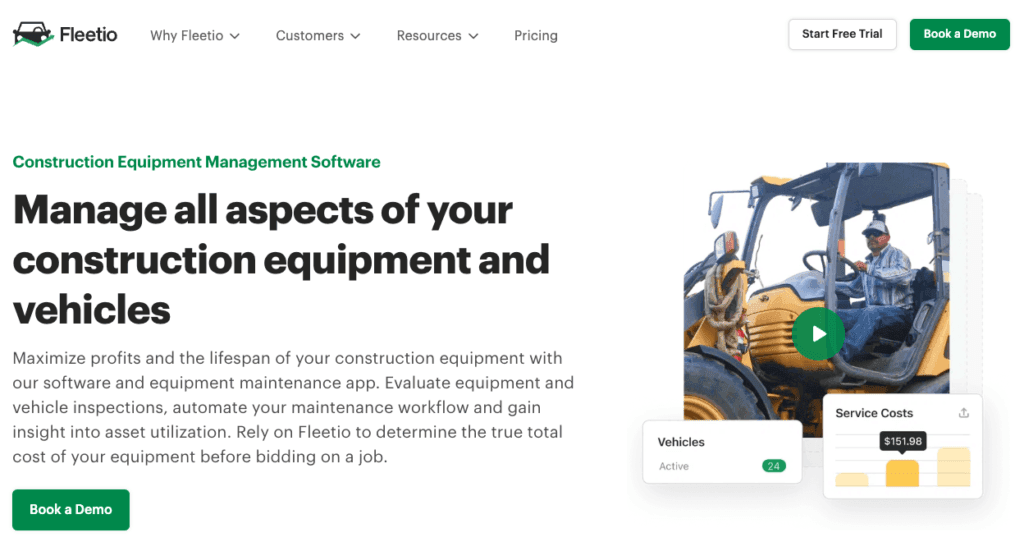
Fleetio puts every piece of your construction equipment and vehicle operation on one screen. It tracks asset utilization in detail, which is what finally tells you the true total cost of a machine, and its customizable reports turn fleet performance into something you can actually measure.
The catch is focus. Fleetio is built around fleet management, so teams wanting a broader maintenance suite may feel the edges. There's a learning curve too, and some upfront training. For detailed fleet management, though, it stays near the top of the list.
Key Features of Fleetio:
- Easily manage and track the location, usage, and condition of construction equipment in real-time.
- Automate maintenance schedules based on usage, meter readings, or time intervals to prevent breakdowns and extend equipment life.
- Streamline maintenance workflows by managing work orders digitally, assigning tasks, and tracking their completion.
- Perform equipment inspections using mobile devices to ensure equipment is safe and operational.
- Track spare parts inventory and receive alerts for low stock levels to avoid delays in repairs.
- Manage equipment maintenance from anywhere with a mobile app that supports offline functionality.
Pros:
- Comprehensive fleet management
- Detailed tracking of asset utilization
- Customizable reporting features
Cons:
- Limited to fleet management
- Higher learning curve
Price:
- Essential ($5/Vehicle/Month), Professional ($7/Vehicle/Month) and Premium Plan ( ($10/Vehicle/Month) available.
Rating:
- Ease of Use: 4,5
- Features: 4.5
- Customer Support: 4
- Security: 4
UpKeep
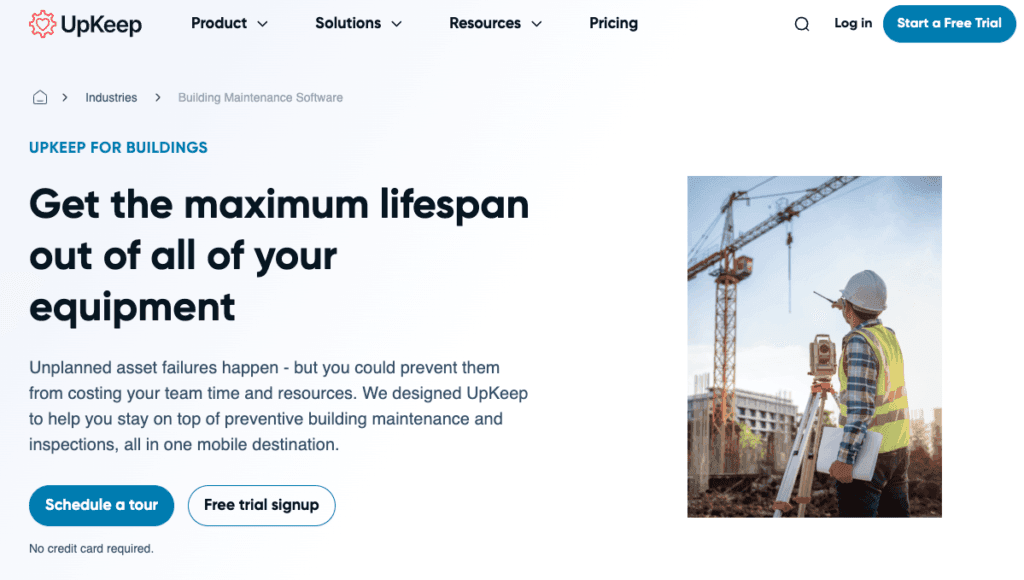
UpKeep is built mobile-first, so teams can run operations and work orders from wherever the work is. Creating, managing, and closing out work orders is quick, blending old-school habits with modern tooling. Field crews pull up the information they need on site, which keeps both productivity and safety up.
Mobile is where UpKeep shines, but it's also where the limits show: desktop features are thinner, and you need a connection to use it. For teams that live on the move, the real-time updates and clean mobile access make it a strong pick for raising uptime and keeping an eye on key performance indicators.
Key Features of UpKeep:
- Create, assign, and track work orders efficiently.
- Automate and schedule maintenance tasks to avoid unexpected equipment breakdowns.
- Track the location, condition, and lifecycle of construction equipment.
- Manage spare parts and equipment inventory with real-time tracking and low-stock alerts.
- Enable field technicians to access work orders, update equipment status, and conduct inspections via a mobile app.
- Generate reports on maintenance activities, costs, and equipment performance for better decision-making.
Pros:
- Mobile-first design
- Efficient work order management
- Real-time updates
Cons:
- Limited desktop functionalities
- Requires internet access
Pricing:
Starting from $20/month per user to custom pricing. Free trial available.
Rating:
- Ease of Use: 5
- Features: 4.5
- Customer Support: 4.5
- Security: 4
eMaint
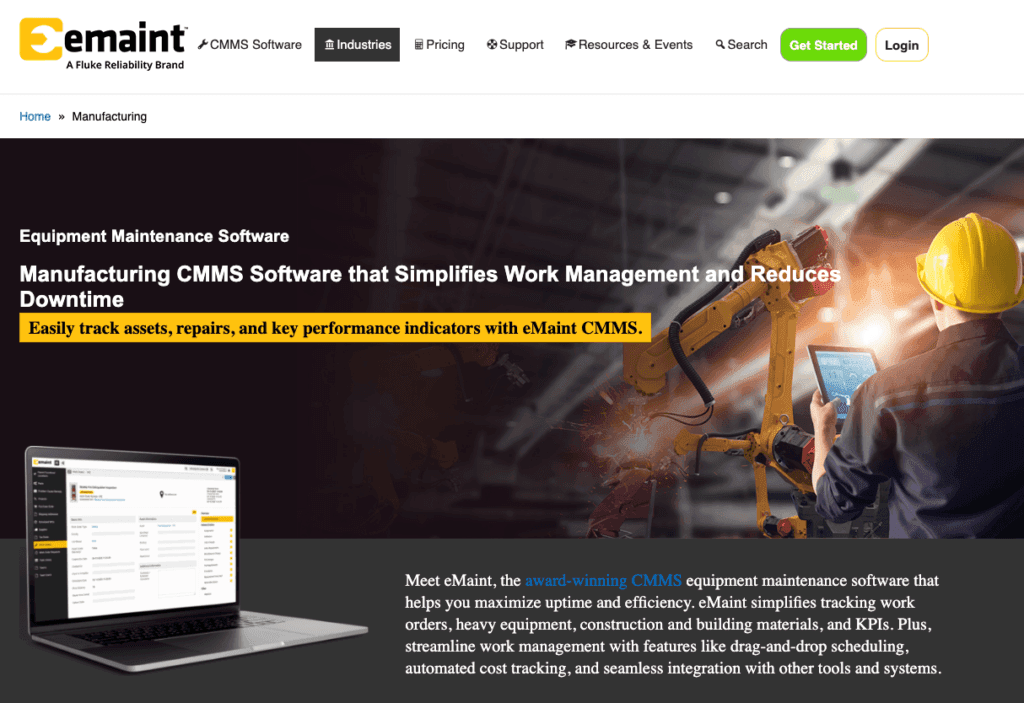
eMaint is the platform to reach for when off-the-shelf isn't enough. You can shape features around how your operation actually runs, build custom work order templates that carry the right documents and images, and use interactive floor planning to see where every asset sits and what state it's in.
It also handles multi-site, multilingual setups, with per-location settings for language and currency. All that flexibility carries a steeper learning curve and a higher price for the premium tiers, but the payoff is software that bends to your operation rather than the other way around.
Key Features of eMaint:
- Easily create, track, and manage work orders, including multi-asset work orders, with customizable templates and automated workflows.
- Plan and schedule preventive maintenance using an intuitive, drag-and-drop calendar that helps prevent equipment downtime by triggering work orders based on asset health data.
- Track real-time status and history of assets, view interactive floor plans, and access asset details through mobile devices or barcode/QR code scanning.
- Monitor inventory levels, track spare parts across multiple locations, and automate reordering to prevent shortages and overspending.
- omplete work orders, manage tasks, and access asset information in the field, even offline, through a mobile app that syncs data once reconnected.
- Generate real-time reports on KPIs such as equipment downtime, response times, and preventive maintenance ratios to optimize maintenance operations.
Pros:
- Highly adaptable platform
- Custom work order templates
- Multi-site, multilingual support
Cons:
- No free version
- Higher cost for premium features
Pricing:
Team ($69/User/Month), Professional ($85/User/Month) and Enterprise Plan (contact for pricing) available.
Rating:
- Ease of Use: 4
- Features: 4.5
- Customer Support: 4.5
- Security: 4.5
How to Choose the Best Construction Equipment Maintenance Software
Start with the features that do the heavy lifting: asset management, work order management, and reporting analytics. Without those three, nothing else matters much.
Integration comes next. Software that connects to your accounting and project management tools keeps data accurate and saves you from entering the same information twice. Pair that with an interface people of any technical level can navigate, and adoption takes care of itself. Then weigh customization and scalability, because the tool has to flex with new workflows and keep pace as your fleet grows. Finally, look past the sticker price to total ownership cost and the return you expect over time. Work through those and you'll land on a platform that controls maintenance costs instead of adding to them.

Conclusion: Choose a construction maintenance tool around your operating model
The right choice tracks back to your own operation: fleet size, asset complexity, how crews work in the field, the reports you owe, and the systems already in place. ToolSense makes a strong all-in-one case because asset management, maintenance workflows, and IoT data live together in one platform.
Mobile access and workflow automation mean it scales as your asset portfolio grows. Even so, put it side by side with Limble, Fiix, Fleetio, UpKeep, and eMaint, and judge them on implementation effort, integrations, and the specific maintenance processes you need supported.
FAQ
What is construction equipment maintenance software?
Construction equipment maintenance software is a digital tool used to manage the maintenance, repairs, and overall lifecycle of construction heavy machinery. It helps schedule preventive maintenance, track equipment usage, and monitor spare parts inventory to reduce downtime and extend equipment life. The software often includes mobile access, work order management, and reporting features to optimize maintenance workflows and improve operational efficiency
What is the best construction equipment maintenance software for comprehensive asset management?
ToolSense is highly regarded for its comprehensive asset management capabilities, providing a unified platform that streamlines the management of all construction equipment. Other good software solutions include Limble CMMS and UpKeep.
How does ToolSense help with preventive maintenance?
ToolSense enhances preventive maintenance by automating schedules and delivering detailed reporting, which minimizes equipment downtime and helps avert potential failures. ToolSense also backs up your data, takes care of all security installs and updates, and manages all regular maintenance on the services.
What makes ToolSense the best for integration capabilities?
ToolSense stands out for its exceptional integration capabilities, connecting with thousands of systems via APIs for seamless data transfer and updates. This allows businesses to effectively streamline their operations.
What are the benefits of using ToolSense for mobile accessibility?
Using ToolSense enhances mobile accessibility by allowing maintenance teams to manage operations and work orders from anywhere, leading to real-time updates and increased productivity. This ensures that your team can stay efficient, regardless of location.