Comparison
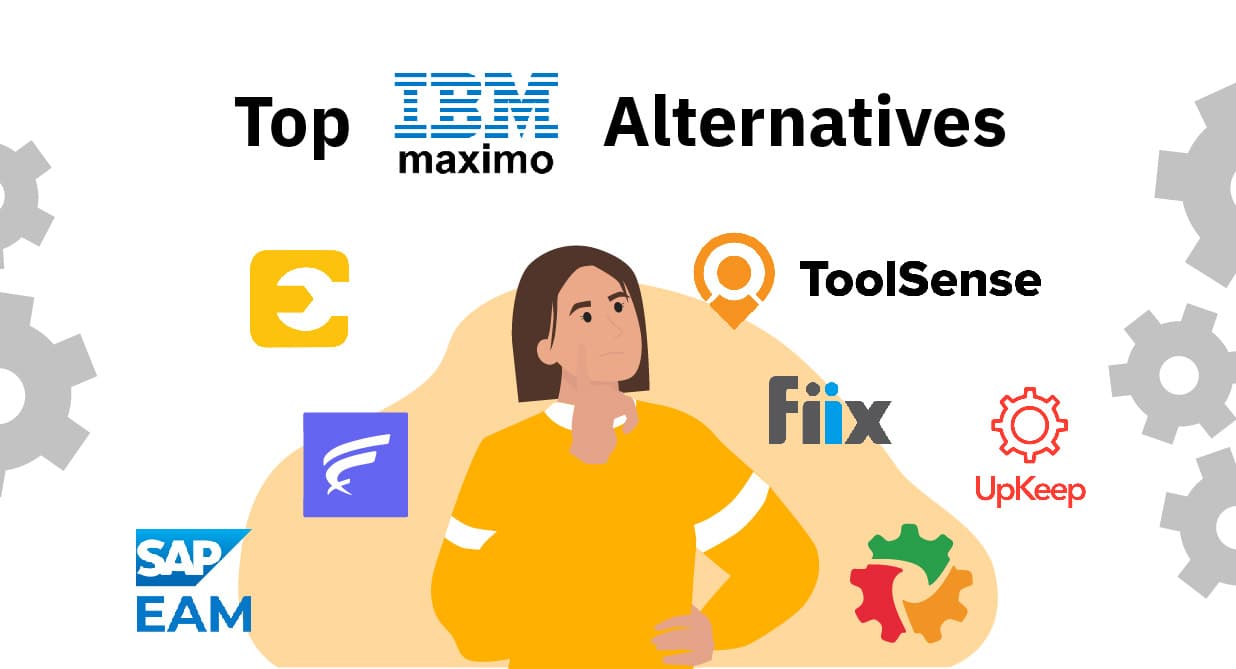
If you are weighing IBM Maximo alternatives because the platform feels too complex and too expensive, you are in good company. Plenty of asset-intensive businesses run into the same wall: an enterprise asset management system that is powerful on paper but hard to put in the hands of the people who actually use it. The upside is that the market has changed. Several alternatives now match Maximo on capability while cutting implementation time and overall cost. Below, we look at the strongest options and how they stack up on features, usability, and pricing.
Our Top Picks
- ToolSense The best all-in-one solution
- SAP-EAM Logo Comprehensive lifecycle and predictive maintenance management
- FieldEx Logo Real-time asset monitoring
Key Takeaways
- IBM Maximo alternatives: Companies across asset-intensive industries are increasingly seeking cost-effective IBM Maximo alternatives that offer greater flexibility and user-friendly interfaces for modern asset management.
- Leading solutions deliver comprehensive features: Top alternatives like ToolSense, SAP EAM, and UpKeep provide robust capabilities including predictive maintenance, seamless integration options, and comprehensive asset tracking functionality.
- Decision factors extend beyond price: When choosing an asset management solution, considerations such as total cost of ownership, interface usability, mobile capabilities, and alignment with specific business needs are crucial for making an informed decision.
- ToolSense transforms the implementation experience: Unlike traditional solutions that require months of setup, ToolSense offers rapid deployment with QR code-based asset identification, no-account issue reporting, and IoT integration that delivers immediate operational benefits while reducing costs by up to 20%.
What Exactly Does IBM Maximo Do?
IBM Maximo is an enterprise asset management (EAM) system built to sharpen decision-making through asset optimization and resource management. It covers the full asset lifecycle, from procurement to decommissioning, so organizations have a single view of every stage of an asset's life and the real-time insight to act on it.
A standout feature is Work Order Intelligence, which uses generative AI to speed up work approvals and improve data accuracy. By baking industry best practices into the workflow, it helps teams cut operational costs and tighten safety management. Maximo also pulls in IoT data in real time, which feeds better maintenance strategies and reduces unexpected downtime.
On the compliance side, Maximo supports health, safety, and environmental regulations, strengthening risk management and keeping operational standards high. That combination is what makes it a genuinely powerful tool, and also what makes it heavy.
Top 7 IBM Maximo Alternatives for Asset Management
If you are shopping for an alternative, the shortlist comes down to three things: strong asset management capabilities, an interface people will actually use, and pricing that makes sense for your size. The options below clear that bar in different ways.
We picked them for their ability to track assets thoroughly, improve asset performance, and slot into the enterprise systems you already run. Each leans toward a slightly different type of buyer, so the right fit depends on how your operation works.
The sections that follow cover ToolSense, SAP EAM, FieldEx, Fiix CMMS, eMaint, UpKeep, and Limble CMMS, with their key features, benefits, and how they compare to IBM Maximo.
Each of these maintenance management platforms is strong in a particular area rather than uniformly best at everything. Read on to find the one that maps to your organization's maintenance needs.
ToolSense (#1)
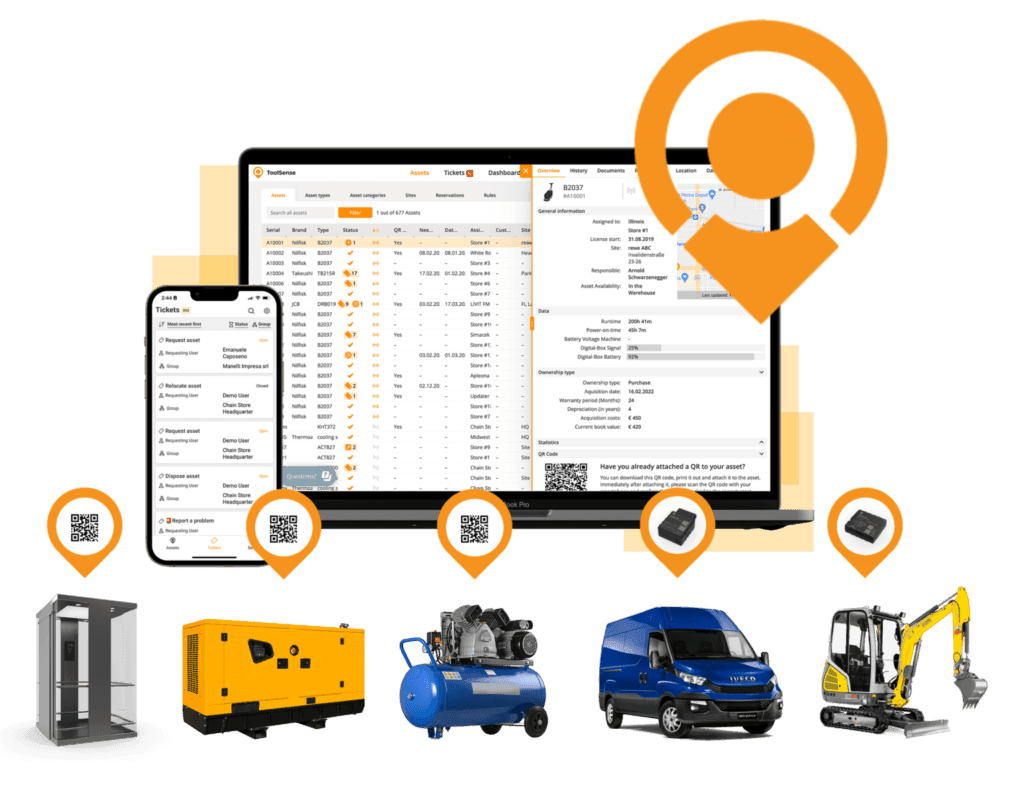
ToolSense is a robust, user-friendly CMMS and maintenance platform built to help businesses and maintenance managers run upkeep across a wide range of equipment. It lifts productivity, cuts manual work, and reduces downtime. The defining feature is a QR code on every asset, which turns issue reporting into a quick scan, removes duplicate data entry, and keeps everything in one synchronized system. ToolSense also lets you manage motorized and non-motorized equipment side by side on a single dashboard, so you see the full asset picture in one place.
Every status change is logged, and communication between everyone involved stays organized in one thread. That real-time visibility, paired with an interface people pick up quickly, is what makes ToolSense effective day to day.
Features:
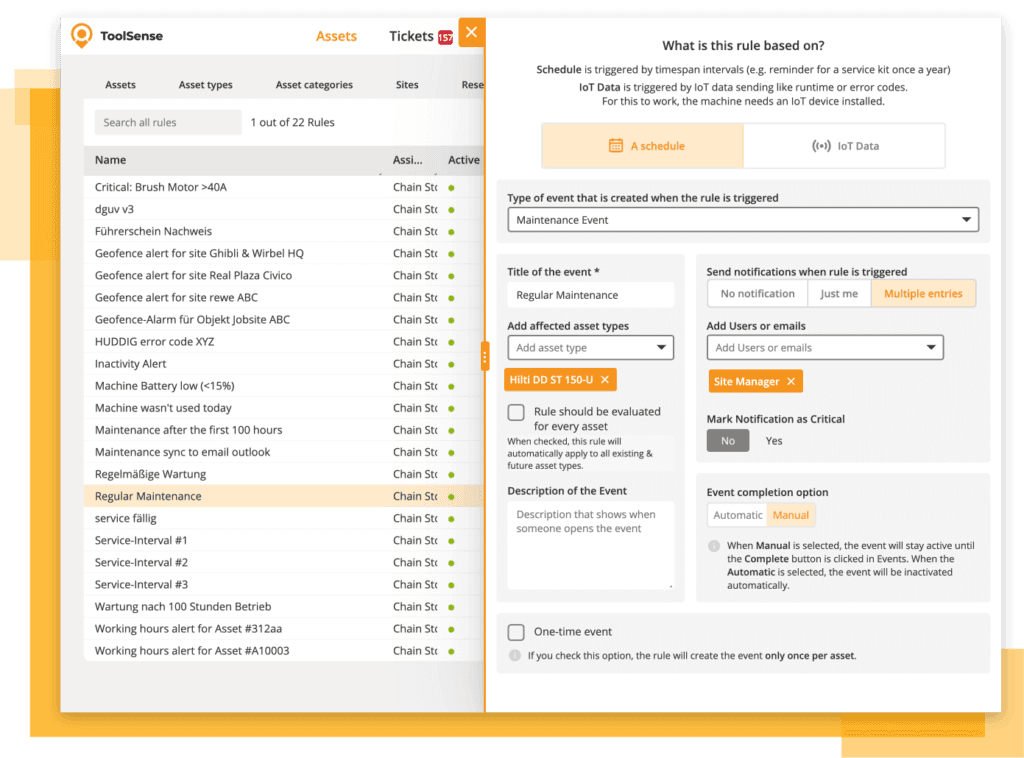
- Real-time vehicle and equipment tracking
- Automated maintenance scheduling based on fuel consumption data
- Custom forms and checklists for fuel-related inspections
- Comprehensive analytics and reporting capabilities
- Mobile app for on-the-go management and fuel transaction approval
- Integration capabilities with existing fleet management and ERP systems
- SSO, Integrations & Languages
- Equipment Safety Inspections
- Asset Lifecycle Processes
The customer stories make the case for looking past heavy EAM rollouts. In the Dr. Sasse story, the aim was not to stand up another database but to redesign workflows, cut handoffs, and make asset costs visible enough to protect margin. That is a very different buying criterion than maximum enterprise complexity.
The ABM case points to another recurring need: one dashboard for motorized and non-motorized assets, including thousands of low-cost items that belong on QR or barcode workflows rather than expensive hardware. When you compare IBM Maximo alternatives, that balance between operational depth, rollout effort, and field adoption is usually what decides it.
Pros:
- Centralized, synchronized system saves time and boosts efficiency
- Facilitates quick and easy issue reporting
- Offers a complete view of all assets
- Efficient communication among involved parties
Cons:
- May require initial setup time for integrating QR codes
- Potential learning curve for users new to the system
Pricing:
Free 30-day trial available. There is also an option for a free personal tour as guided walk-through to get to know the software. All prices are individualized and tailored to the specific needs of each customer and available upon request.
Rating:
- Functionality: 4.5/5
- Ease of Use: 4.5/5
- Integration: 5/5
- Support: 5/5
- Value for Money: 5/5
SAP EAM (#2)
SAP EAM manages physical assets across their full lifecycle: planning, procurement, maintenance operations, and disposal. Predictive maintenance and built-in analytics help drive down costs and keep operations efficient.
Features:
- Comprehensive lifecycle management
- Predictive maintenance and analytics
- Collaboration across departments
- Evolving towards cloud deployment
- Regulatory compliance facilitation
Pros:
- Reduces costs with predictive maintenance
- Robust solution for large enterprises
- Supports regulatory compliance
Cons:
- Implementation typically requires specialized SAP consultants, significantly increasing costs
- Mobile functionality often lags behind more modern solutions
- License structure can be confusing and lead to unexpected costs
- Complexity can be challenging for some users
- Transition to cloud deployment may involve additional costs
Pricing:
Pricing is available upon request.
Rating:
- Functionality: 4/5
- Ease of Use: 4/5
- Integration: 4/5
- Support: 4/5
- Value for Money: 3/5
FieldEx (#3)
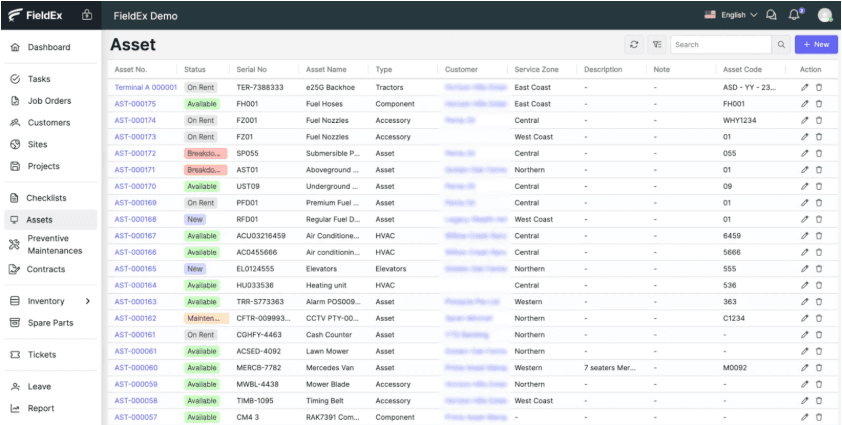
FieldEx is a field service management and maintenance platform that improves asset performance through predictive maintenance. It pairs AI-driven automation and predictive analytics with an intuitive interface and solid mobile access, which makes it a capable tool for managing assets in the field.
Features:
- AI-driven automation
- Predictive analytics
- Intuitive interface
- Mobile accessibility
- Smart scheduling
- Inventory management
- Real-time visibility
Pros:
- Enhances asset performance
- Improves task scheduling and asset monitoring
- Provides real-time insights into asset conditions
Cons:
- May require initial setup and training for optimal use
- Higher pricing plans could be costly for smaller organizations
- Limited integration capabilities with specialized industry tools
- Data export capabilities are restrictive compared to competitors
- Reporting features lack customization options and flexibility
Pricing:
Free for startups (max. 10 users), Plus: $35/user/month for small teams (min. 10 users, 44% off until June), Advanced: $49/user/month for larger teams (min. 10 users, 35% off until June).
Rating:
- Functionality: 4.5/5
- Ease of Use: 3/5
- Integration: 4/5
- Support: 4/5
- Value for Money: 3/5
Fiix CMMS (#4)
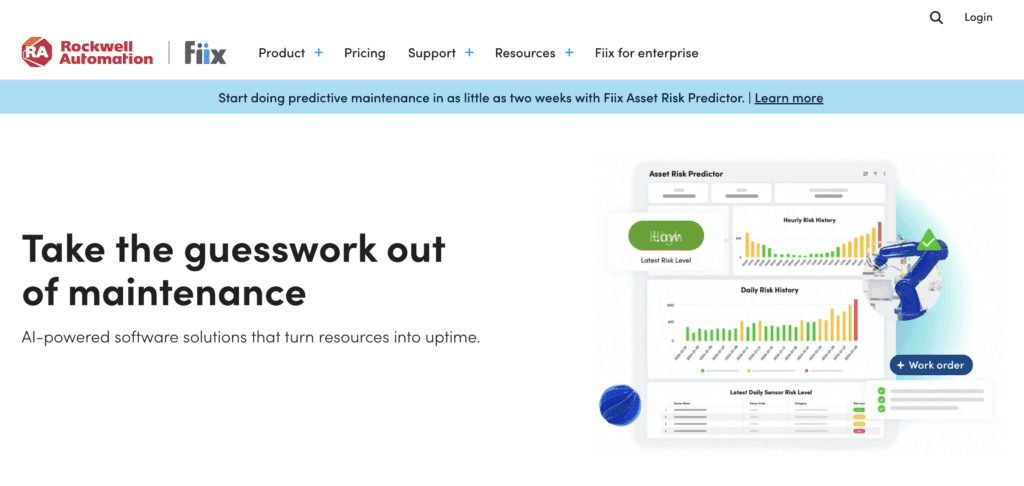
Fiix CMMS is a cloud-based maintenance platform that improves maintenance efficiency and surfaces AI-driven insights. Its strength is multi-site operations: businesses running assets across many locations can manage them all from one place, which makes it a practical fit for decentralized teams.
Features:
- Cloud-based maintenance management
- AI-driven insights
- Multi-site asset management
- Predictive maintenance
- Integration with existing enterprise systems
- Comprehensive asset tracking
Pros:
- Enhances maintenance efficiency
- Reduces downtime and extends asset lifespan
- Versatile for decentralized operations
- Provides real-time insights for better decision-making
Cons:
- Initial setup and training may be required
- Subscription costs could be high for smaller organizations
- May require integration with existing systems for optimal use
- Advanced analytics features require premium tiers
- Limited offline capabilities in the mobile app
- Inventory management capabilities are basic compared to specialized solutions
Pricing:
Free: $0 with limited users (25 active PMs, unlimited service requests, work orders, asset management), Basic: $45/user/month (unlimited PMs, reports, resource scheduling, email/phone support), Professional: $75/user/month (multi-site management, nested PMs, custom analytics), Enterprise: Custom pricing with advanced integrations and customization options.
Rating:
- Functionality: 3/5
- Ease of Use: 4/5
- Integration: 4.5/5
- Support: 4/5
- Value for Money: 4/5
eMaint (#5)
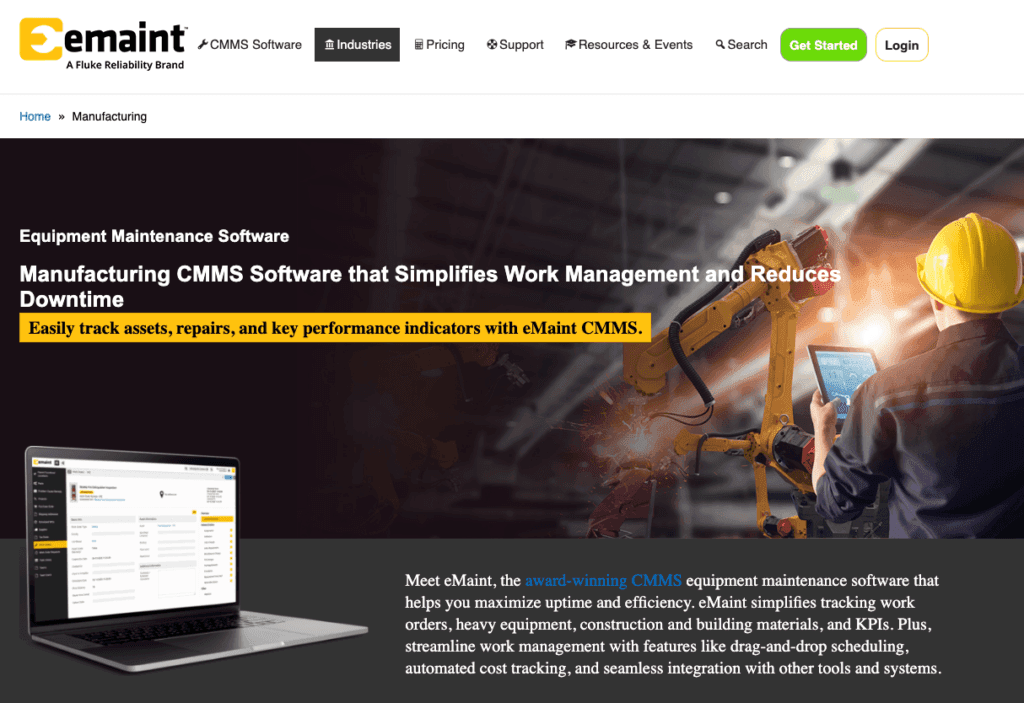
eMaint is a flexible, capable alternative to IBM Maximo with a reputation for affordability and customizable maintenance workflows. That makes it a good match for manufacturing, facilities management, and utilities. Teams use it to schedule work orders, assess inventory, and report on maintenance KPIs, and it fits neatly alongside existing maintenance practices. The mobile experience is more limited, which can hamper on-the-go access, but overall it remains a strong, cost-effective, and customizable option.
Features:
- Customizable maintenance workflows
- Scheduling work orders
- Inventory assessment
- Maintenance KPI reporting
- Integration with existing maintenance practices
Pros:
- Affordable and cost-effective
- Highly customizable
- Suitable for various industries such as manufacturing and utilities
Cons:
- Limited mobile features
- Potentially affects on-the-go accessibility
- Integration with financial systems often requires workarounds
- Pricing increases significantly as you add more users
Pricing:
Team: $69/user/month (3 user package, standard CMMS features, unlimited helpdesk support), Professional: $85/user/month (3+ users, advanced feature set, dedicated account management), Enterprise: Custom quote for 5+ users (includes unlimited work request user logins, web API access).
Rating:
- Functionality: 4/5
- Ease of Use: 4/5
- Integration: 3/5
- Support: 4/5
- Value for Money: 3/5
Upkeep (#6)
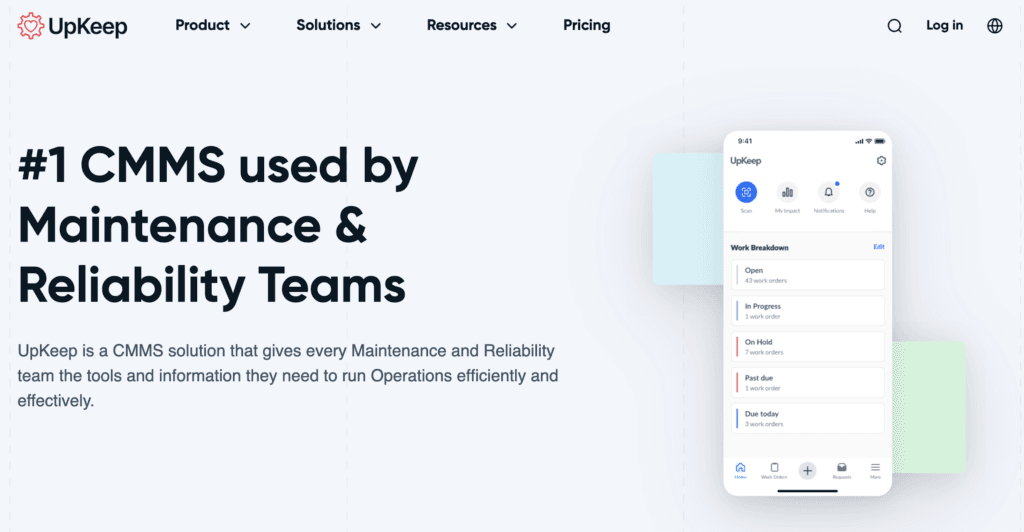
UpKeep is built mobile-first, which makes it easy for field technicians to handle maintenance straight from their phones. It covers work order management, asset tracking, and a clean interface, and that simplicity is what draws a lot of small and mid-sized businesses to it.
Features:
- Work order management
- Asset tracking
- User-friendly interface
- Integration with accounting and project management software
- Preventive maintenance scheduling
Pros:
- Easy integration with various business software
- Supports preventive maintenance to reduce downtime
- Flexible subscription-based pricing model
Cons:
- May require initial setup and training
- Subscription costs could add up for larger teams
- Limited capabilities for managing complex, multi-level asset hierarchies
Pricing:
Lite: $20/user/month (unlimited work orders, asset management, 24/7 support), Starter: $45/user/month (adds preventive maintenance, inventory management, time tracking), Professional: Custom pricing (adds multiple inventory lines, mobile offline mode, advanced analytics), Business+: Custom pricing (most popular plan with workflow automation, multi-site support, API access).
Rating:
- Functionality: 3.5/5
- Ease of Use: 4/5
- Integration: 3/5
- Support: 4/5
- Value for Money: 4/5
Limble CMMS (#7)
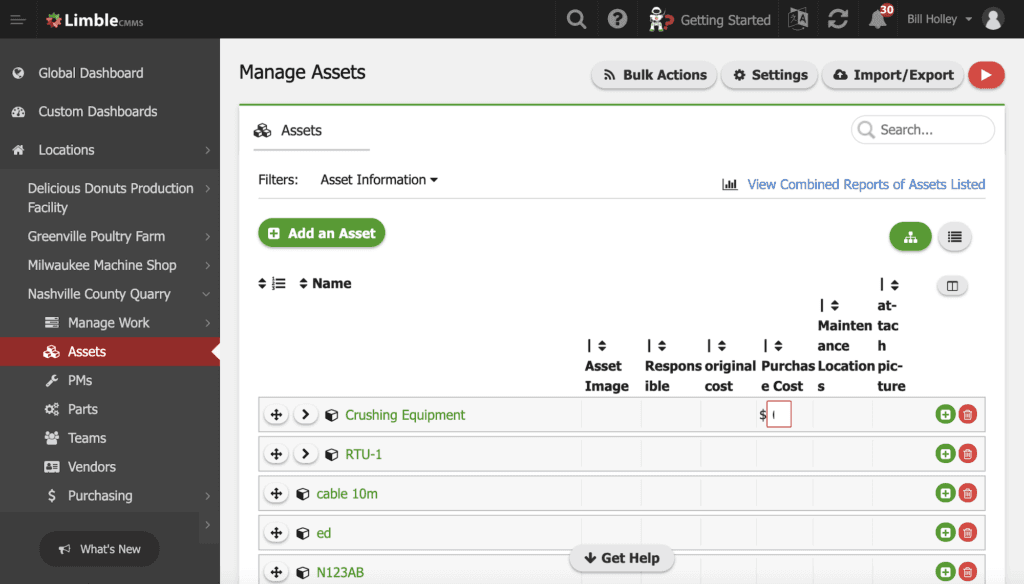
Limble CMMS pairs an intuitive interface with strong customization, faster implementation, and far less complexity than a traditional system like IBM Maximo. It scales from small teams to large enterprises, which makes it a flexible choice for organizations of any size looking to tighten up their asset management.
Features:
- Intuitive interface
- Strong customization options
- Offline mobile app
- Flexible user-friendly interface
- Scalable for small teams and large enterprises
Pros:
- Faster implementation
- Less complexity than traditional systems
- Supports both small and large businesses
- Highly customizable
Cons:
- May require initial user training
- Limited advanced features for highly specialized
- API access restricted to higher tier plans
- Limited options for customer-specific customizations
Pricing:
Standard: $28/user/month (preventative maintenance, real-time KPI reports), Premium+: $69/user/month (automated workflows, streamlined inventory management), Enterprise: Custom quote (multi-location support, advanced controls, integrations, customization).
Rating:
- Functionality: 3.5/5
- Ease of Use: 4/5
- Integration: 3/5
- Support: 4/5
- Value for Money: 4/5
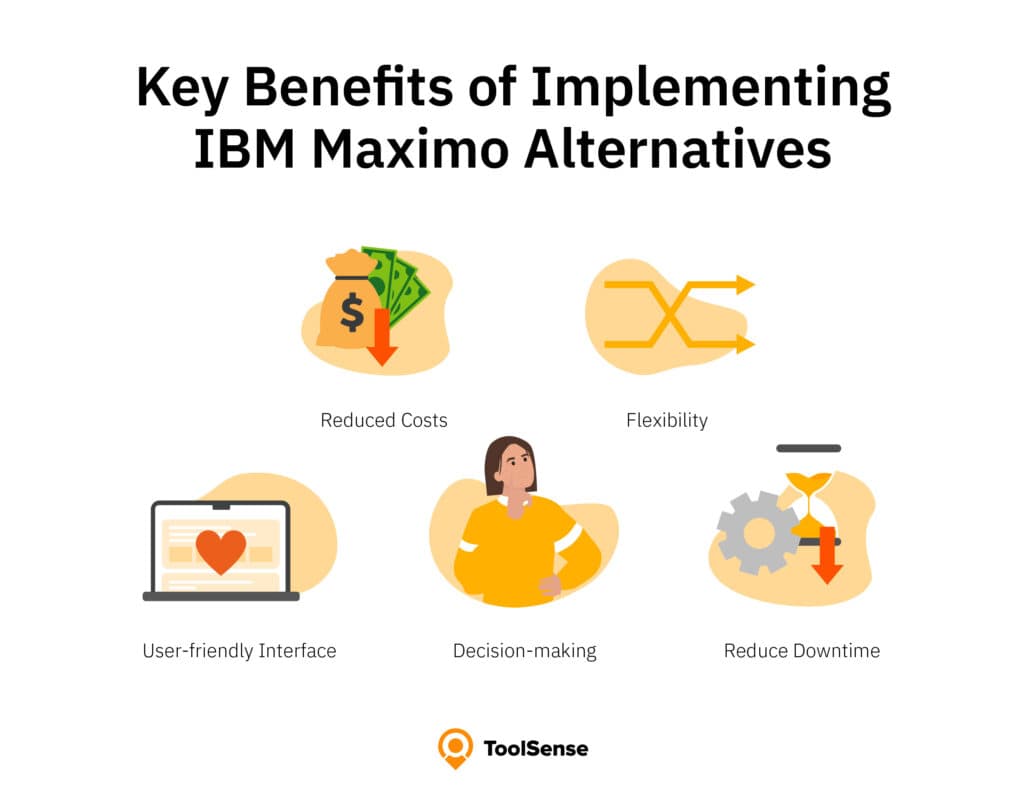
Key Benefits of Implementing IBM Maximo Alternatives
Cost Reduction and Financial Flexibility
Moving off IBM Maximo shows up directly on the bottom line. Maximo usually carries a heavy upfront investment plus ongoing maintenance costs, whereas most alternatives price more transparently and flexibly. For a mid-sized organization, that can mean savings of 30–40% in total cost of ownership. Many alternatives also skip the need for specialized technical consultants at rollout, which trims the initial spend again. With ToolSense, companies typically report saving up to 20% on maintenance costs while moving to a more predictable monthly expense.
Enhanced User Experience and Adoption Rates
Maximo's complexity tends to push frontline workers away, and the result is incomplete data entry and a system that underdelivers. Modern alternatives go the other direction, prioritizing interfaces that need almost no training. ToolSense pushes this further with QR code scanning that lets anyone report an issue without even creating an account. That single change drives adoption hard, with customers reporting:
- 85% faster onboarding for new users
- Higher quality data collection from field workers
- Increased engagement across all organizational levels
- Simplified mobile access for technicians and operators
The payoff is steadier usage and cleaner data flowing into your asset management ecosystem.
Advanced Analytics and Operational Insights
The leading IBM Maximo alternatives turn raw asset data into something a manager can act on. With AI-driven predictive maintenance and detailed performance dashboards, teams can:
- Identify failure patterns before they cause downtime
- Optimize maintenance schedules based on actual usage data
- Track performance trends across equipment types and locations
- Generate regulatory compliance reports automatically
These insights shift teams from reacting to problems toward heading them off, which changes how maintenance and operations actually run. Hook in IoT sensors and a solution like ToolSense gives you real-time visibility into asset conditions, opening up new ways to run leaner.
Tailored Solutions for Industry-Specific Needs
Where IBM Maximo leans toward one-size-fits-all, many alternatives ship industry-specific configurations and workflows. Whether you work in facility management, construction, manufacturing, or logistics, you can start from pre-configured templates built for your challenges. That means faster implementation, less custom work, and closer alignment with established industry best practices. For regulated industries, these tailored setups often include built-in compliance tools that cover specific requirements without heavy configuration.
How to Choose the Best IBM Maximo Alternative
Choosing the right alternative comes down to weighing cost, complexity, and your specific industry needs. ToolSense is designed around usability first, so teams adapt quickly and start managing assets without the steep learning curve that comes with most enterprise platforms.
Pricing structure matters just as much. ToolSense offers transparent, scalable pricing that flexes with organizations of different sizes and requirements, so you can find something that fits your budget while still getting full asset management capabilities, with customers reporting up to 20% savings on maintenance costs after implementation.
Look closely at the support you get during rollout, too. ToolSense provides dedicated implementation help and ongoing customer success management to keep the switch smooth and disruption low. Because asset identification runs on simple QR codes, setup is far quicker than with traditional systems, so teams see results early and expand from there.
Conclusion: Finding Your Ideal IBM Maximo Alternative
Across this comparison, ToolSense stands out for its QR code-based system: anyone can report an issue without creating an account, and adoption climbs as a result. On cost, it delivers real value with transparent pricing that scales with the business. Customers typically report up to 20% savings on maintenance costs and a predictable expense model with no hidden fees or costly implementation consultants.
What sets ToolSense apart is that it closes the gap between enterprise-grade functionality and a design people actually want to use. Its mobile-first approach puts every critical function on any device, even where connectivity is spotty. Maximo is still a capable platform, but its cost and complexity are exactly what send organizations looking for something else, and ToolSense answers those pain points with a strong feature set, an intuitive interface, and pricing that bends to fit.
FAQ
Is IBM Maximo worth it?
IBM Maximo is a solid choice for organizations looking for a comprehensive enterprise asset management solution. It offers robust features that enhance operational efficiency, streamline maintenance processes, and support regulatory compliance requirements, making it a valuable investment for businesses seeking to optimize their asset management strategies.
Is Maximo similar to SAP?
While both IBM Maximo and SAP serve business needs, they focus on different areas; Maximo specializes in enterprise asset management, while SAP is more comprehensive in enterprise resource planning (ERP). Maximo is ideal for detailed asset tracking and maintenance operations, whereas SAP provides a broader scope for managing various business processes.
What is the new name for IBM Maximo?
The new name for IBM Maximo is IBM Maximo Manage, reflecting its integration into the broader IBM Maximo Application Suite. This rebranding underscores its role in providing enhanced asset management capabilities within a unified platform.
What are the disadvantages of Maximo?
The main disadvantages of IBM Maximo include its high implementation and maintenance costs, which can be a barrier for smaller organizations. Additionally, its complexity may pose a challenge, requiring significant training and adaptation for users to fully leverage its capabilities.
What are the main benefits of using ToolSense for asset management?
ToolSense simplifies asset management by boosting productivity, reducing manual data entry, and minimizing downtime with its comprehensive asset tracking and inventory insights. Its intuitive interface and real-time visibility make it an efficient and user-friendly option for businesses seeking to enhance their maintenance operations.