Equipment Management
On a busy construction site, teams need to know whether equipment is in the right place, when it leaves a defined area, and how location data should trigger action. Geofencing technology can support asset tracking, theft prevention, maintenance planning and site coordination. This guide explains how geofencing software works and where it fits into construction operations.
Key Takeaways
- Geofencing technology is a location-based approach that allows businesses to track and monitor assets.
- ToolSense offers a comprehensive geofencing solution with features such as asset tracking, work order management, maintenance scheduling and real time IoT data.
- Implementing the right geofencing platform like ToolSense can provide improved fleet management capabilities, increased operational efficiency and help theft recovery.
What Is Geofence Software?
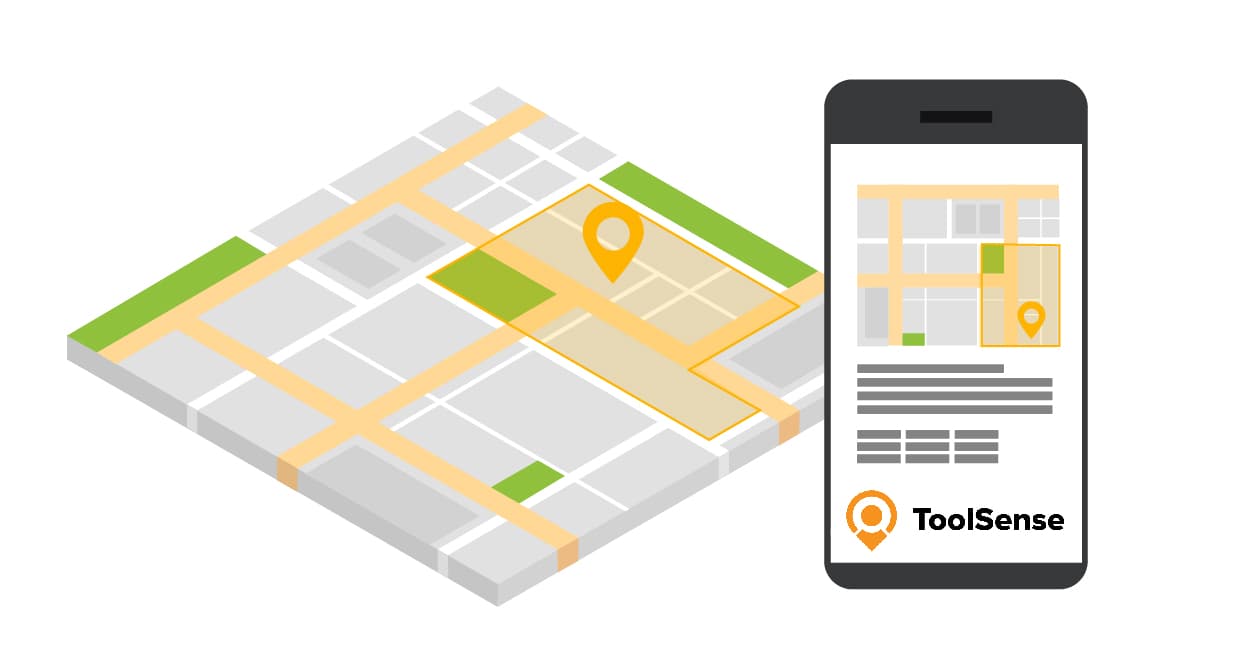
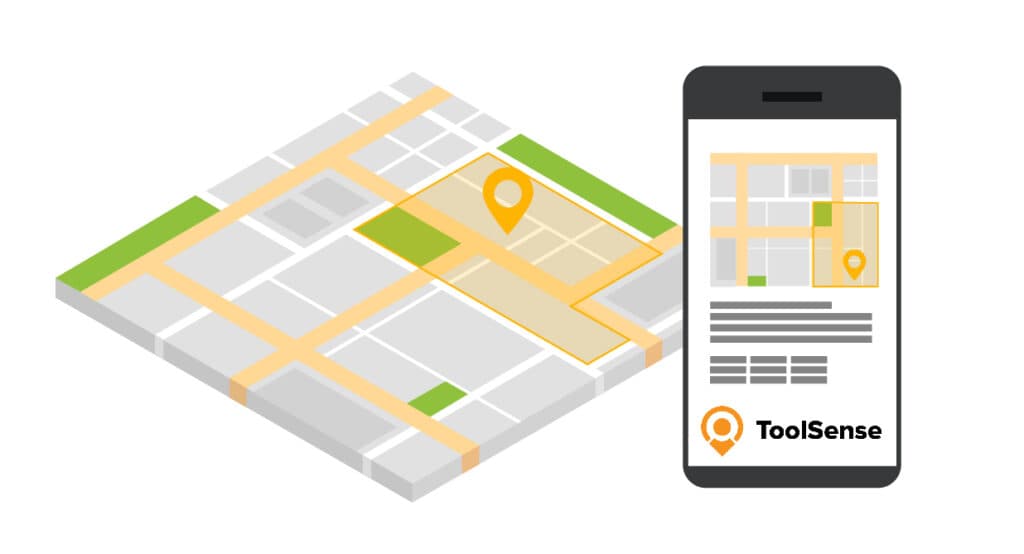
Geofencing draws virtual borders around the places that matter to you and tracks assets against them: fleet vehicles, company vehicles, construction equipment. Cross a boundary and the software reacts. When a monitored asset enters the area, leaves it, or performs a specific action, geofence software can fire an alert or kick off a set response on its own. The same idea covers a wide range of uses, from fleet management to asset tracking and security.
Most of the value comes down to one thing: telling a fleet manager when something happens outside a predetermined area. Geofences also decide whether an action is valid based on where it occurred, and they feed data analysis. The manager gets a notification when an asset crosses a virtual border or carries out a specified activity.
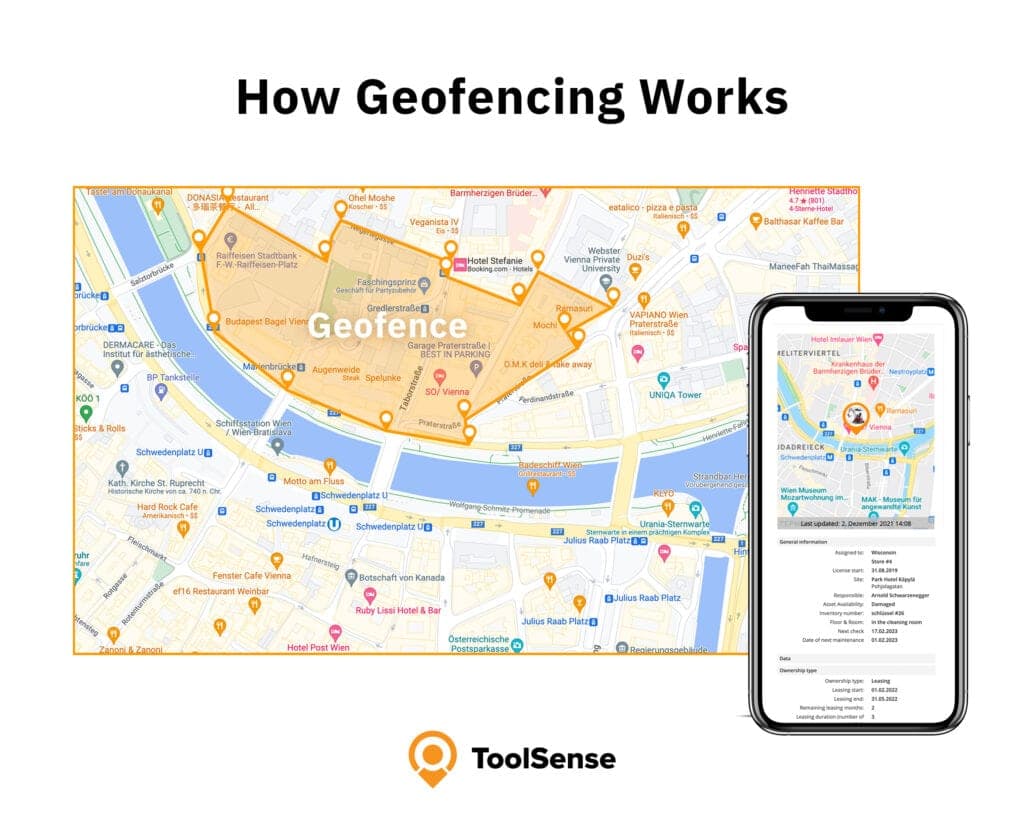
Virtual Perimeters and Applications
A geofence is a virtual perimeter drawn around a physical location, which lets companies monitor assets and read the data those movements generate. You can build geofences around all kinds of places:
- Asset locations
- Customer locations
- Job sites
- Offices
- Personal use
The use cases vary by industry. A few examples:
- Service companies can ascertain the frequency of technician visits to the office.
- Transportation companies can monitor driver arrival times.
- Construction companies can track equipment movement.
Pair geofences with exception reporting and you get a far more detailed picture of how a fleet actually behaves.
GPS Tracker and Geofencing Integration
GPS trackers, when combined with geofencing software, supply real-time location data, offering multiple benefits in geofencing applications. This data allows for:
- Constant monitoring of the real-time location, movements, and status of vehicles, equipment, and other assets.
- Definition of virtual boundaries.
- Receipt of notifications when a tracked object enters or exits a specific area.
The integration works by reading GPS signals to place each device inside or outside the geofenced area. Location services have to be switched on, and depending on the technology, the device may also lean on Wi-Fi networks, cellular towers, or some mix of the three for tighter accuracy. That position is what defines the virtual boundaries and triggers an action the moment a tracker crosses one.
Learn more about how GPS tracking is used in asset management.
Benefits of Implementing Geofencing Software
A geofencing app pays off in three main areas: better fleet management, stronger asset tracking and security, and higher operational efficiency. The common thread is real-time location data, which gives teams something concrete to base decisions on instead of guesswork.
Enhanced Fleet Management Capabilities
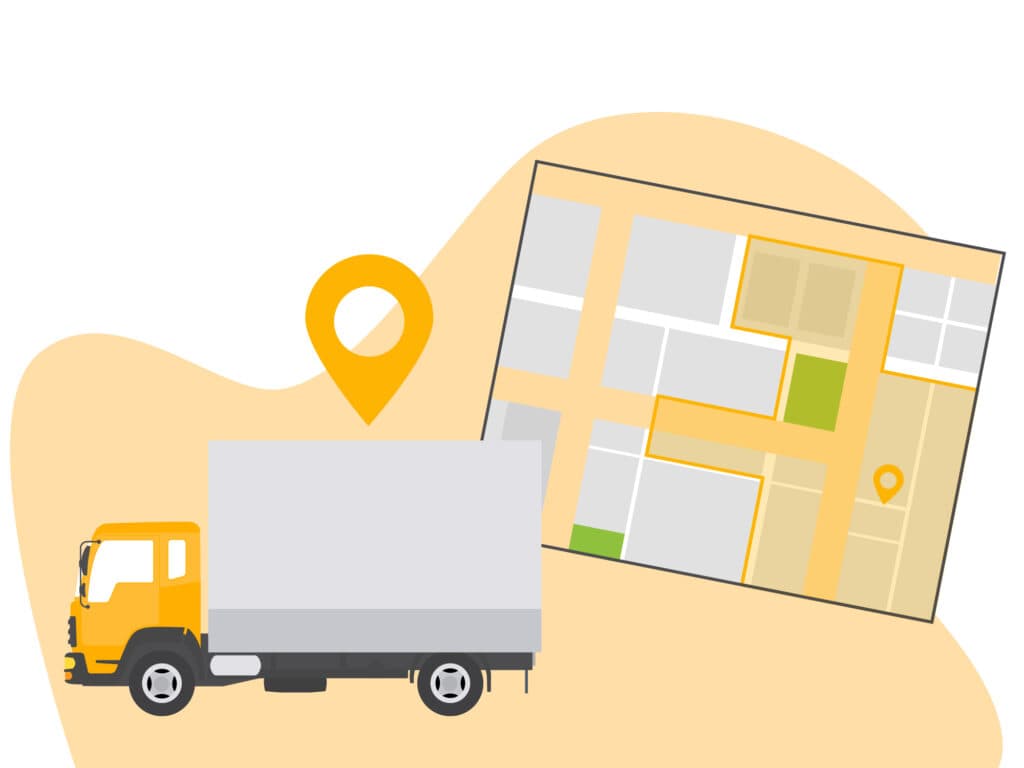
Geofencing sharpens fleet management with real-time visibility, perimeters you define yourself, and alerts tied to job site visits, duration, and frequency. Draw a boundary around a location and a fleet manager can watch vehicles move through it, confirm they stay on designated routes, and step in the moment something looks off.
Custom perimeters help in several concrete ways:
- Enabling fleet managers to create virtual boundaries around specific locations.
- Allowing for more effective tracking of vehicles and assets.
- Reducing misuse and improving efficiency and productivity.
- Providing the ability to set up tailored restrictions within fleet routes, ensuring that vehicles remain within designated areas.
Improved Asset Tracking and Security
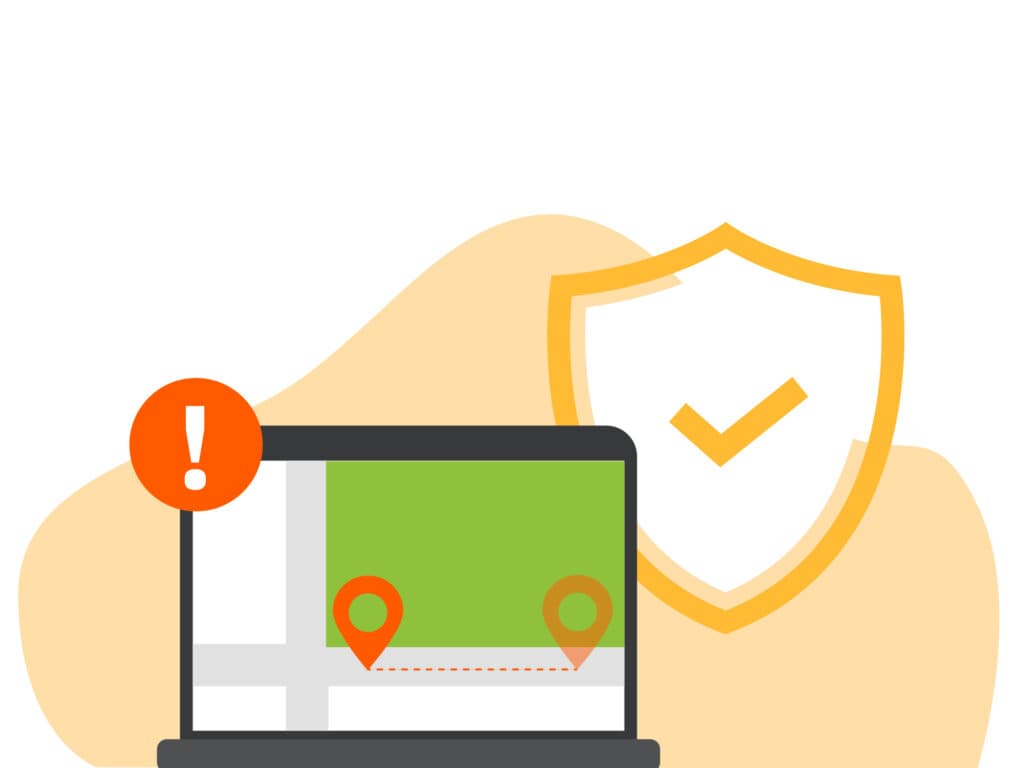
Geofencing is a practical line of defense for valuable assets. You set virtual boundaries around the areas you care about, and any asset carrying a location-aware device, a GPS tracker or RFID tag, triggers an alert the moment it crosses one. That alert can land on a centralized dashboard or go straight to security personnel, flagging the movement in real time.
On the asset tracking and security side, geofencing helps by:
- Overseeing assets beyond regular working hours.
- Sending instant notifications for unauthorized movement and theft recovery.
- Providing improved perimeter security.
- Enhancing asset tracking.
- Swift identification of unauthorized access.
- Integration with security systems.
Increased Operational Efficiency
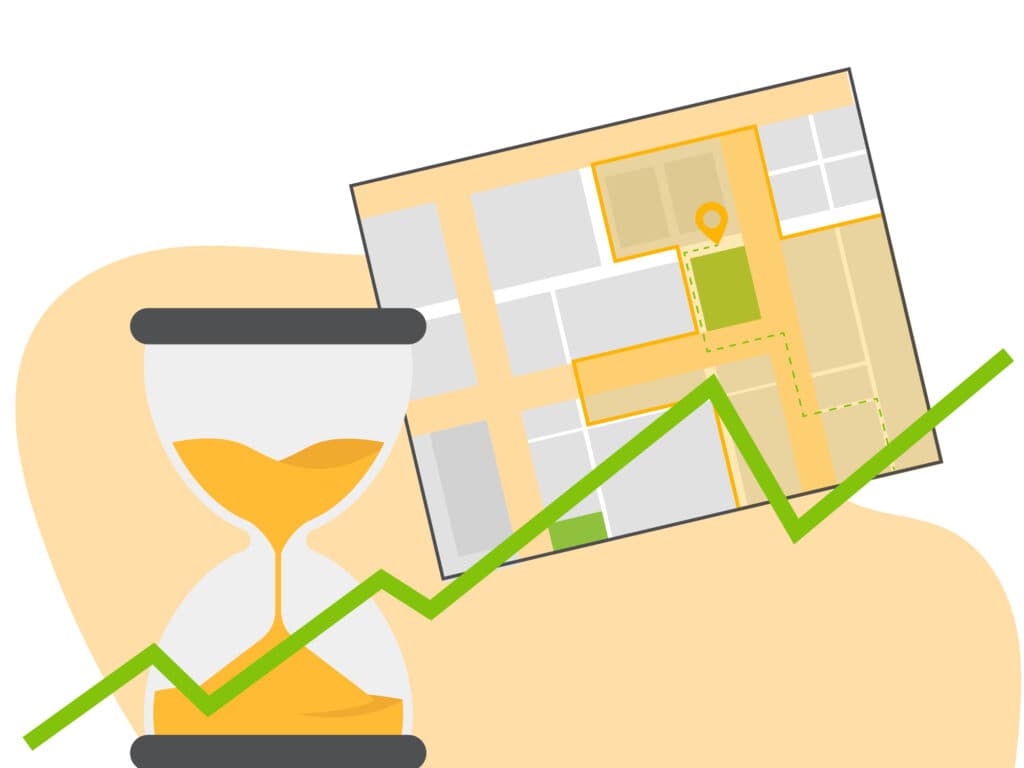
Efficiency gains come from tighter resource allocation, less overtime, and fewer unnecessary trips during work hours. With attendance patterns and movement trends laid out in the data, teams can route and schedule more intelligently, manage inventory, support just-in-time delivery, and keep assets accounted for.
The trip reduction is worth calling out. Boundaries around specific locations let the system register when staff enter or leave, so it can prompt action, tighten routes, and cut fuel that would otherwise be wasted on avoidable mileage.
Setting Up Geofencing Solutions for Your Business
Getting geofencing running comes down to three steps: pick the right platform, draw your zones and boundaries, then configure how alerts reach you. Spend the time choosing well and the payoff follows, including better fleet management, stronger asset tracking and security, and higher operational efficiency. Your boundaries define which locations you watch and how you read fleet behavior, while email alerts and instant notifications keep you current on every movement and location change.
Choosing the Best Geofencing Software
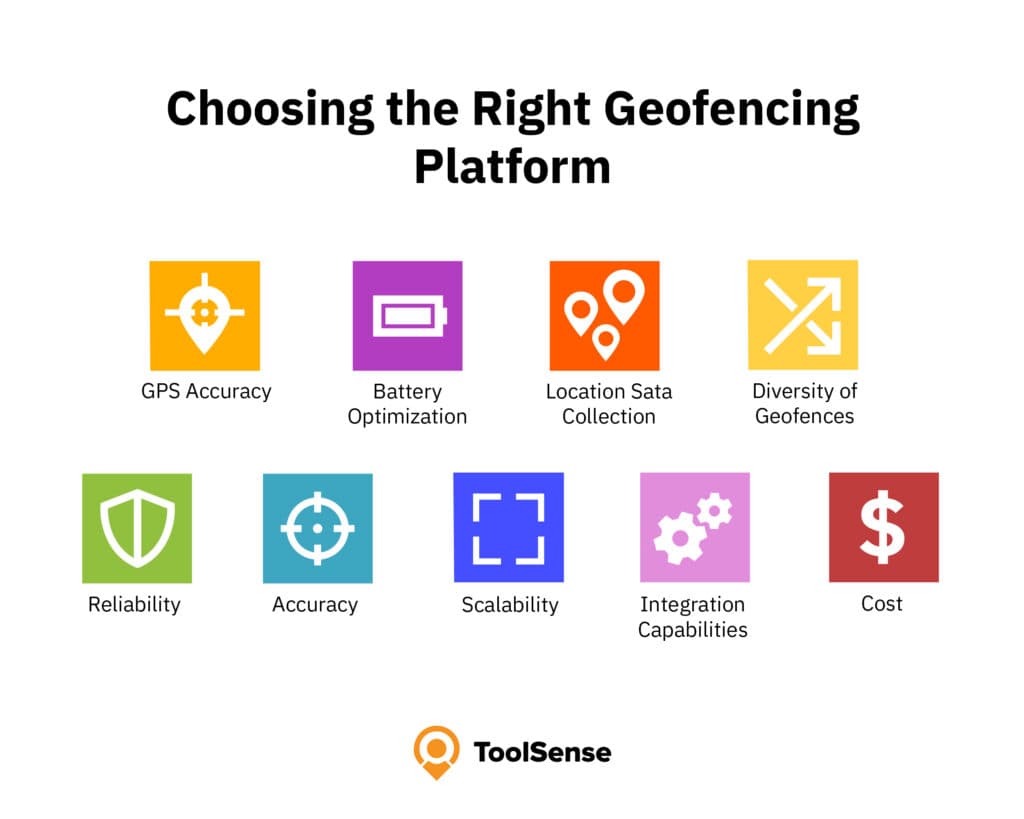
When selecting an asset geofencing platform, consider the following factors:
- GPS Accuracy
- Battery Optimization
- Location Data Collection
- Diversity of Geofences
- Reliability
- Accuracy
- Scalability
- Integration Capabilities
- Cost
Creating Custom Zones and Boundaries
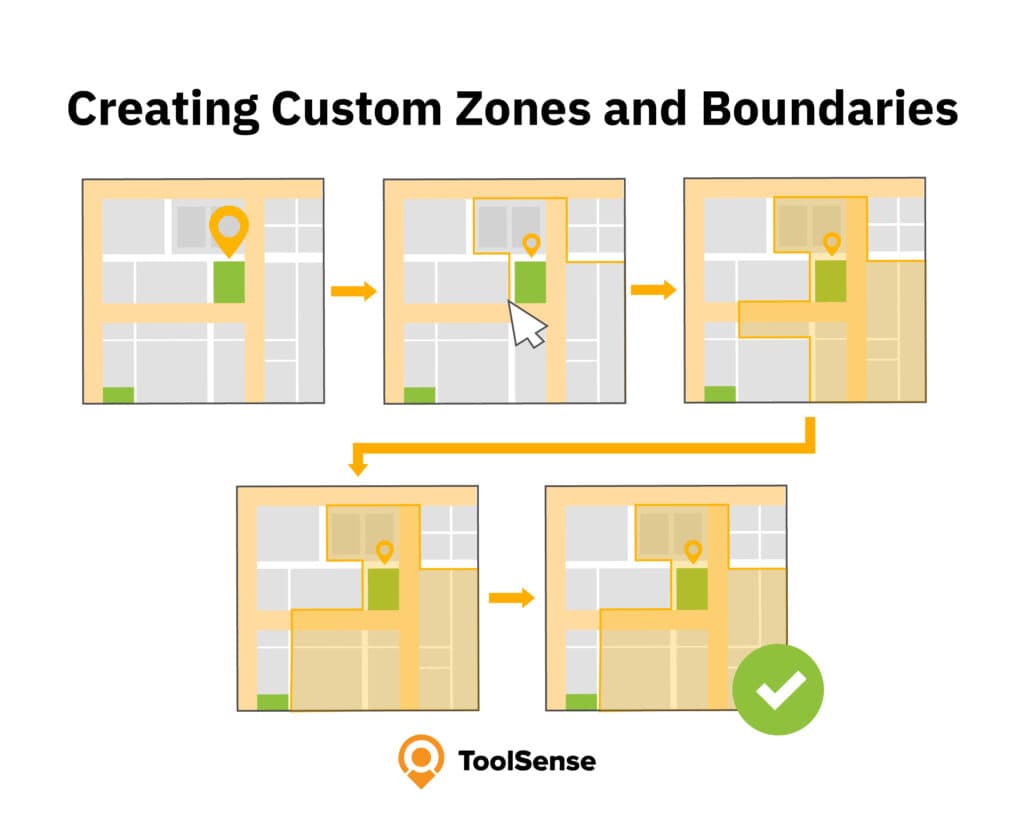
To establish custom zones and boundaries, proceed as follows:
- Select a point on the map where you wish to create the geofence.
- Assign a size or shape to the geofence, such as a circular boundary or a custom shape.
- Utilize the zone tools provided by the geofencing solutions to define the boundaries of the zone.
- Modify the zone as necessary to adjust the boundaries.
- Save the customized zone in the geofencing software.
Configuring Alerts and Notifications
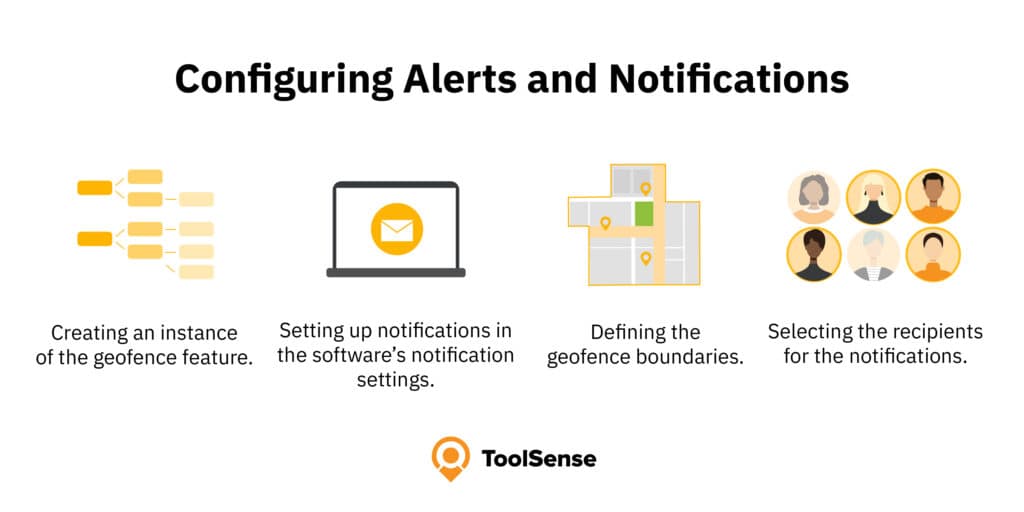
For configuring alerts and notifications, you should consider:
- Creating an instance of the geofence feature.
- Setting up notifications in the software’s notification settings.
- Defining the geofence boundaries.
- Selecting the recipients for the notifications.
ToolSense: (Probably) the Best Geofencing Software
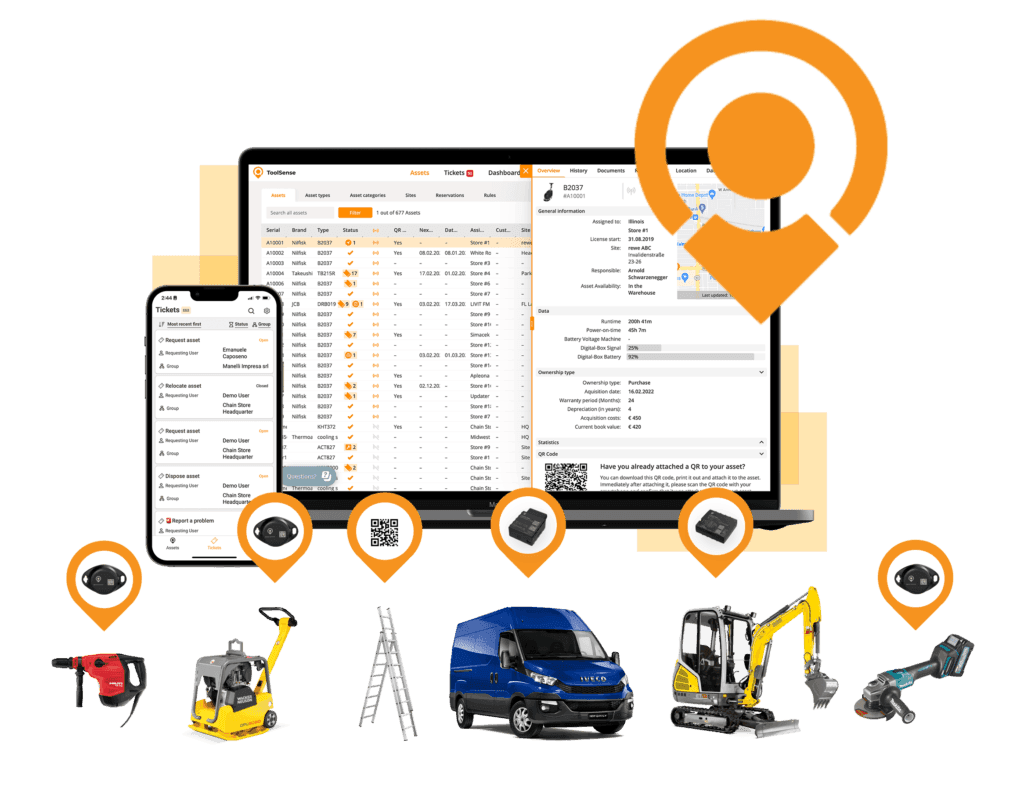
ToolSense is a modern asset management solution that brings asset tracking, inventory management, CMMS, work order management and geofencing into one place to manage assets, machines, vehicles, and tools. Everything runs through a single platform, which is what makes it useful day to day for construction, manufacturing, and facilities management teams.
The system is cloud-based, so staff reach their data from a computer, smartphone or tablet, whether they are at a desk or out on the site. Location, running times, work orders, invoices, maintenance history, it all sits a few clicks away in the platform.
Vehicles and machines can be fitted with modern GPS trackers and Bluetooth sensors to capture the important data automatically. Smaller, non-motorized assets are covered too: ToolSense assigns each one an individual QR code that anyone can scan to log usage, record maintenance, or flag a problem.
Used consistently, that combination tightens operations, lifts efficiency, and keeps customers more engaged, which adds up to real cost and time savings over the long run.
Benefits of using ToolSense for Construction Sites
- Monitoring construction sites: Geofencing can help construction sites to be better monitored by tracking the location of vehicles and equipment. This allows assets to be found at any time and enables a more effective use of resources. Equipment can no longer leave the site unnoticed, preventing theft.
- Efficient planning: Geofencing helps to better plan construction projects by tracking the location of workers, vehicles, and equipment. This allows construction schedules to be optimized and bottlenecks are avoided.
- Improving safety: Geofencing improves safety on construction sites by controlling access to certain areas. For example, danger zones can be defined where only authorized persons have access.
- Reducing costs: Geofencing can help to reduce costs by optimizing the location of vehicles and equipment. This can reduce fuel consumption in particular, as the shortest route to the deployment site can be selected.
- Real-time information: Geofencing can provide real-time information about the location of vehicles and equipment. This also helps to identify problems more quickly and increase the efficiency of resource utilization.
- Improved communication: Geofencing improves communication between site managers and workers by providing information of vehicles and equipment.
Conclusion: Location Tracking Made Easy With ToolSense
ToolSense takes the friction out of location tracking, so teams can keep eyes on their assets, tighten operations, and run more efficiently. Pair the geofencing with asset management, work order management and maintenance management, and you have a single tool that strengthens how a business operates and what it earns.
For construction sites, geofencing software can support better asset visibility, faster exception handling and more consistent maintenance planning. The value depends on fleet size, asset mobility, theft risk, team adoption and how well location data connects to daily operations.
FAQ
What is geofencing software?
Geofencing is a location-based feature that uses GPS, RFID, Wi-Fi or cellular data to trigger actions when a machine or vehicle enters or exits a pre-defined virtual boundary.
Is geo fencing free?
Geofencing is usually part of a fleet management, asset tracking or equipment management platform. Pricing and availability vary by vendor, feature set and hardware requirements.
What are the benefits of implementing geofencing software for businesses?
Implementing geofencing platforms can provide benefits such as improved fleet management, asset tracking and security, operational efficiency, and cost savings, thus making it a valuable tool for businesses.
How does ToolSense's geofencing technology facilitate maintenance scheduling and asset management?
ToolSense's geofencing technology enables users to establish geofences around particular areas or equipment and automatically initiate maintenance tasks or schedule maintenance appointments when a piece of equipment enters or exits the geofenced area, thus facilitating maintenance scheduling and asset management.
What industries can benefit from using ToolSense and its geofencing technology?
ToolSense's geofencing technology is a powerful asset tracking solution for companies across the globe, from construction and manufacturing to facilities management.
What is geofencing marketing?
Geofencing marketing uses virtual boundaries to trigger targeted advertising when mobile devices enter specific areas. Using geofencing marketing software, businesses can send push notifications to customers' mobile devices, collect detailed analytics on customer behavior, and effectively engage customers at the right time and place. These geofencing platforms help companies address various business needs, from retail promotions to safety alerts for hazardous zones. The versatile geofencing tools enable organizations to optimize marketing efforts by delivering location-relevant content, making it a powerful solution for increasing foot traffic and conversions.